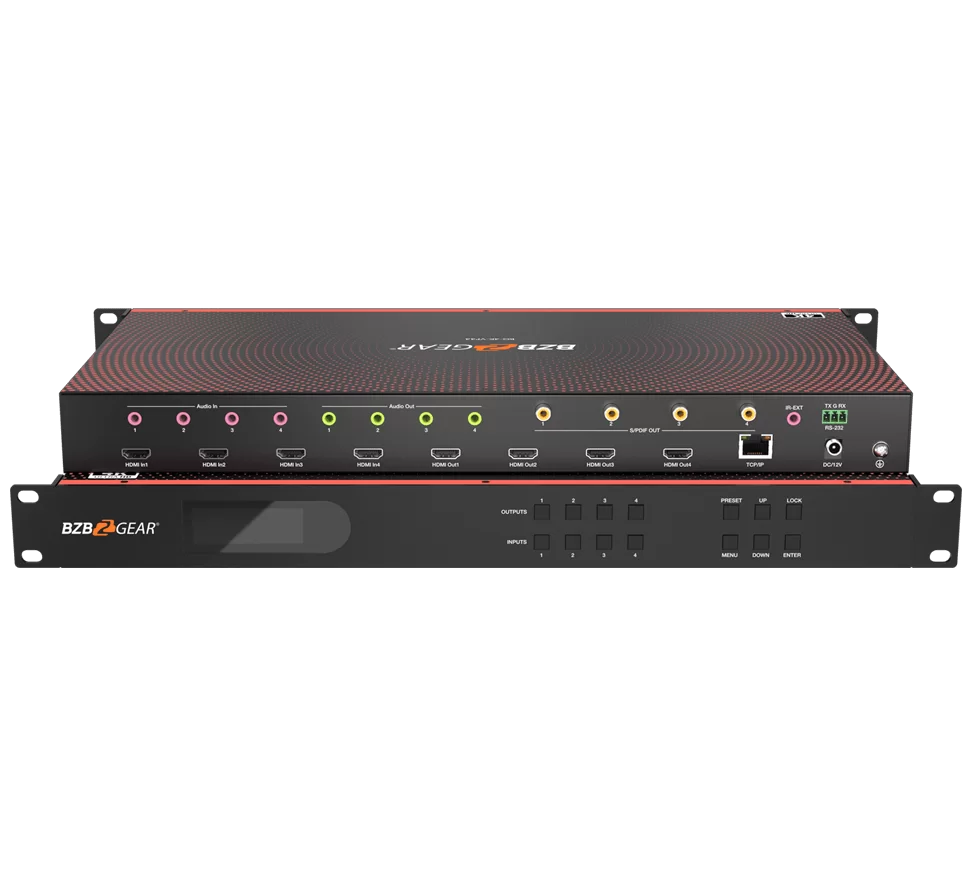
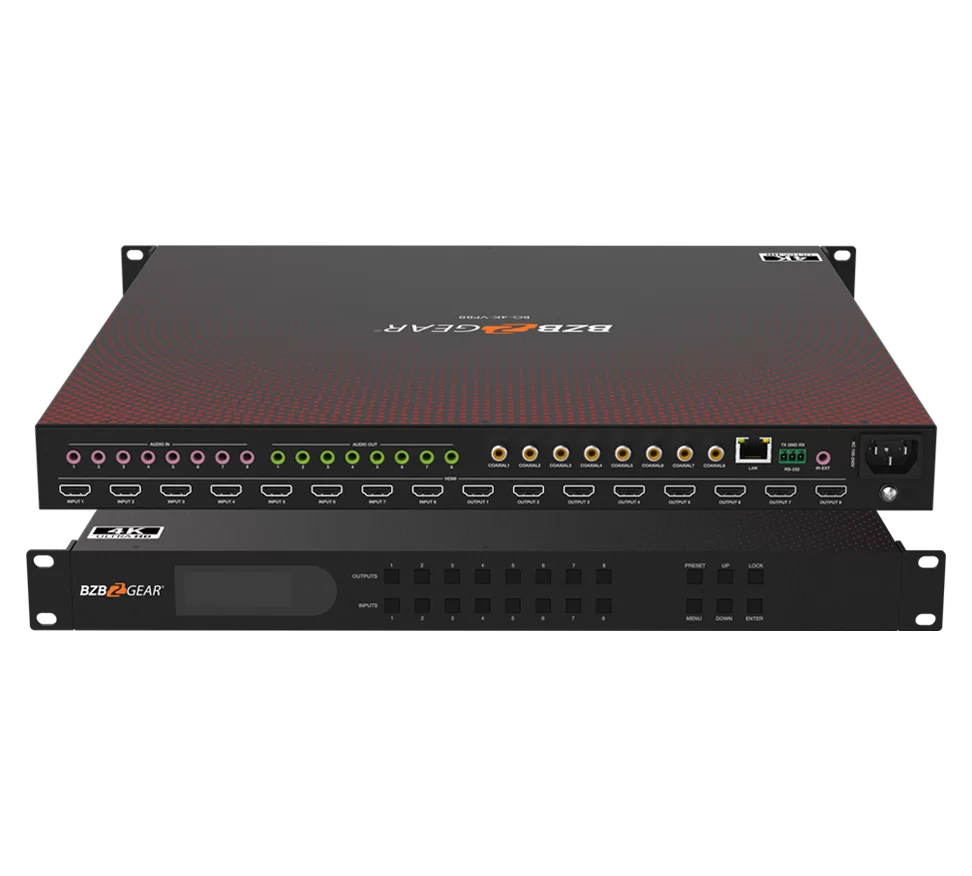
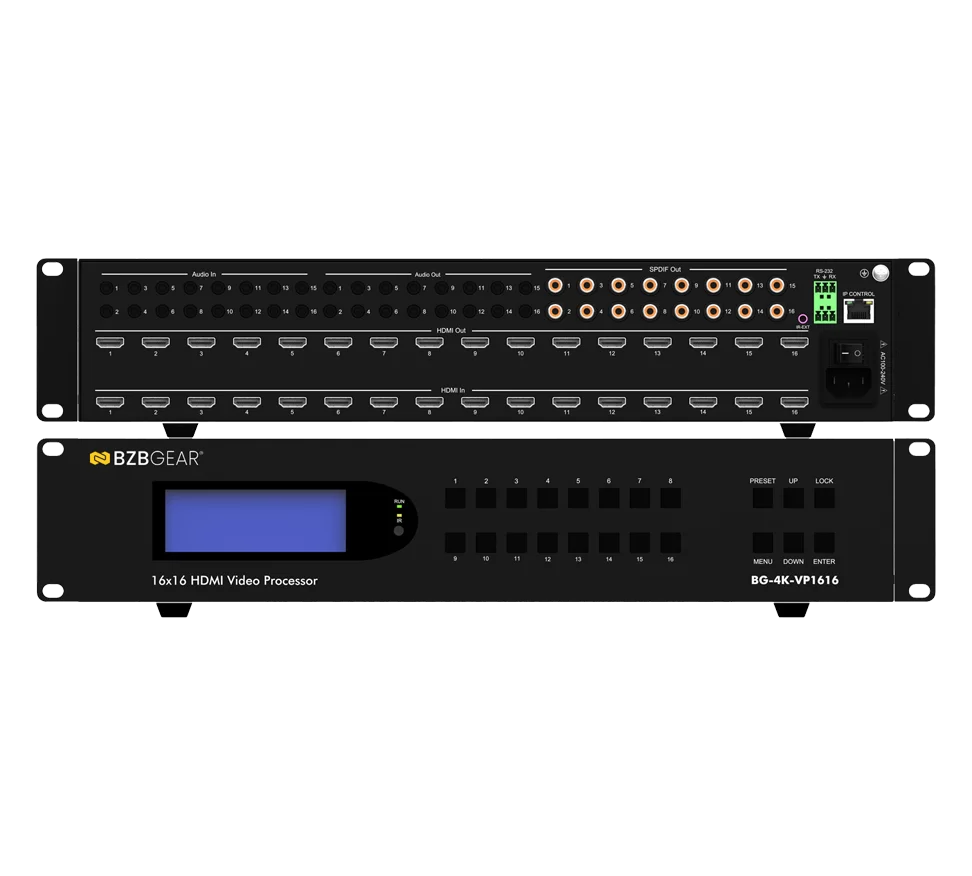
4x4 4K UHD HDMI 2.0 Matrix Switcher with Audio De-embedding/Independent Routing and IR Matrixing (4K60 - 4:4:4 and HDR Support)






Overview
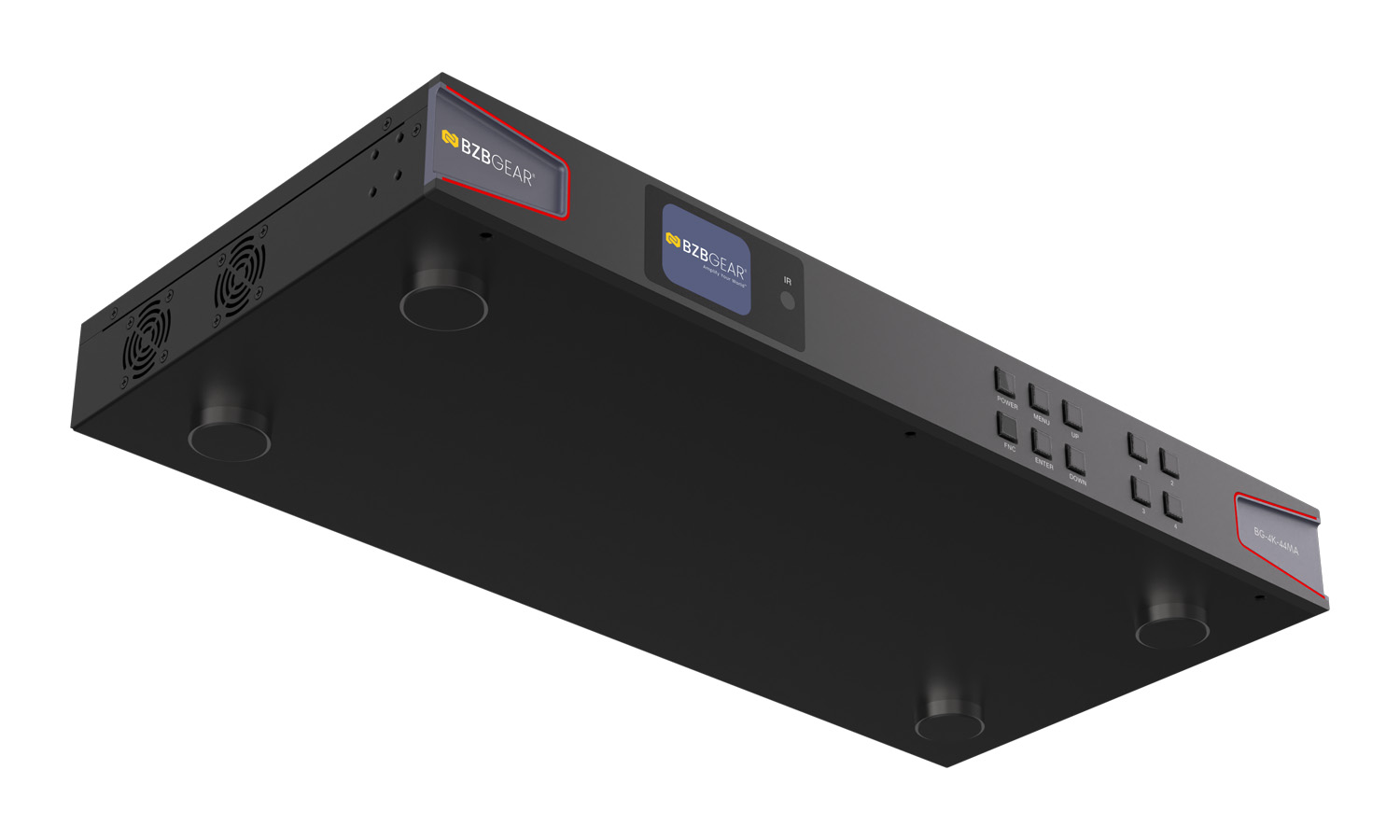
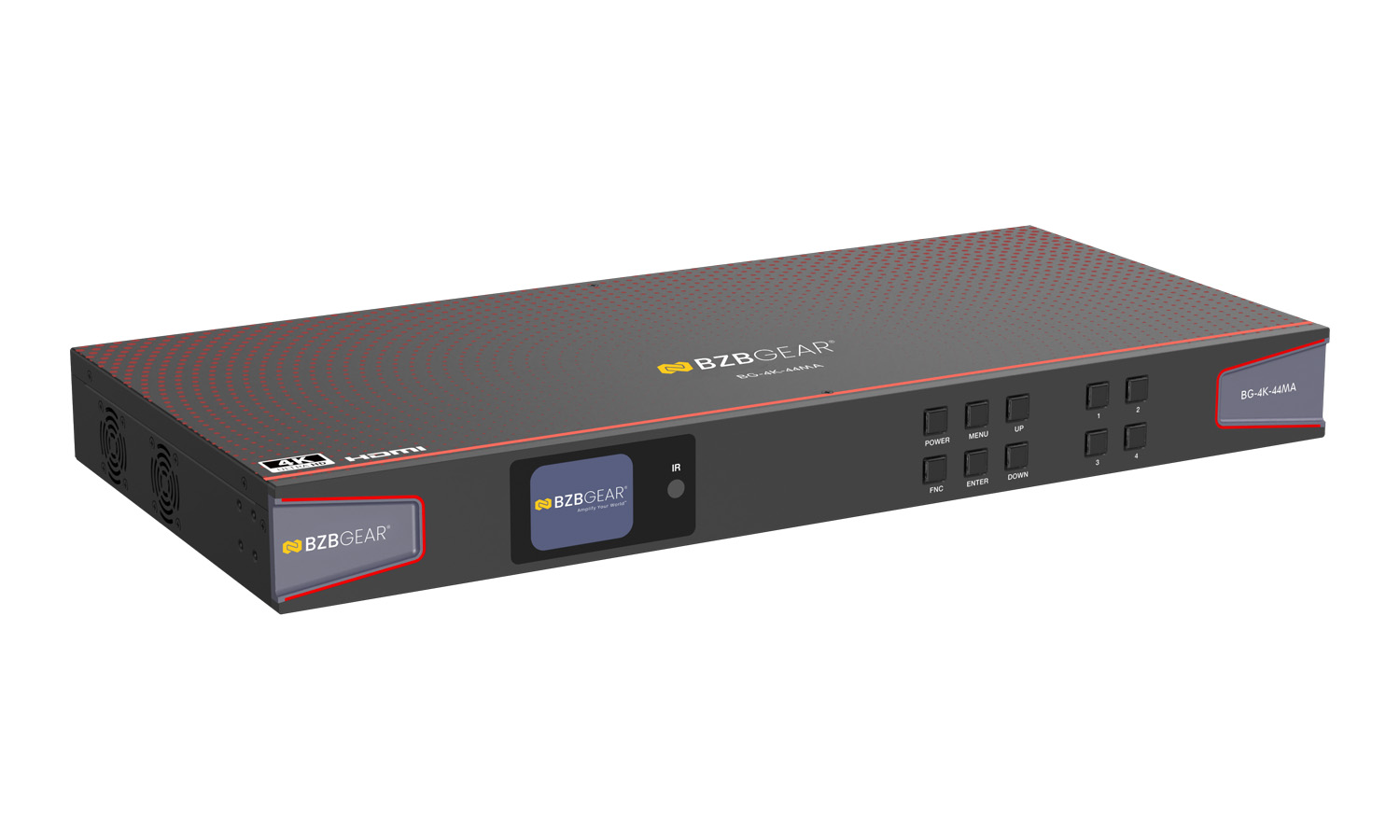
With four HDMI 2.0 inputs and four HDMI 2.0 outputs, the BG-4K-44MA 4K HDMI matrix switch allows users to share up to four HDMI sources with up to four displays. Perfect for when you need to change multiple sources to show on various displays or even select just one source to show on all displays with the press of a button. Audio can also be independently routed. Professional-grade picture and audio quality are achieved with support for 4K resolutions and various high-quality audio formats.
Features-in-Depth
Connectivity and Quality: The BG-4K-44MA supports high resolutions up to 4K@60Hz 4:4:4 with HDR. With 18 Gbps of uncompressed bandwidth, HDMI signals are routed with no loss of quality. All HDMI ports on this matrix are HDCP 2.2 compliant. This device is also equipped with auto-downscaling on all outputs, ensuring compatibility with legacy displays. The BG-4K-44MA also supports Digital S/PDIF and Balanced audio output formats.
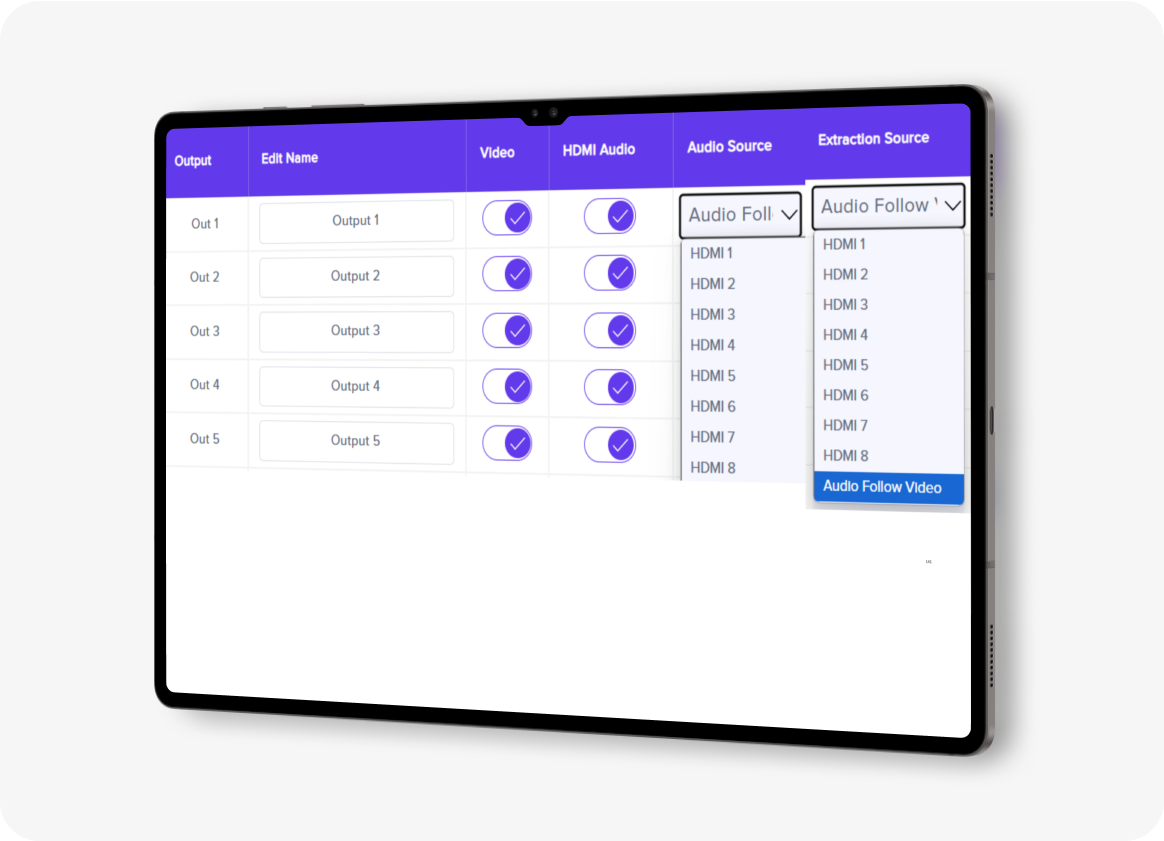
Control: The BG-4K-44MA offers multiple control methods including front panel controls, IR remote control, RS-232, the BZBGEAR Switch Control App or TCP/IP (Web GUI). The included IR receiver allows the unit to be controlled with the included remote while located out of sight for a clean installation. In addition to a full-featured web interface, the BG-4K-44MA includes control software that can be operated via the RS-232 connection. These interfaces allow users to adjust advanced features like EDID management, mapping, and network settings.
Audio Matrixing: This unit features advanced audio matrixing capabilities. Audio can be independently routed separately from the video signals. This feature provides flexible audio management options for a variety of installation scenarios.
Features
-
![material-symbols_shield-lock-outline]() HDCP CompliantHDMI 2.0 (18Gbps) HDCP 2.2 (and all earlier versions supported)
HDCP CompliantHDMI 2.0 (18Gbps) HDCP 2.2 (and all earlier versions supported) -
![bi_badge-4k]() 4K@60HzUp to 4K@60Hz 4:4:4 with HDR. Supports downscaling to 1080p
4K@60HzUp to 4K@60Hz 4:4:4 with HDR. Supports downscaling to 1080p -
![FrameCorners]() Auto ScalingDownscaling on all outputs
Auto ScalingDownscaling on all outputs -
![Control Options]() Control OptionsControl via front panel, IR, RS-232, TCP/IP (Web GUI), and BZBGEAR Switch Control App
Control OptionsControl via front panel, IR, RS-232, TCP/IP (Web GUI), and BZBGEAR Switch Control App -
![HDR Support]() HDR Pass-throughHDR10, HDR10+, Dolby Vision pass-through supported
HDR Pass-throughHDR10, HDR10+, Dolby Vision pass-through supported -
![AUDIO MATRIXING]() Audio MatrixingThe audio can be independently routed
Audio MatrixingThe audio can be independently routed



Effortlessly control and
manage your video system
with our user-friendly app!



Discover flexible control
options


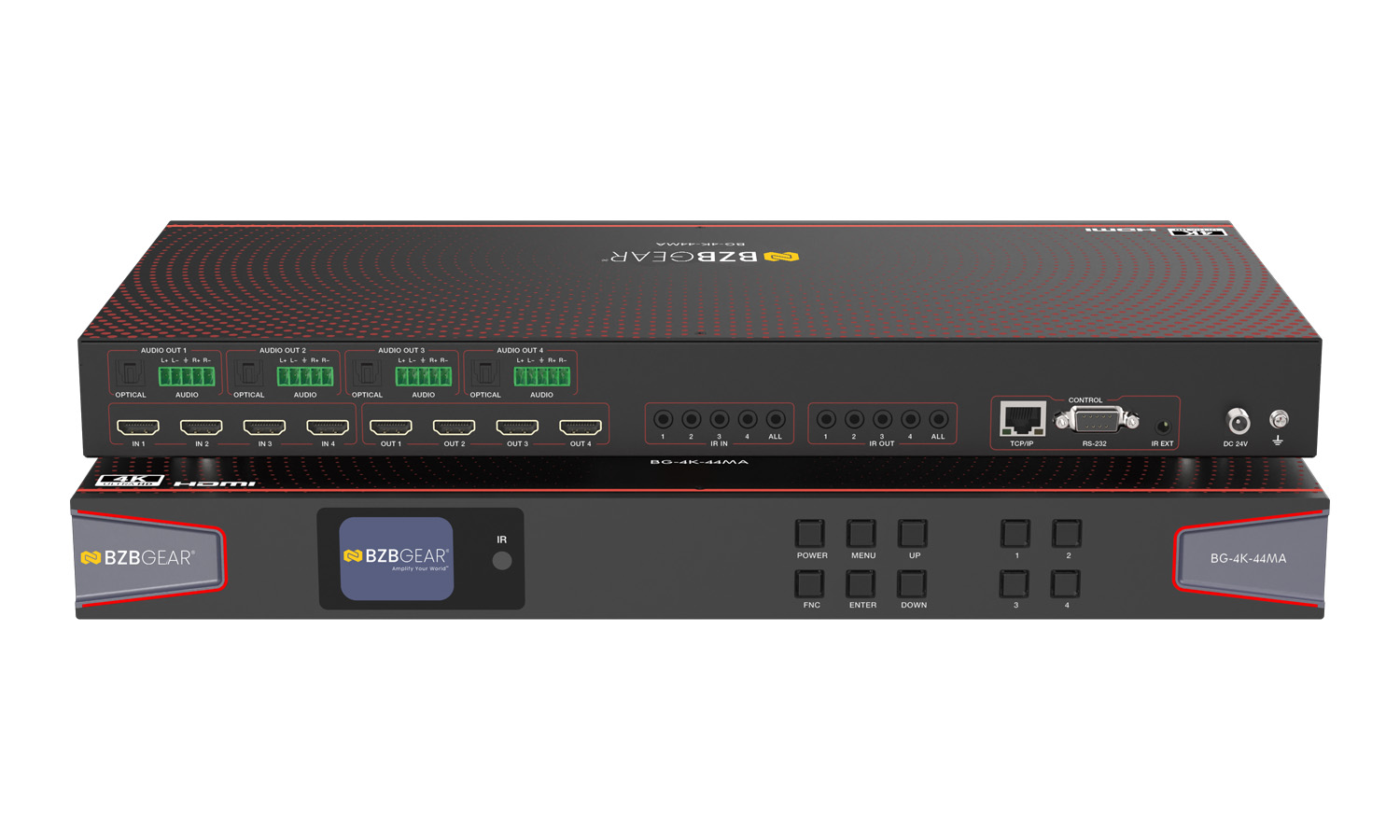
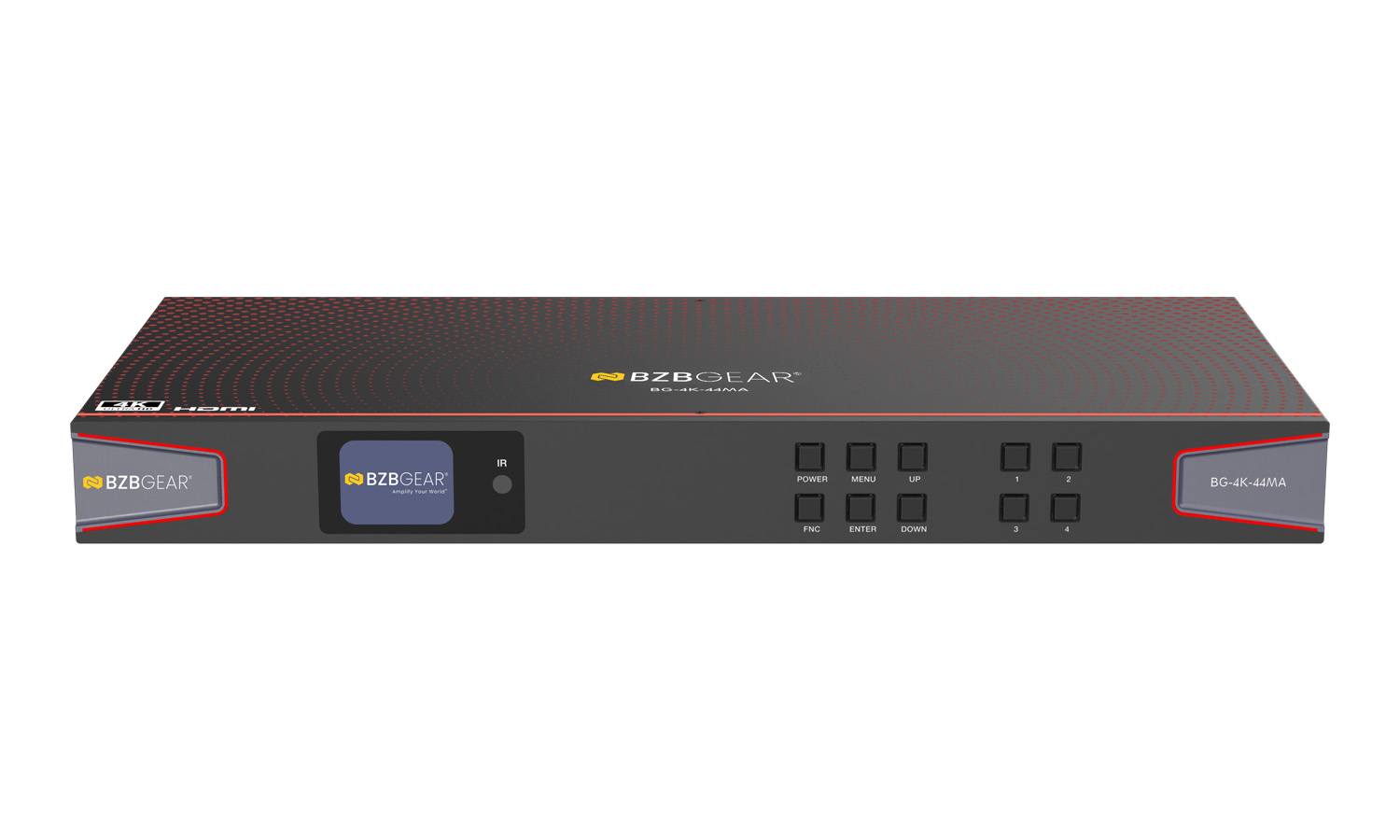
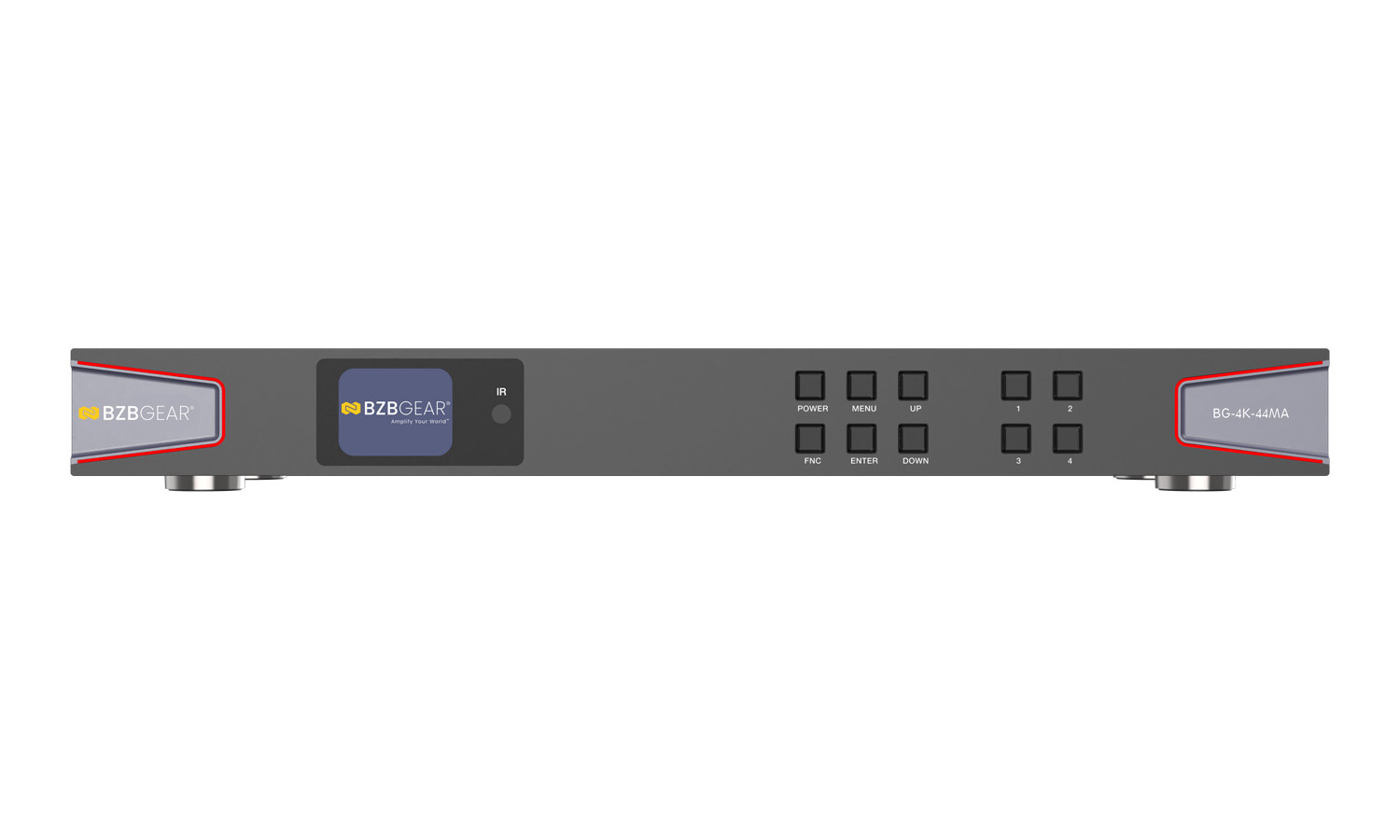
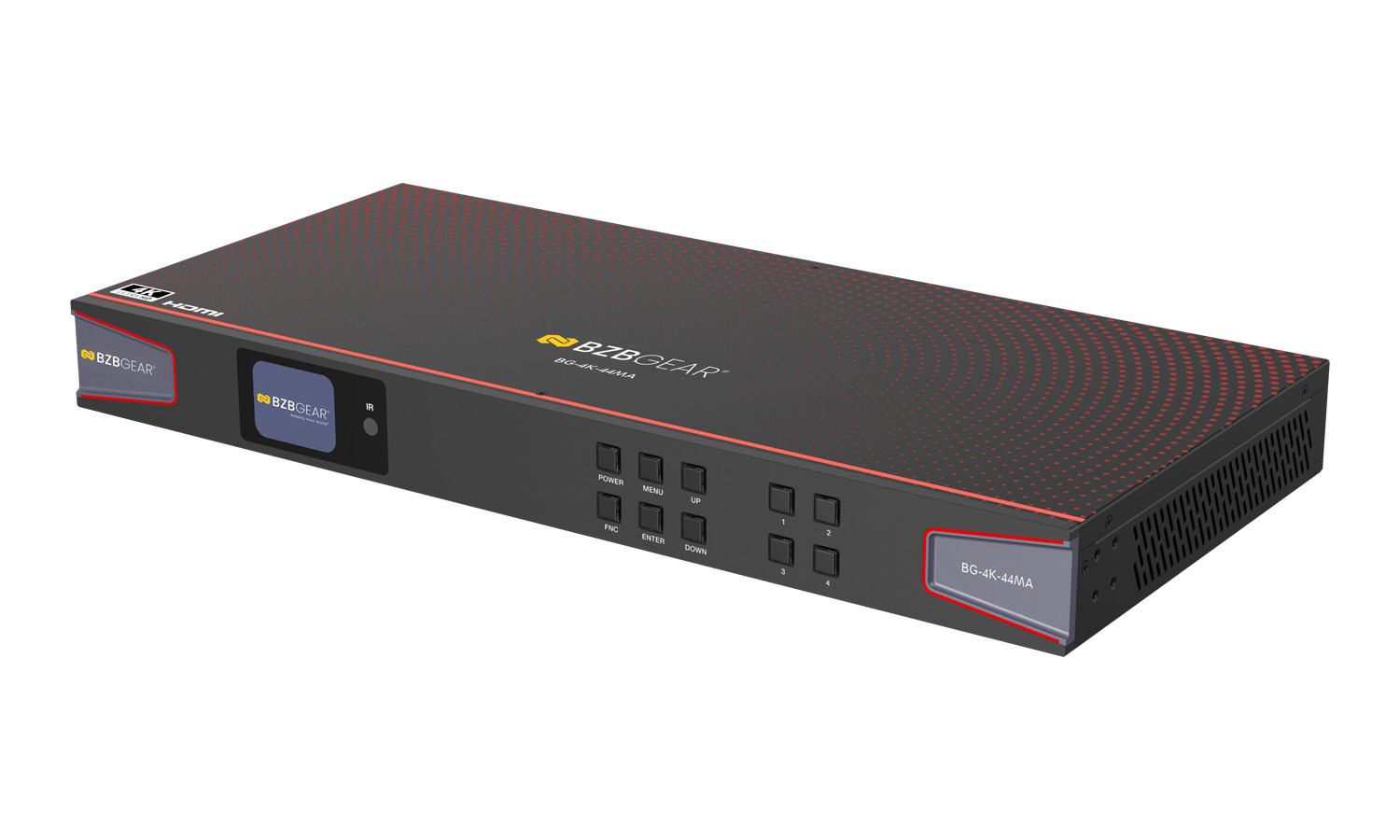
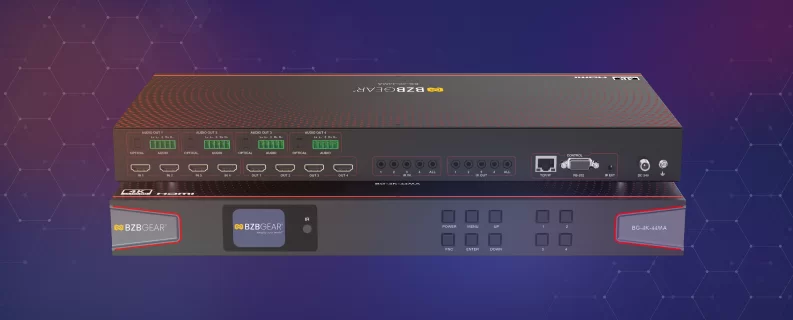
The front panel of the BG-4K-44MA is thoughtfully designed to blend cutting-edge functionality with contemporary aesthetics. Featuring a vibrant full-color LCD screen, it offers a crisp and detailed view of the system's menu. Navigation is both seamless and intuitive, enhanced by strategically placed backlit buttons conveniently located to the right of the display.
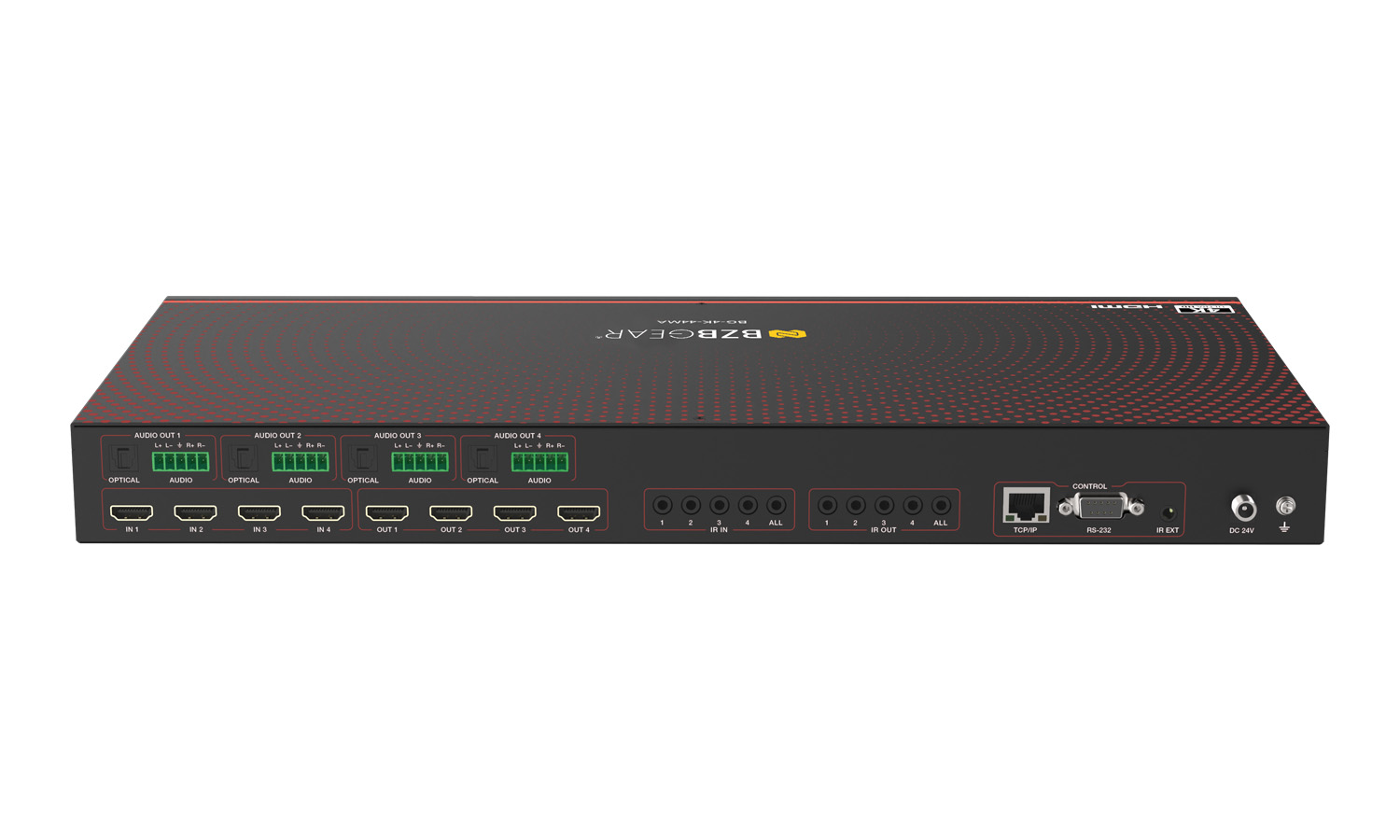
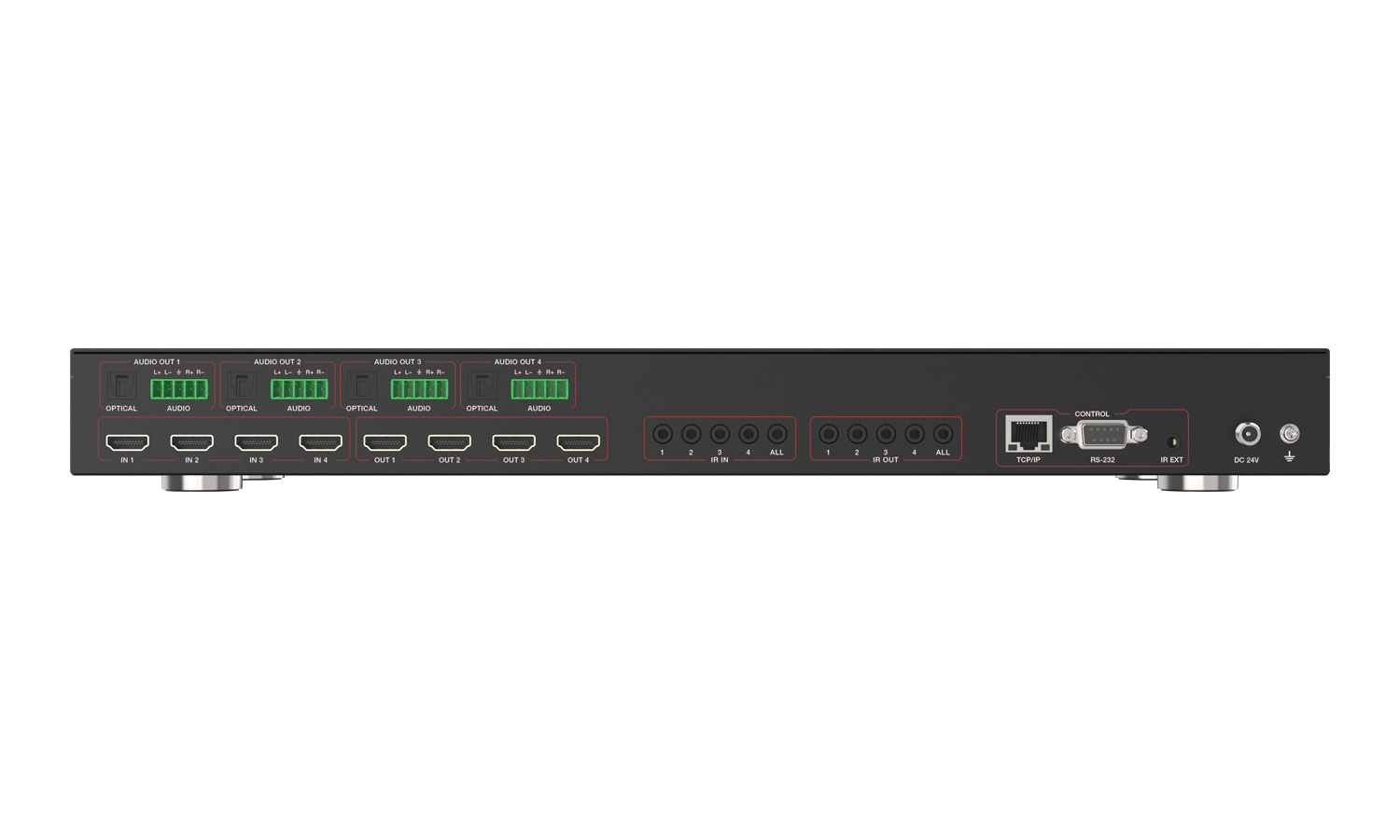
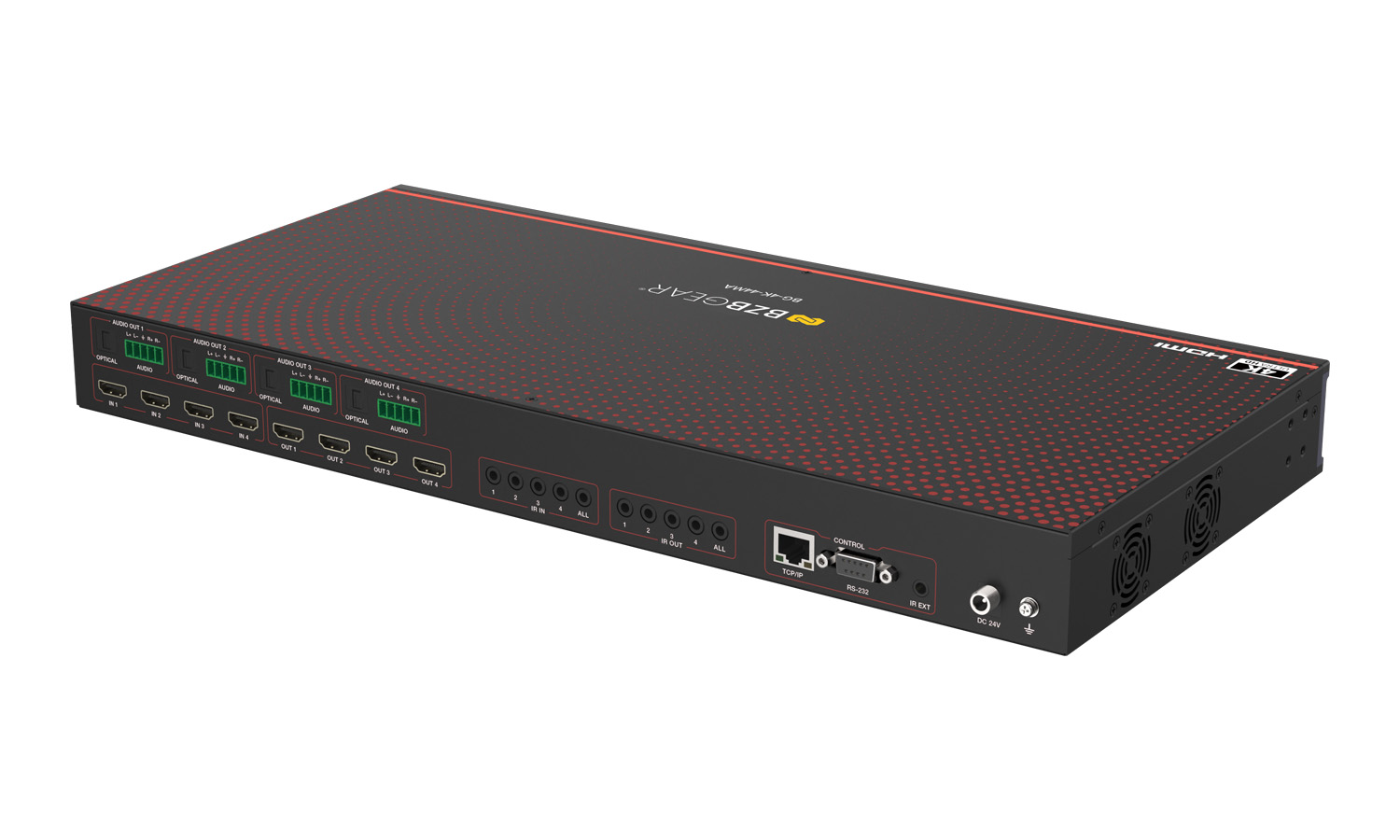
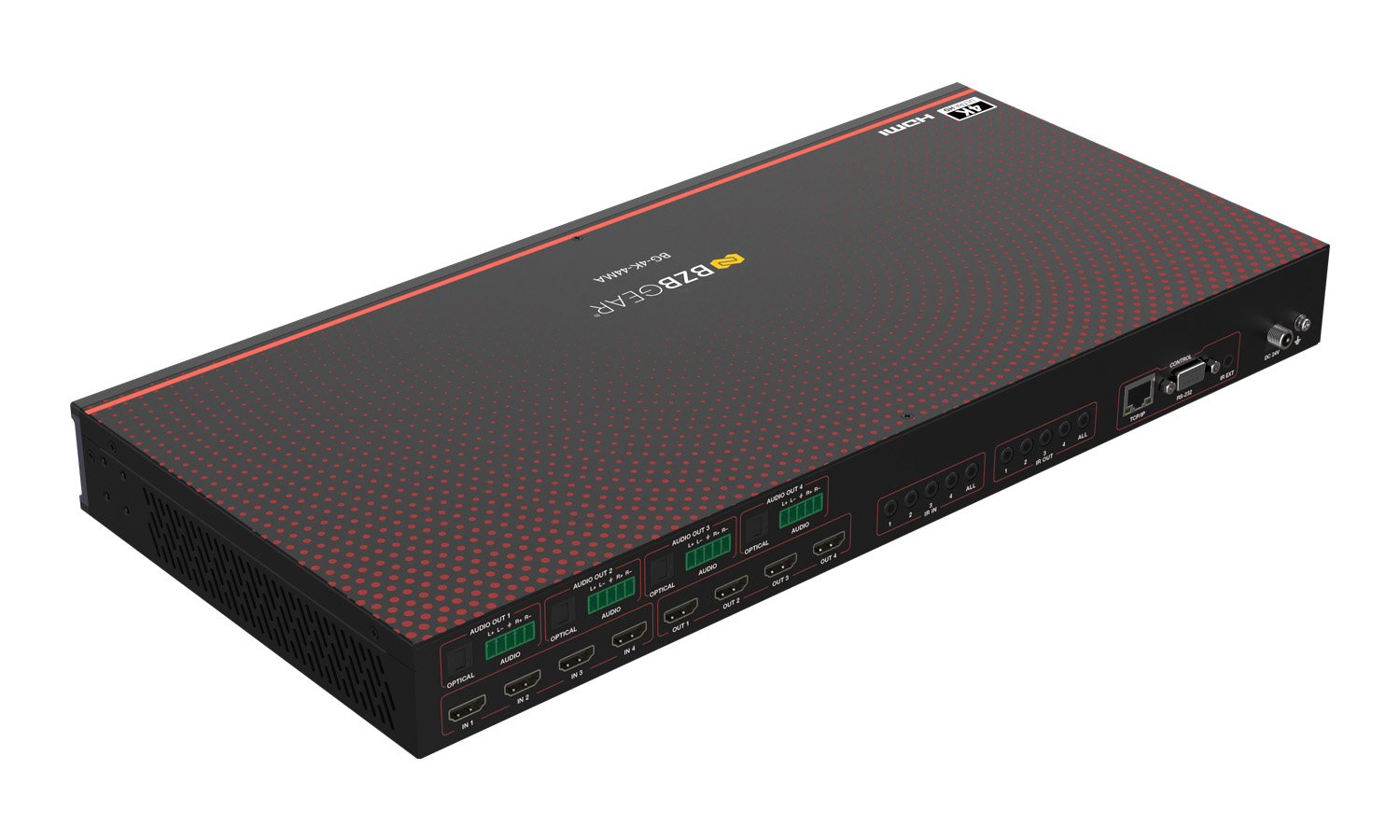
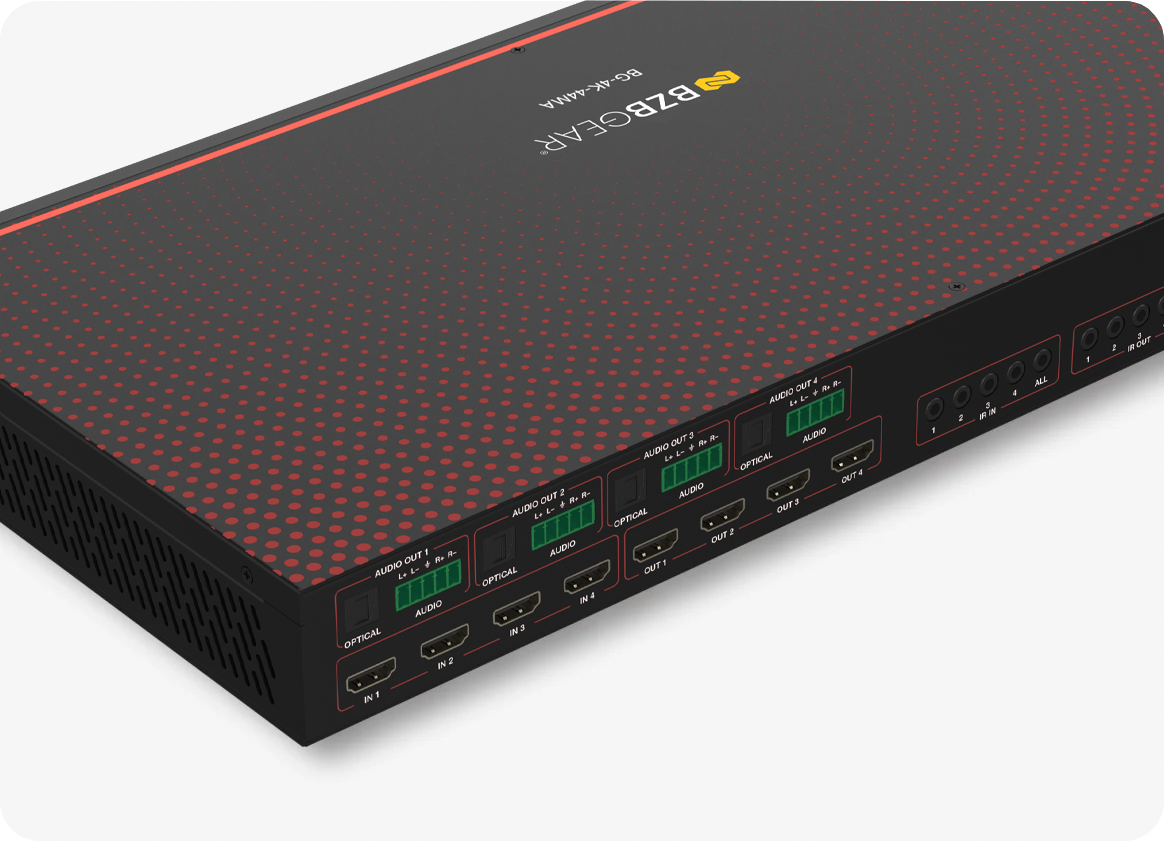
The back panel is equipped with 4 HDMI input ports and 4 HDMI output ports, all clearly labeled and numbered from 1 to 4 for easy identification. These HDMI ports are also readily accessible within the Web GUI and Control Software. Each port supports scalable resolutions, with a maximum capability of 4K60 4:4:4.
The BG-4K-44MA simplifies audio connectivity with its 4 optical fiber audio output ports and 4 5-pin Phoenix stereo audio output ports, offering seamless integration with devices like amplifiers in professional AV setups. It supports a wide range of audio formats, ensuring compatibility with diverse systems. The HDMI audio pass-through further enhances performance by delivering high-quality sound in advanced formats, including LPCM 2/5.1/7.1, Dolby Digital, DTS 5.1, Dolby Digital Plus, Dolby TrueHD, DTS-HD Master Audio, Dolby Atmos, and DTS.
Our advanced audio matrixing feature offers unparalleled flexibility in routing and managing audio signals. With the ability to independently route and control each audio channel, you can tailor your setup to meet your exact requirements. This ensures seamless integration and optimal audio performance in any professional AV environment.


Videos


Tech Specifications
| Video Specifications | |
| HDMI Compliance | HDMI 2.0b |
| HDCP Compliance | HDCP 2.2 |
| Video Bandwidth | 18Gbps |
| Video Resolution | Up to 4K60Hz 4:4:4 **Please see all supported resolutions in the chart below** |
| Color Space | RGB, YCbCr_4:4:4, YCbCr_4:2:2, YCbCr_4:2:0 |
| Color Depth | 8/10/12-bit |
| HDR Formats | HDR, HDR10, HDR10+, Dolby Vision LLM, HLG |
| Audio Formats | |
| HDMI IN/OUT | LPCM, Dolby Digital/Plus/EX, Dolby True HD, Dolby Atmos, DTS, DTS-EX, DTS-96/24, DTS High Res, DTS-HD Master Audio, DSD |
| Audio Breakout | |
| Optical Outputs | Up to LPCM/Dolby/DTS 5.1CH |
| Analog Audio Outputs | LPCM 2CH (sample rate 32~192kHz) |
| Connection | |
| Input Ports | 4x INPUT [HDMI Type A, 19-pin female] 4x IR IN [3.5mm audio jack] |
| Output Ports | 4x OUTPUT [HDMI Type A, 19-pin female] 4x OPTICAL AUDIO OUT 4x L/R AUDIO OUT [5-pin phoenix connector] 4x IR OUT [3.5mm audio jack] |
| Control Ports | 1x TCP/IP [RJ45] 1x RS-232 [D-Sub9] 1x IR EXT [3.5mm audio jack] |
| Mechanical | |
| Housing | Metal Enclosure |
| Color | Black |
| Dimensions (W x D x H) | 16in x 8.1in x 1.8in [440mm x 206mm x 44.5mm] |
| Weight | 6.8 lbs [3.1kg] |
| Power Supply | Input: AC 100 - 240V 50/60Hz, Output: DC 24V/2A (US/EU standard, CE/FCC/UL certified) |
| Power Consumption | 27.4W (Max) |
| ESD Protection | IEC 61000-4-2: ±8kV (Air-gap discharge) & ±4kV (Contact discharge) |
| Operating | |
| Temperature | 32 - 104°F / 0 - 40°C |
| Storage Temperature | -4 - 140°F / -20 - 60°C |
| Operating Humidity | 20%~80% relative humidity, non-condensing |
| Storage Humidity | 10%~90% relative humidity, non-condensing |
| HDMI Cable Requirements | |
| HDMI Cable Length (IN / OUT) | 4K60: 5m/16ft 4K30: 10m/33ft 1080P: 15m/49ft |
| Recommendation | The use of “Premium High Speed HDMI” cable is highly recommended |
Support Resolution and Refresh Rates
| Resolution Category | Supported Resolutions & Refresh Rates |
| PC / VESA | 640x480p60, 800x600p60, 1024x768p60, 1280x1024p60, 1360x768p60, 1440x900p60, 1440x1050p60, 1600x1200p60 |
| SD | 720×480i/p59.94, 720x576i/p50 |
| HD (720p) | 1280x720p50/59.94/60 |
| Full HD (1080) | 1920x1080i50/59.94/60, 1920x1080p23.98/24/25/29.97/30/50/59.94/60 |
| UHD (3840x2160) | 2160p23.98/24/25/29.97/30/50/59.94/60 |
| DCI 4K (4096x2160) | 23.98/24/25/29.97/30/50/59.94/60 |
Resources


PACKAGE CONTENTS
- 1x BG-4K-44MA
- 1x 24V/2A Power Adapter (US plug included)
- 1x IR Remote Control
- 5x IR Blaster Cables (1.5 m each)
- 6x IR Wideband Receiver Cables (1.5 m each)
- 1x RS-232 Serial Cable (1.5 m, male-to-female)
- 4x 5-Pin to 3.5 mm Phoenix Connectors
- 8x Mounting Screws (KM3 x 6)
- 2x Rack Mounting Ears
- 1x User Manual
Interfaces
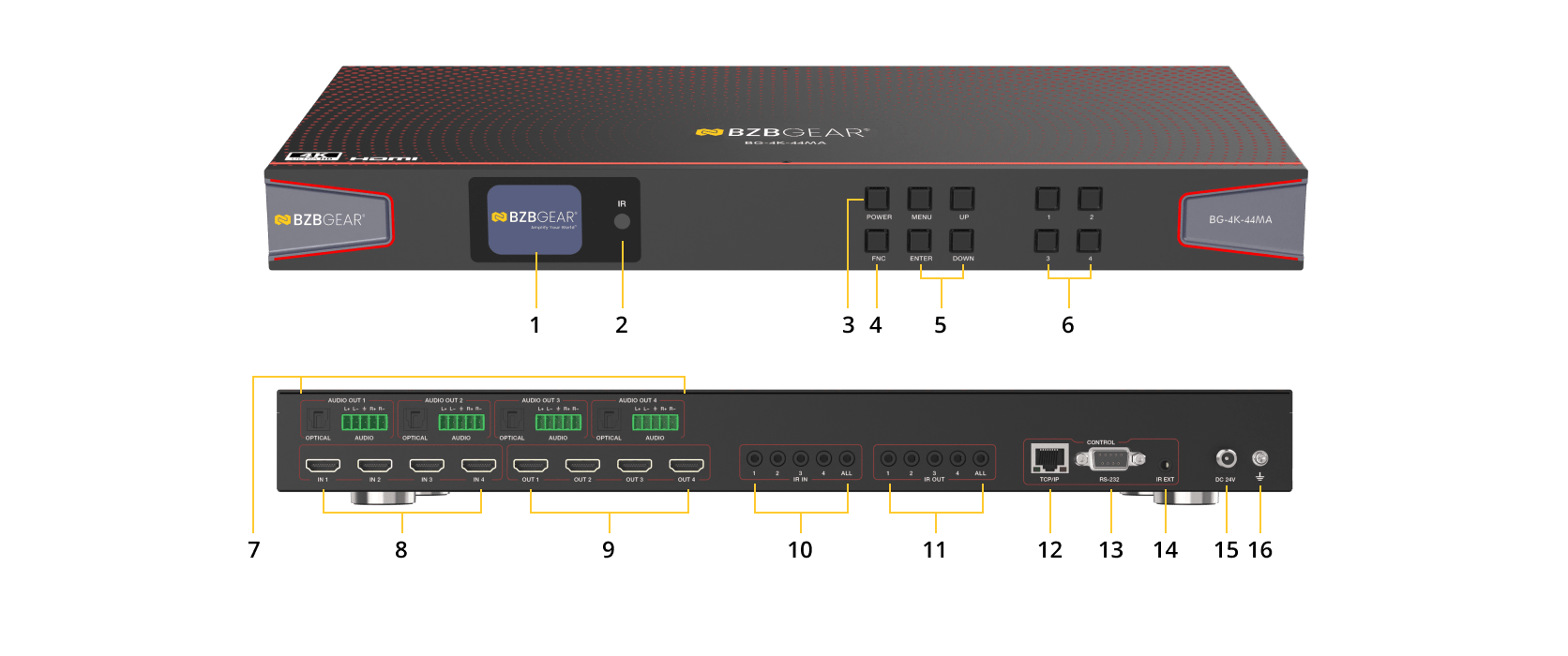
- LCD screen: Display matrix switching status, input/output port, EDID, baud rate, IP address, etc.
- IR: IR signal receiver. Receives the signal from the IR remote.
- FNC: Multi-function button.
• FNC + Number (1~4): Select the input source for all output channels. Number (1~4) represents the input source (1~4).
• FNC + FNC + 1: Display IP address.
• FNC + FNC + 2: Display the baud rate of the serial port.
Note: The information above will disappear automatically after 3 seconds. - POWER button & indicator light: Press the button to power on the device; the indicator light turns blue. Long-press the button for 3 seconds to enter standby mode; the indicator light turns red.
- MENU / ENTER / UP / DOWN: Screen operation buttons (example: RESET):
① On the initial LCD display screen, press the “MENU” button.
② Select from OUTPUT SETTINGS / INPUT SETTINGS / AUDIO BREAKOUT / SETUP / FIRMWARE using the UP/DOWN buttons.
③ Press “ENTER” to enter the next level.
④ Select SETUP, then choose from LCD ONTIME / BAUDRATE / NETWORK / REBOOT / RESET.
⑤ Select RESET and press “ENTER” to confirm.
⑥ Press “FNC” to continue, or “MENU” to return.
Note: Pressing “MENU” returns to the previous menu on any page. - INPUT / OUTPUT (1~4) buttons: Press a number (1~4) to select an output channel first, then press a number (1~4) to select the corresponding input source.
- AUDIO OUTPUTS (1~4):
OPTICAL: Optical audio output port, connects to an audio output device such as an amplifier.
L/R AUDIO: Analog audio output port supporting balanced/unbalanced audio output, with a maximum output level of 2Vrms.
• Balanced connection: L+, L−, R+, R−
• Unbalanced connection: L+, R+. - INPUTS (1~4): HDMI signal input ports. Connect to HDMI source devices such as an 8K computer, DVD player, or set-top box using HDMI cables.
- OUTPUTS (1~4): HDMI signal output ports. Connect to HDMI display devices such as TVs or monitors using HDMI cables.
- IR IN (1~4): Connects to a 12V wideband IR receiver cable. Supports IR signal pass-through.
- IR OUT (1~4): Connects to an IR blaster cable. Supports IR signal pass-through.
- TCP/IP: TCP/IP control port. Connects to a PC or router using an RJ45 cable.
- RS-232 port: Connects to a PC or control system for matrix control.
- IR EXT: Connects to a 12V wideband IR receiver cable. If the unit’s IR receiver window is blocked or the unit is installed in a closed area without direct infrared line-of-sight, connect an external IR receiver to this port to receive IR remote signals.
- DC 24V: Connects to a 24V/2A power supply.
- GND: Connect the unit housing to ground.
Recommended Products