







Understanding 1080p vs 4K in PTZ Cameras
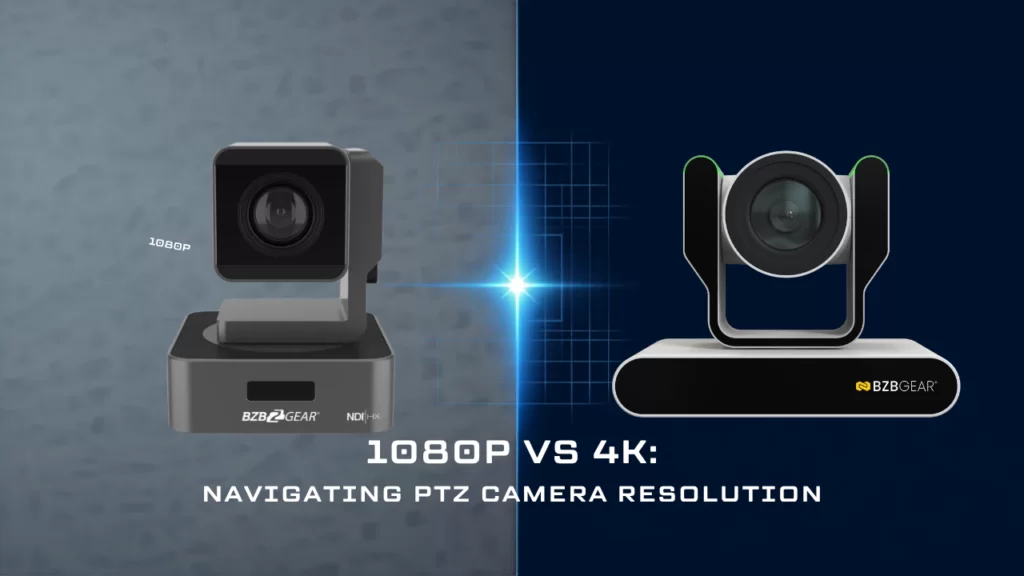
A question I get a lot when someone is speccing out a room: “Should I just go 4K?” It feels like the safe answer. More pixels, more future-proof, done deal. And that instinct isn’t crazy — but it skips over a few things that actually decide whether the picture on the other end looks better or just costs more.
Resolution is only one ingredient in image quality, and in a PTZ camera it interacts with the sensor, the lens, your cabling, your network, and wherever that video finally lands. Let’s break it down.
What 4K Actually Changes Inside the Camera
Start with the raw numbers. A 1080p camera puts out a 1920 x 1080 image — about 2.07 megapixels. A 4K UHD camera puts out 3840 x 2160, or roughly 8.3 megapixels. That’s four times the pixel count, not twice, because you’re doubling both the width and the height.
Here’s the part the spec sheet doesn’t spell out: those extra pixels have to live somewhere. PTZ sensors are small, and they don’t grow four times bigger just because the resolution went up.
Take two cameras from the same family. The BG-ADAMO-JR is a 1080p camera built around a 1/2.8-inch Sony CMOS sensor with 2.07 effective megapixels. The 25X BG-ADAMO-4K steps up to a 1/1.8-inch sensor with 8.51 effective megapixels. That’s a real jump in sensor area — roughly double — but the pixel count went up four times.
And notice that “4K” by itself didn’t tell you the sensor size. The 12X version of that same BG-ADAMO-4K uses a 1/2.5-inch sensor instead of the 1/1.8-inch in the 25X. Same resolution on the box, different amount of glass and silicon behind it. Always check the sensor spec, not just the resolution.
The Low-Light Tradeoff Nobody Puts on the Spec Sheet

Work that out in microns and it gets interesting. Each photosite on a 1/2.8-inch 1080p sensor measures about 2.9 microns across. Spread 3840 pixels across a 1/1.8-inch sensor and each one lands closer to 2.0 microns — and on a 1/2.5-inch 4K sensor, smaller still. Smaller bucket, less light per pixel.
Think of it like rain gauges in a field. Four small gauges catch the same rain as one big gauge, but each individual reading is noisier and less certain. In a dim sanctuary or a conference room with the lights down for a slide deck, that’s the tradeoff a 4K sensor is making: more detail available, but each pixel working with less signal.
Now, this doesn’t mean 4K is doomed in low light. Modern back-illuminated sensors, noise reduction, and downscaling recover a lot of that gap, and total sensor area still matters more than pixel pitch alone. But it does explain something people find surprising: a well-built 1080p PTZ can look better in a dark room than a cheap 4K one. Both the BG-ADAMO-JR and BG-ADAMO-4K are rated at 0.5 lux minimum illumination (F1.8, AGC on) — the 4K model’s larger sensor is what lets it keep pace. A 4K camera crammed onto a tiny sensor has nothing to fall back on.
So the rule isn’t “4K beats 1080p.” It’s “sensor size and lens quality decide whether the extra resolution actually shows up in the picture.”
Zoom, Cropping, and Shooting 4K to Deliver 1080p

Now the other direction — the strongest argument for 4K, and it has nothing to do with delivering a 4K stream.
When you capture in 4K and output 1080p, you get two real advantages. First, downscaling four pixels into one averages out noise and can produce a noticeably crisper, cleaner 1080p image than a native 1080p sensor does — assuming the camera is truly downsampling rather than line-skipping or cropping to get there. Second, you can crop into that 4K frame and still have a full 1080p image left over — a 2X reframe with no optical zoom and no motor movement.
That second point matters for PTZ specifically. Instead of physically driving the camera to a new preset mid-service, you can pull a tighter shot out of the frame you already have. Just remember it’s a digital crop: it narrows the field of view, but it doesn’t gather more light or resolve more detail than the lens already delivered. Useful tool, not a substitute for optical reach.
Worth noting: optical zoom and resolution are separate specs, and they don’t always move together. The 1080p BG-ADAMO-JR is available in 12X, 20X, and 30X, while the 4K BG-ADAMO-4K tops out at 25X. If your camera is at the back of a 100-foot sanctuary, that reach may matter more to you than the pixel count.
What Your Signal Chain Has to Carry
Here’s where 4K stops being a camera decision and starts being a system decision.
On Serial Digital Interface (SDI), 3G-SDI runs at about 2.97 Gbps and tops out at 1080p60. Getting 4K60 down a single BNC cable requires 12G-SDI — which means 12G-rated cable, 12G-capable switchers, and 12G converters at every hop. On HDMI, 4K60 needs HDMI 2.0 or better rather than the 1.4 you might already have extended through the building.
The network side has the same story. Take NDI, which both ADAMO cameras offer in NDI|HX3 form as the BG-ADAMO-JRND and BG-ADAMO-4KND models. NDI publishes roughly 50 Mbps for HX3 at 1080p60 and roughly 84 Mbps at 2160p60. Full-bandwidth NDI is heavier still — about 165 Mbps at 1080p60 and about 312 Mbps at 4K60. Multiply by however many cameras you’re running and 4K can quietly reshape your switch and uplink requirements.
Streaming bitrates scale too. For live streaming, YouTube recommends about 12 Mbps at 1080p60 and about 35 Mbps at 2160p60. That’s roughly triple the upload, triple the storage, and more encoder horsepower on the production machine.
Where Your Video Actually Ends Up
This is the question I’d ask before anything else: what happens to the signal after it leaves the camera?
If the destination is a video conferencing platform, 4K is almost certainly getting thrown away. Zoom caps outgoing video at 1080p — and getting even that takes some work. You need a Business, Education, or Enterprise account (or Pro with a Zoom Events or Webinars Plus license), the setting has to be turned on by Zoom Support, you need an i7 quad-core or better, virtual backgrounds have to be off, and you need about 3.8 Mbps of upload. In a typical gallery-view meeting, participants are seeing a fraction of that anyway. A pristine 4K source doesn’t survive the trip.
If the destination is YouTube, a broadcast workflow, an LED wall, a large-venue projector, or archival footage someone will re-edit and crop later — that’s where 4K earns its keep and the audience can actually see the difference.
So Which One Should You Buy?
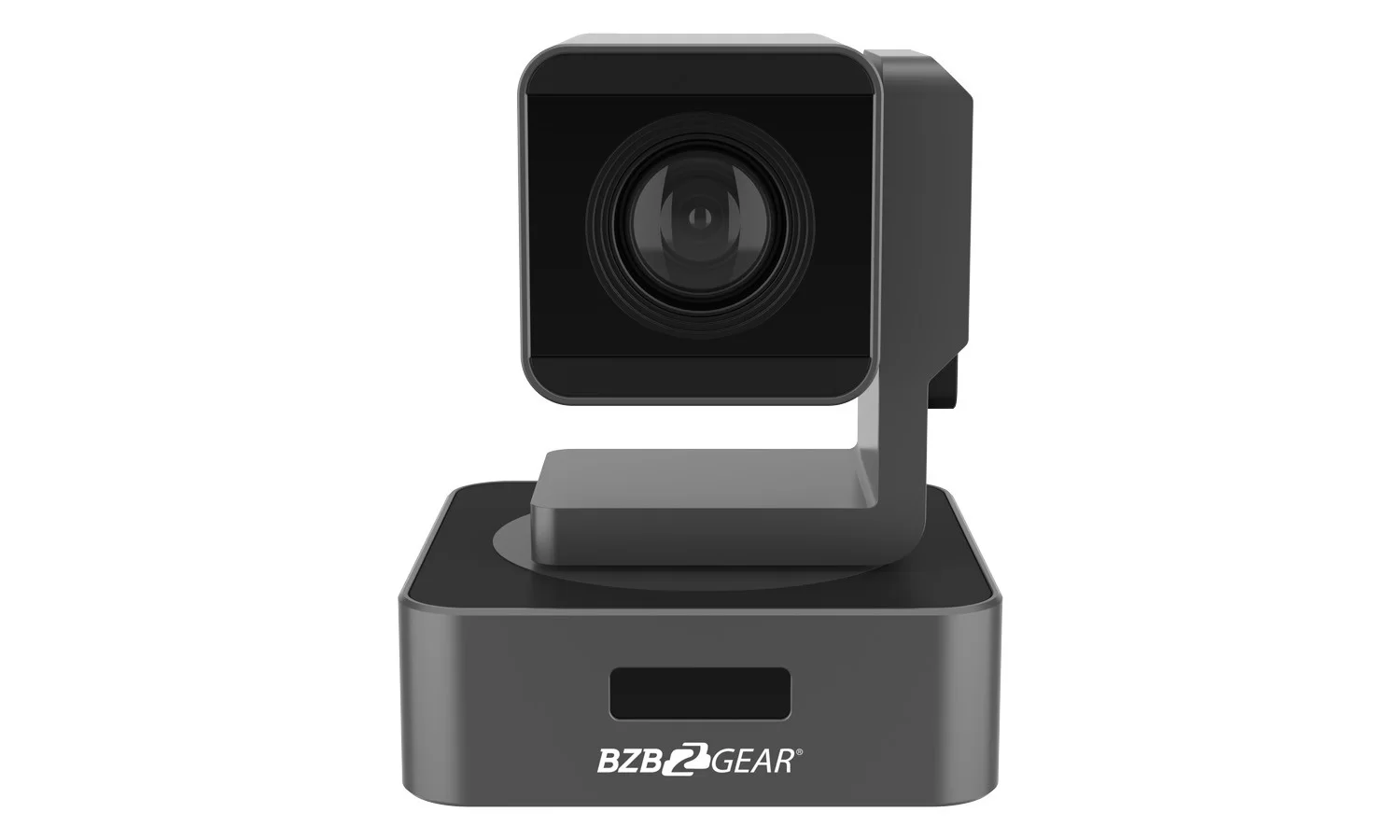
Go 1080p when your output is a conferencing platform, your budget is better spent on more camera positions than higher resolution, you’re working in a challenging low-light room, or your existing 3G-SDI and HDMI infrastructure is already in the walls. A compact camera like the BG-VPTZ-HSU3 — 1080p with 10X, 20X, or 30X optical zoom over HDMI, 3G-SDI, USB 3.0, and PoE — covers a huge share of real installations beautifully, and it’s simpler to deploy.
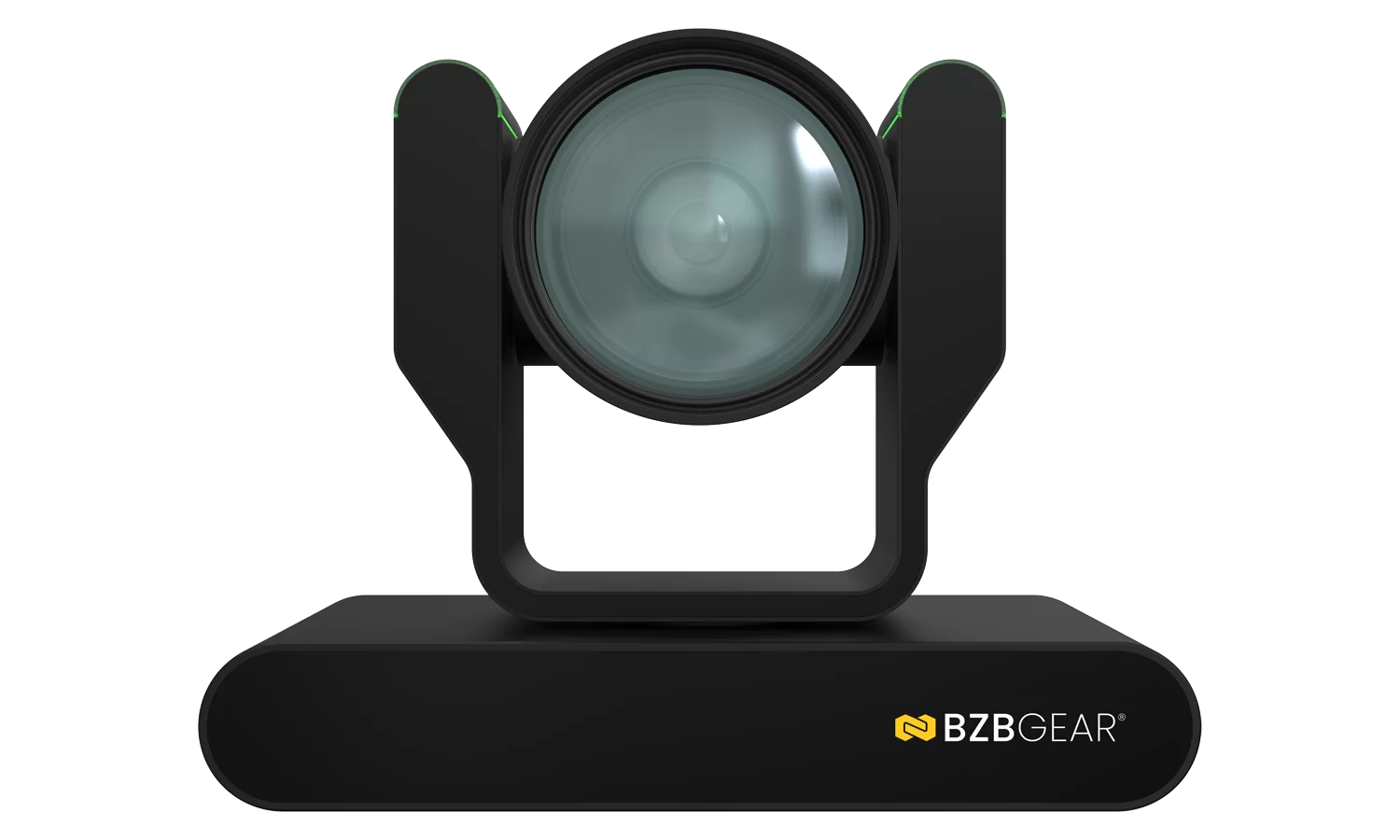
Go 4K when you’re delivering to large displays or broadcast, you want crop-and-reframe flexibility in post, you’re building something meant to last a decade, or you simply want the cleanest possible 1080p by downscaling from a bigger sensor. The BG-ADAMO-4K is built for exactly that job, with 4K60 over HDMI 2.0 and 12G-SDI. Just make sure the whole chain can carry it — a 4K camera feeding a 3G-SDI switcher is money spent on a bottleneck.
At the end of the day, the best camera is the one matched to your room, your signal path, and your destination. If you’d like a hand sorting out which side of that line your project falls on, reach out — we’re happy to walk through the whole chain with you. You can explore the full lineup of BZBGEAR PTZ cameras at BZBGEAR.com.


8.00 a.m. - 5.00 p.m. (PST)
10.00 a.m. - 3.00 p.m. (PST)
(by appointment only)