







How AV Control Systems Talk to Your Gear: RS-232, IP, and APIs
"When someone taps a button on the touch panel, how does the matrix actually know what to do?"
That's a great question! Control can feel like a black box, especially if your background is in video rather than programming. The good news is that the core idea is pretty simple, and once it clicks, choosing between RS-232, IP, and API control gets a lot easier.
Let's break it down.
What a Control System Is Really Doing
Every control system has three basic parts. There's a processor (the brain), a user interface (a touch panel, keypad, or app), and a driver for each device it controls.
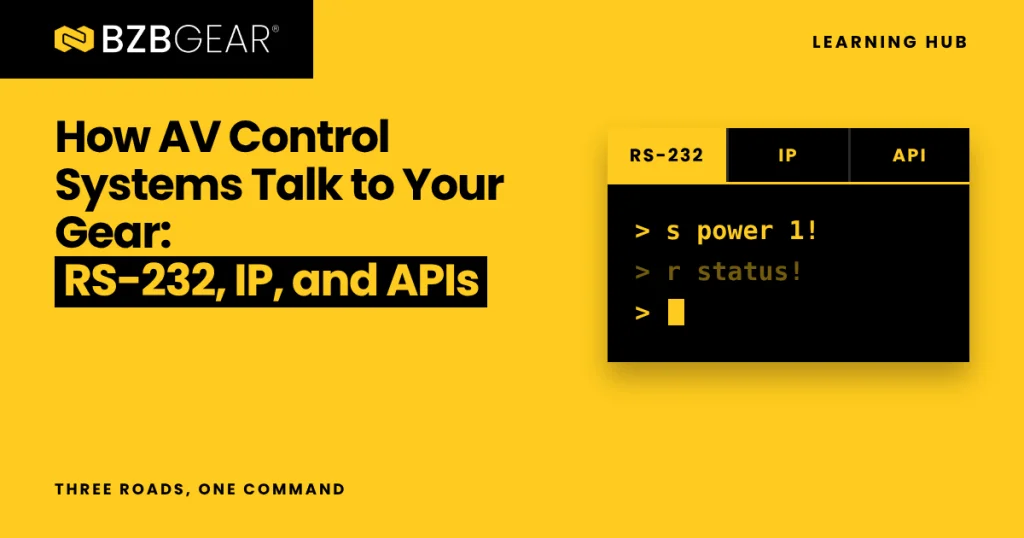
The driver is the translator. When you press "Send Laptop to Projector," the processor doesn't speak "laptop" or "projector." The driver turns that button press into the exact command the device expects, usually a short string of text. On many BZBGEAR matrix switchers and processors, for example, commands follow a simple pattern: "s" to set a value, "r" to read one, and a delimiter like "!" at the end. So turning a unit on might look like s power 1!.
Good control is also a two-way conversation. The device sends back acknowledgments and status, so the touch panel shows what's actually happening, not just what someone last pressed.
The only real question is which road that conversation travels on.
RS-232: The Dedicated Line
RS-232 is a serial connection, meaning it sends data one bit at a time down a dedicated cable. It's been around for decades, and it's still on the back of nearly every serious piece of AV gear for a reason: it just works.
An RS-232 connection really only needs three wires: transmit (TX), receive (RX), and ground. You'll find it on DB9 connectors or on small 3-pin Phoenix terminal blocks. Both ends have to agree on the same settings, including the baud rate (the speed), data bits, parity, and stop bits. A very common setup is 9600 or 115200 baud with 8 data bits, no parity, and 1 stop bit, often shortened to "8N1."
Think of RS-232 as a private phone line between two devices. Nobody else is on the call, there's no network to configure, and there's no IT department to coordinate with.
That simplicity comes with tradeoffs, though. It's point-to-point, so every device needs its own port on the processor. It's also meant for short runs; we recommend keeping RS-232 cables under 50 feet. And the most common problem I see in the field is TX and RX wired the same way on both ends, so the two devices are talking past each other. If you're stuck, our Serial Communication Troubleshooting checklist walks through the usual suspects.
IP Control: Same Conversation, Shared Road
IP control sends commands over a standard Ethernet network instead of a dedicated cable. Each device gets an IP address, the control system opens a connection to it on a specific port, and the conversation begins.
Here's the part that surprises people: the conversation is often identical. Many devices accept the same command strings over a network connection that they accept over RS-232. You'll hear integrators call this "Telnet control" or "raw TCP." Only the road changed.
IP control usually rides on one of two transport types. TCP is like certified mail: delivery is confirmed, and lost pieces are resent. UDP is like a postcard: it's faster and lighter, but nothing confirms it arrived. Most control traffic uses TCP, while some camera protocols use UDP for quick, responsive movement.
The upside is flexibility. One network cable can carry control for an entire rack, devices can live anywhere on the network, and you can manage a system remotely. The tradeoff is that your control now depends on the network. Give every controlled device a static IP or a DHCP reservation, keep AV on its own VLAN when you can, and loop in IT early so firewall rules don't surprise you on install day.
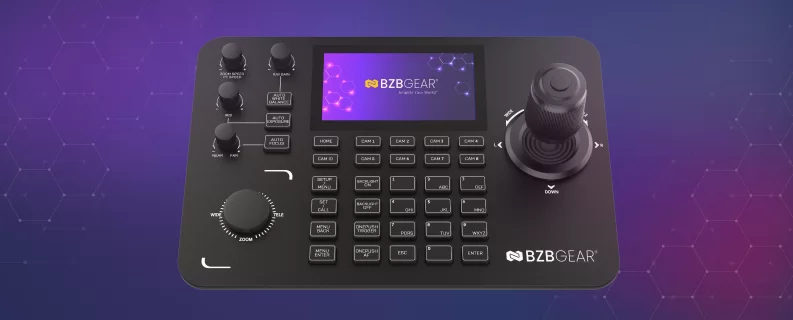
PTZ cameras are a great example of both worlds. The VISCA camera protocol started life on serial cables and now runs over networks as VISCA over IP. The BG-Commander-G2 joystick controller speaks both: VISCA over IP (UDP or TCP), ONVIF, and NDI over its network port, plus serial VISCA and Pelco-P/D over RS-232 and RS-422. Same camera language, two different roads.
APIs: Ordering From a Menu
API stands for Application Programming Interface. It's a documented, structured way for one piece of software to talk to another.
In AV, the term gets used loosely. Sometimes "API" just means a manufacturer's published command list, which could run over RS-232 or IP. Increasingly, though, it means web-style APIs: requests sent over HTTP, with structured responses (often in a format called JSON) that software can read easily. Some devices also use WebSockets to push live status updates the moment something changes.
Here's a simple way to picture it. Sending raw command strings is like calling an order into a kitchen using the cook's own shorthand. An API is like ordering from a printed menu: every item is clearly defined, and the kitchen hands you a receipt confirming exactly what you got.
That structure makes APIs a natural fit for software platforms, cloud dashboards, and anything that needs rich two-way data. The tradeoff is that your control processor or platform has to support them, and they're overkill if all you need is "Input 2 to Output 3."
Which One Should You Use?
At the end of the day, it's not a contest. Plenty of systems use all three. Here's a quick rule of thumb:
- RS-232 when the device sits in the same rack as the processor, there's no network, or you want zero IT dependency.
- IP when devices are spread across a building, you're controlling a lot of gear from one processor, or you want remote management.
- API when you're integrating with software, cloud platforms, or anything that needs detailed status back.
Whichever you choose, check the device's command documentation before you spec it. That's what really determines how easy integration will be. And keep one control path active at a time: if a COM port is open in two programs at once, they'll fight over it.
BZBGEAR Highlight: The BG-4K-VP44

The BG-4K-VP44 is a good example of a device built to play nicely with any control approach. This 4x4 4K matrix switcher, video wall processor, and multiviewer offers RS-232 on a 3-pin Phoenix connector, TCP/IP control, a web interface, and the free BZBGEAR Switch Control app.

For integrators, the important part is what's behind the scenes. The full serial and IP command list is available on request for third-party drivers, and ready-made Crestron and Control4 drivers can be downloaded straight from the product page. Less time writing strings, more time finishing the job.
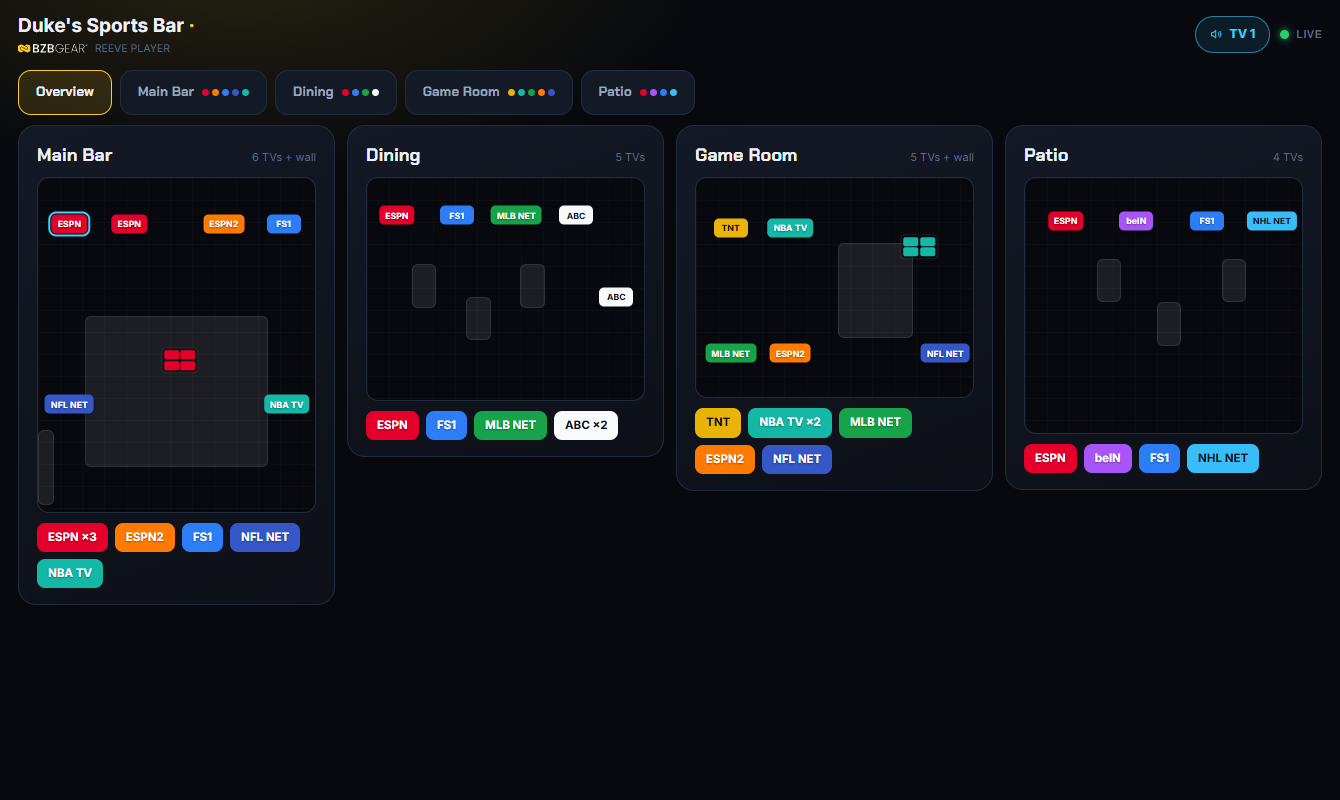
And if you'd rather skip programming entirely, REEVE™ is BZBGEAR's venue control system. It controls BZBGEAR AV-over-IP alongside third-party displays, sources, matrices, and audio, and REEVE software is included with compatible BZBGEAR products with no license or activation fees.
Ready to Take Control?
RS-232, IP, and APIs are really just three roads to the same destination: a system that does what your client expects, every time they press a button. Know the strengths of each, and you'll design cleaner, more reliable installations.
If you have BZBGEAR equipment and need a command list, a driver, or help getting a device to respond, please reach out to our support team! And if you're planning a project and trying to figure out how all the control pieces fit together, let us know. We're happy to help.


8.00 a.m. - 5.00 p.m. (PST)
10.00 a.m. - 3.00 p.m. (PST)
(by appointment only)
