







Your Church Livestream Needs an Upgrade. What Should You Buy First?
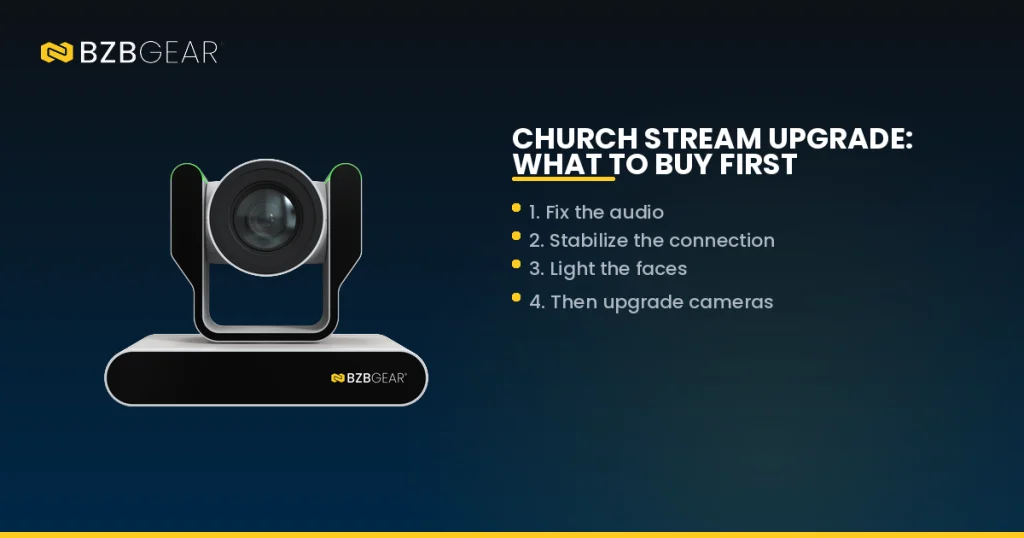
A practical order of operations for church media teams
Every church media team has a wish list, and it usually starts with "a better camera." Sometimes that's exactly right. But plenty of churches spend their upgrade budget on a new camera, go live the next Sunday, and find the stream still doesn't feel right. And that's okay! It just means the camera wasn't the weakest link.
A livestream is a chain. Sound, the internet connection, lighting, cameras, and the people running them all have to hold up, and the stream is only as good as the weakest of them. So before you spend a dollar, it helps to know which link to fix first. Here's the order we recommend, and why.
First, Watch Last Sunday's Stream Like a Viewer
Before you shop, pull up last week's service on a phone, the way most of your online congregation watches it. Then try two quick tests.
Close your eyes for five minutes. Can you understand every word of the sermon? Does worship sound like a room full of people singing, or a few microphones in an empty space? Now open your eyes and mute the audio. Is the pastor's face clear and well lit, or dim and grainy? Did the stream stutter, buffer, or drop?
Whatever bothered you most is your starting point. For most churches, though, the list goes in this order.
1. Fix the Audio Before Anything Else
Here's the thing: viewers will forgive a soft camera shot. They won't stick around for audio they can't understand. And audio is usually the cheapest fix on this list.
The most common problem is sending the front-of-house mix straight to the stream. That mix is built for the room. It counts on the PA, the acoustics, and the congregation singing along to fill in the gaps. Heard on its own through a phone speaker, it often sounds thin and unbalanced. The fix is a separate broadcast mix, and most digital consoles can build one on an auxiliary output you already own.
Next, add a pair of room mics facing the congregation. Bring them up during worship and down during the sermon, so people at home hear the church singing, not just the band. A few hundred dollars here often does more for your stream than a few thousand spent on cameras.
2. Make the Connection Reliable
The best-looking stream in the world doesn't matter if it buffers. Start by running a speed test from the production booth during a Sunday service, not on a quiet Tuesday afternoon. Upload speed is what counts for streaming, and many church internet plans offer far less upload than download.
YouTube and Facebook publish recommended bitrates for each resolution. As a rule of thumb, you want sustained upload well above that number, because your connection rarely delivers its advertised speed on a busy Sunday morning. If you're short, a steady 1080p stream beats a 4K stream that keeps dropping. Connect your encoder with an Ethernet cable, never Wi-Fi, and if your provider is unreliable, consider a backup connection like a cellular modem.

The other common weak spot is the computer. In many churches, one laptop runs the slides, the switching software, and the stream all at once. If it freezes, everything stops. A dedicated hardware encoder takes the streaming job off that machine. The BZBGEAR BG-STREAM-DE is a good example: it takes an HDMI or SDI feed from your switcher, encodes it at up to 1080p60, and sends it out over RTMP and other common streaming protocols. It can also record straight to USB storage, so you keep a local archive of your services, with front-panel Record and Stream buttons simple enough for any volunteer.
3. Light the Faces
Lighting is the upgrade most often blamed on the camera. When a picture looks grainy or muddy, the camera usually isn't getting enough light on the subject, so it turns up its gain to compensate. More gain means more noise. No camera can fully fix a dark stage.
You don't need a full theatrical rig. A pair of front lights aimed at the pulpit, placed at roughly 45 degrees on either side, makes a dramatic difference on your most-watched shot. Choose fixtures rated flicker-free or built for video. Some inexpensive LED fixtures cause rolling bands across the picture that look like a camera problem but aren't.
4. Now Upgrade the Camera
Once your audio is clean, your stream is stable, and your stage is lit, a better camera can finally show what it's capable of. For most churches, that means pan-tilt-zoom (PTZ) cameras. One volunteer can control several of them from the booth, and each can store preset shots that come back with a single button press.
The key decision is zoom. Think of it like binoculars: a camera at the back of the sanctuary needs far more reach than one mounted near the stage. Measure the distance from each camera position to the pulpit before you choose a lens.

The BZBGEAR BG-ADAMO-JR is a strong fit for this step. It's a 1080p60 PTZ camera available with 12X, 20X, or 30X optical zoom, so you can match the lens to your room. It outputs HDMI, 3G-SDI, USB, and IP streaming, with NDI|HX3 and Dante AV-H versions for network-based workflows. Built-in red and green tally lights show the camera's status at a glance, and Presenter Tracking can follow a pastor who likes to walk the platform, with nothing for them to wear. With Power over Ethernet (PoE), one network cable carries power, video, and control, which makes installation much simpler.
5. Make It Easy for Your Volunteers
The last upgrade costs the least and gets forgotten the most. Most church streams are run by volunteers who serve once or twice a month, and every setting they have to remember is a chance for something to go wrong.
Save labeled camera presets for every recurring shot: wide, pulpit, worship team, baptism. Write a one-page checklist for the start of each service. Make sure operators can see which camera is live, so they don't reframe it on air.
When a new volunteer can run a service confidently after one training session, you've upgraded your stream, even if you didn't buy a thing.
Where to Start
At the end of the day, the right first purchase is the one that fixes what your congregation notices most. For most churches, that's audio first, then the connection, then lighting, then cameras, then simpler workflows. Work through the list in that order, and every dollar you spend later goes further.
Here at BZBGEAR, we talk with church tech directors and integrators every week, and we'd rather help you find your weak link than sell you something you don't need. Not sure where to begin? Reach out to our team and let's walk through your setup together. To see the full lineup of PTZ cameras, encoders, and streaming gear for houses of worship, visit BZBGEAR.com.


8.00 a.m. - 5.00 p.m. (PST)
10.00 a.m. - 3.00 p.m. (PST)
(by appointment only)
