







How Much Latency Is Too Much for Wireless HDMI?
Here's a test you can run on any wireless HDMI kit in about four seconds.
Get the picture up, admire it for a moment — it usually looks great — then plug a mouse into the source and move the cursor in a circle. If the cursor tracks your hand, you've got something you can work on. If it swims along a half-beat behind, you've got a playback device. Same beautiful 4K picture either way. Completely different product.
That gap is latency, and it's the single most misunderstood spec in wireless video. It's also the reason wireless HDMI has a reputation problem in custom install — a lot of people bought a link for one job and tried to use it for the other. Let's break it down.
Where the Delay Actually Comes From
Latency is just the time between a signal entering the transmitter and the picture appearing on the display. On a wired HDMI run, that number is so small it isn't worth discussing. Wireless is a different story, because the signal has to be encoded, packetized, sent over the air, received, buffered, and decoded before anything shows up on screen.
That buffer is the important part. Wireless links hold a small cushion of video in reserve so that a bit of RF interference doesn't turn into a visible glitch. It's a genuinely smart trade — you're spending time to buy stability.
But you are spending time. And how much you spend determines what the link is good for.
The Numbers Worth Knowing
Three reference points make this concrete.
One frame at 60Hz is 16.7 milliseconds. That's the natural unit of measurement here. When a spec sheet says a link adds 150ms, it's adding about nine frames of delay.
Roughly 100ms is where a system stops feeling instantaneous. This one comes out of human-computer interaction research that's held up for decades — Jakob Nielsen's widely cited response-time limits put 0.1 second as the threshold below which people perceive a system as reacting immediately, as though they're directly manipulating what's on screen. Above it, they still feel in control, but they notice.
Below about 30ms, display lag is generally considered unnoticeable. That's the benchmark the television world uses for gaming performance, and it's a useful ceiling to keep in mind.
Put those together and a picture forms. Delay in the 130–180ms range — which is completely normal for standard wireless HDMI — is fine for watching something and wrong for touching something. Delay under 50ms sits comfortably inside the zone where a person interacting with the screen doesn't perceive a lag at all.
The Two Jobs a Wireless Link Can Have
Think of it like the difference between a broadcast and a conversation.
A broadcast only has to arrive intact. Nobody watching a movie, a game feed, or a signage playlist knows or cares that the picture left its source an eighth of a second ago, because there's no reference point to compare it against. Audio travels with the video, lip sync holds, and the experience is perfect.
A conversation has to arrive now. The moment there's a human in the loop — moving a mouse, typing, drawing on a tablet, aiming in a game, adjusting a camera while watching the monitor — the delay stops being invisible. Their hand is the reference point, and the screen is behind it.
This is why "wireless HDMI is laggy" and "wireless HDMI is flawless" are both true statements. They're describing two different jobs.
What Sub-50ms Actually Unlocks
Once a link drops under that threshold, a handful of rooms open up that were previously off the table.
Gaming. The obvious one. A console or PC in the rack and a display across the room, with response that holds up for anything short of frame-perfect competitive play.
The wireless desk. This is the sleeper. Put a computer wherever it's convenient and put the keyboard, mouse, and display wherever the client actually wants to sit — no cable path, no equipment on the desk.
Live camera monitoring. Anyone framing a shot while watching a monitor needs the monitor to agree with reality. Nine frames of delay makes that miserable.
Interactive presentation. Annotation, whiteboarding, or anything where a presenter drives content by hand rather than clicking to the next slide.
BZBGEAR Highlight: Matching the Kit to the Job
Here's the useful thing about the AIR4KAST line — the three models aren't separated by picture quality. All of them do 4K60. They're separated by latency and fan-out, which means you can pick by job instead of by budget.
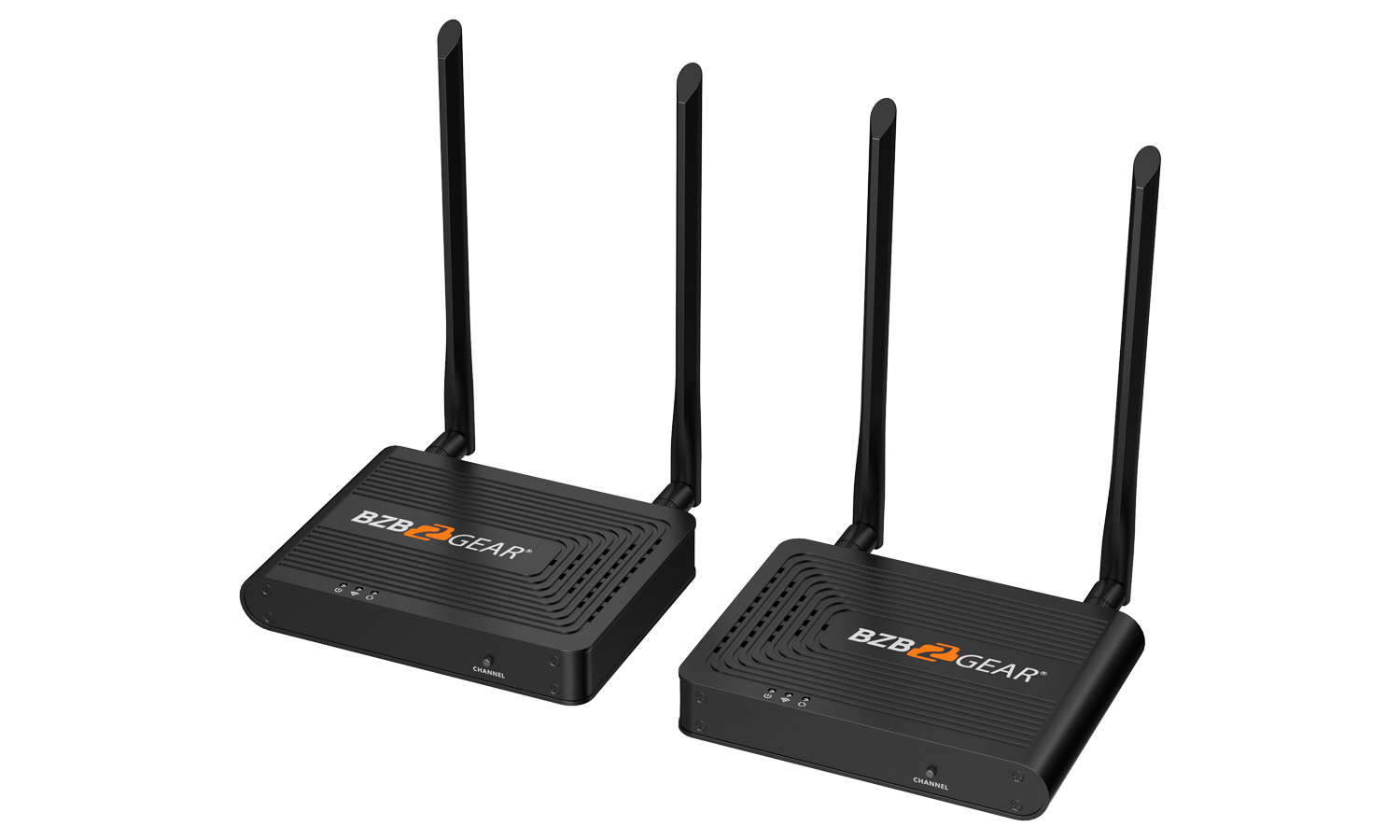
The BG-Air4Kast is the one-to-one workhorse, running 130–180ms out to 50 meters (164 feet). That's playback territory, and it's the right answer for the display you simply cannot pull cable to.
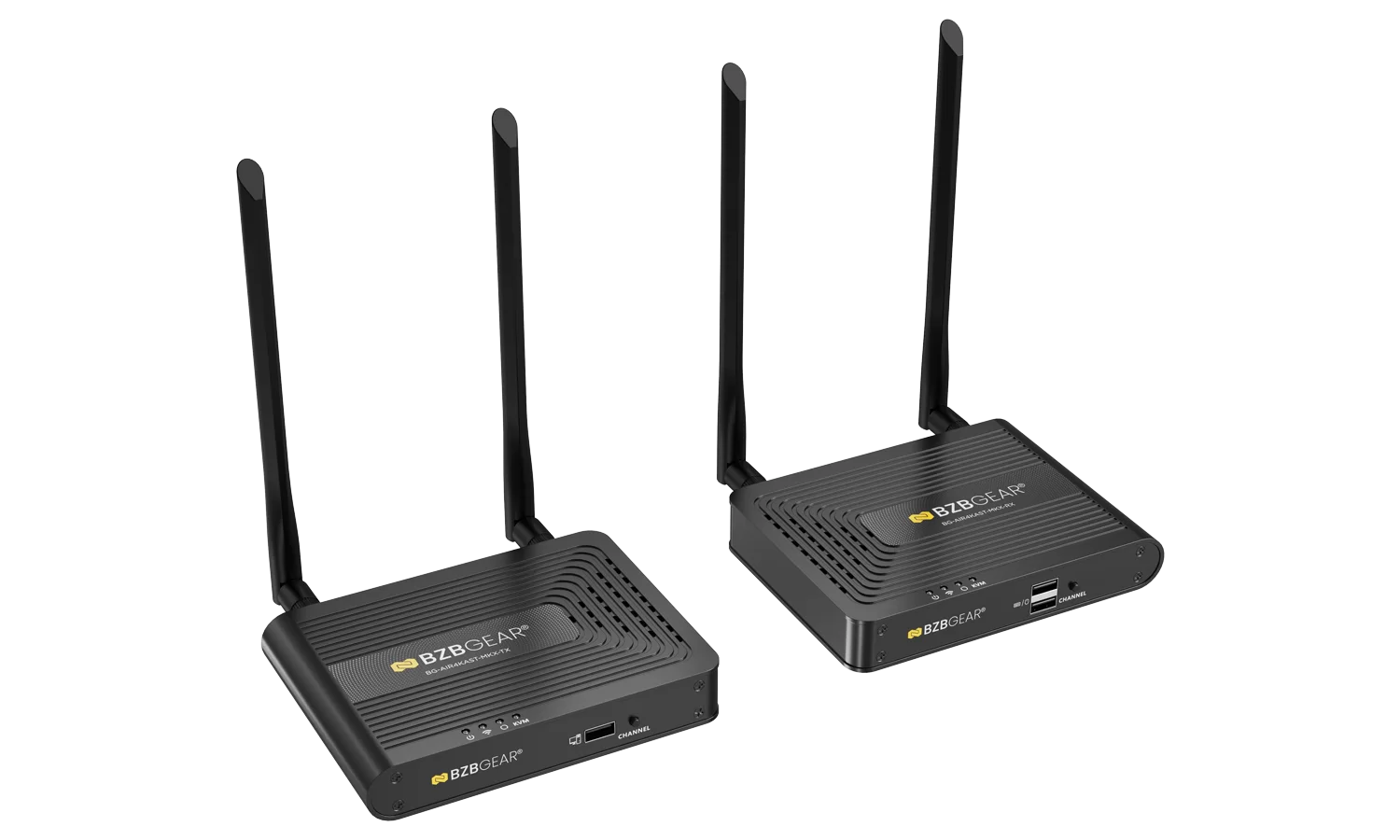
The BG-Air4Kast-MKX drives up to four receivers from one transmitter at 120–180ms at 4K60 — and here's a trick worth remembering: drop to 1080p60 and it improves to 70–120ms. If the content doesn't truly need 4K, stepping down the resolution buys back real responsiveness.
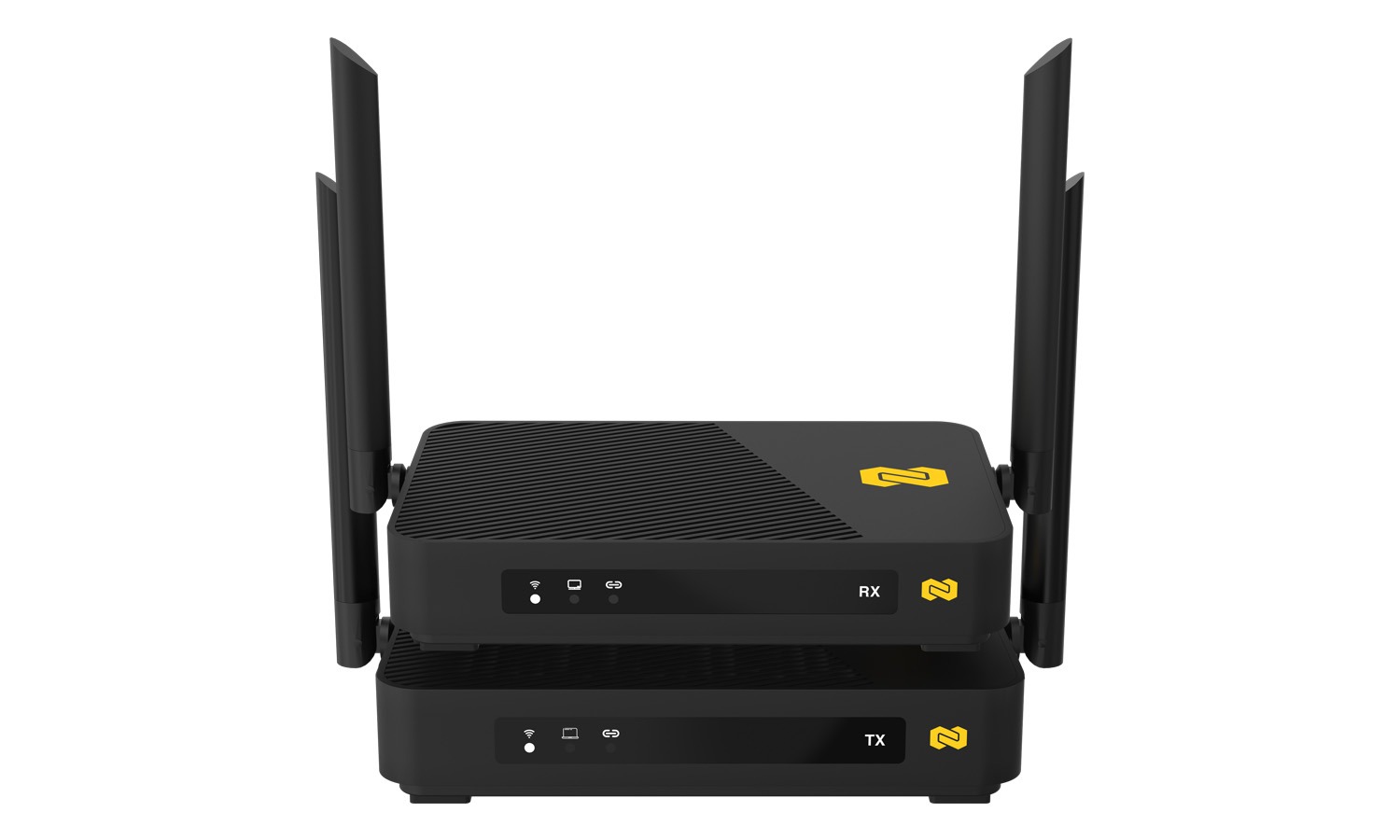
Then there's the BG-Air4Kast-Pro, which is the one that crosses the line. It runs as low as 16ms at 60fps, typically 16–48ms depending on content complexity and Wi-Fi conditions — roughly one to three frames. It does 4K60 with HDR10, 1080p120, 7.1-channel audio with Dolby Atmos and DTS passthrough, and up to 100 meters line of sight on 802.11ac. It also carries USB KVM: a USB-C connection at the transmitter and two USB ports at the receiver, so the keyboard and mouse ride along with the video. That's the wireless desk in a single box.
The Honest Limits
A category earns trust by naming its own edges, so here are the Pro's.
It's HDMI 2.0 / HDCP 2.2, which means 4K60 and 1080p120 — not 4K120. The 100-meter figure is clear line of sight; walls, glass, and floors all take a bite out of it. It's a 5GHz device sharing a band with everything else in a modern home, and while it uses smart channel selection to work around congestion, a saturated RF environment is still a saturated RF environment.
And the biggest one: wireless is a point-to-point link for a display, not a backbone. Low latency doesn't change that. If you're feeding a dozen zones, building video walls, or routing sources dynamically, you want AV-over-IP or a matrix — not a stack of wireless kits.
The Bottom Line
Wireless HDMI didn't get better at picture quality; it got better at time. And time is what decides whether a link is a viewing device or a working one.
So before you spec one, ask a single question: is a person going to interact with what's on that screen? If the answer is no, standard wireless is the smart, fast, clean answer and always has been. If the answer is yes, you now have an option that didn't really exist a couple of years ago.
Not sure which side of the line your project falls on? Reach out — we're always happy to talk through a room. And to compare the options side by side, browse the full lineup of wireless extenders at BZBGEAR.com.


8.00 a.m. - 5.00 p.m. (PST)
10.00 a.m. - 3.00 p.m. (PST)
(by appointment only)