







What Should I Look for in an HDMI to SDI Converter?
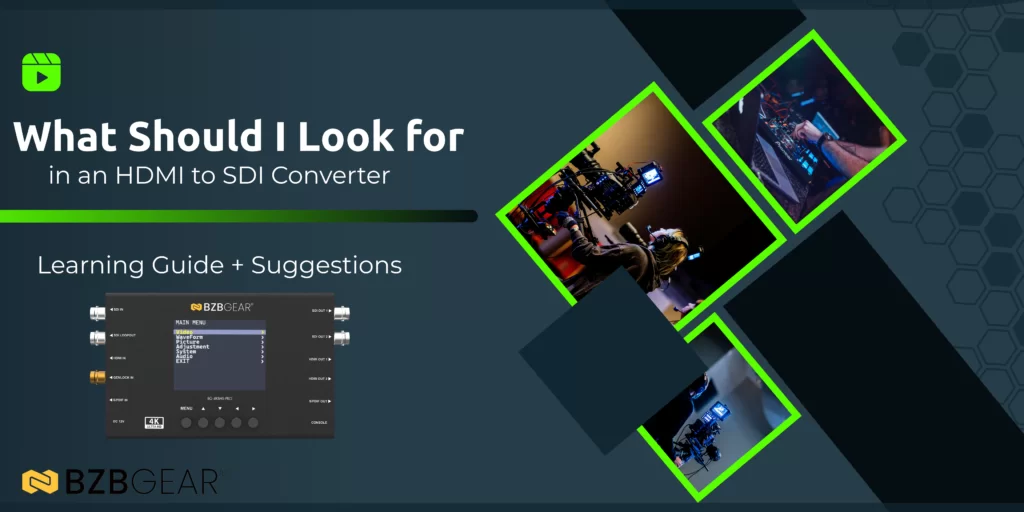
HDMI to SDI converters are essential tools in broadcast, live production, and professional AV environments. They bridge the gap between consumer and professional video formats, allowing HDMI based sources, such as cameras, media players, and computers, to integrate seamlessly into SDI based workflows.
But not all HDMI to SDI converters are created equal. Some are designed only for basic signal translation, while others serve as full-featured processing, monitoring, and diagnostic tools.
This guide breaks down the most important features to look for when selecting an HDMI to SDI converter, using the BG-4KBHS-PRO from BZBGEAR as an example of what a professional-grade solution should offer.
- Conversion Direction and Flexibility
What to Look For
Many converters only work in one direction: HDMI to SDI or SDI to HDMI. In professional environments, this can quickly become limiting.
Key questions to ask:
- Does the converter support HDMI to SDI and SDI to HDMI?
- Can it handle both directions simultaneously?
- Does it support passthrough or cross-conversion?
Why It Matters
Production environments are rarely static. A bidirectional or cross-converter allows you to adapt to different signal paths without swapping hardware. For changes in setup, signal testing, and more, having the option to switch between the two conversion modes can be a lifesaver.
Example in Practice
The BG-4KBHS-PRO supports simultaneous HDMI ↔ SDI conversion, making it suitable for mixed-format workflows where monitoring, distribution, and return feeds are all required. Just a simple setting change and it’s working the other way around.
- Supported Resolutions and Bandwidth
What to Look For
Resolution support is one of the most critical specifications, and one of the most misunderstood.
Minimum expectations for modern workflows:
- HDMI 2.0 support (up to 18 Gbps)
- 12G-SDI support (up to 11.88 Gbps)
- True 4K60 compatibility
- Support for 4:4:4 color where required
Why It Matters
If your converter can’t handle the resolution or frame rate of your source, you’ll face dropped signals, forced downscaling, or incompatibility with downstream devices. Adding a signal converter to your system already puts strain on your video and audio signals, increasing the risk of instability. So if one needs to be added, it is recommended that the converter be a good one!
Example in Practice
The BG-4KBHS-PRO supports:
- HDMI 2.0 up to 4K60
- 12G-, 6G-, 3G-, HD-, and SD-SDI formats
- Full-bandwidth video with accurate color reproduction
This makes it suitable for both broadcast grade SDI systems and modern HDMI sources. Also, the ability not only to scale up but also down in format is pretty important as well.
- Scaling and Deinterlacing Capabilities
What to Look For
Not all sources and displays operate at the same resolution or scan type.
Important features include:
- Built-in scaler
- Deinterlacing support
- Multiple output resolution options (including VESA formats)
Why It Matters
A converter without scaling forces every device in the chain to match formats exactly, which is rarely practical. Built-in scaling ensures compatibility without external processors.
Example in Practice
The BG-4KBHS-PRO includes scaling and deinterlacing, allowing it to normalize signals between legacy SDI equipment and modern displays.
- Signal Monitoring and Analysis Tools
What to Look For
Professional converters should do more than move video, they should help you verify it. Being a member of the technical support team, I can confirm that this feature, especially for converters, is a game-changer. That, and it’s very necessary in these types of environments.
Valuable monitoring features include:
- Waveform monitoring (YCbCr and RGB)
- Audio level meters
- On-screen overlays
- Confidence monitoring
Why It Matters
Without signal analysis, diagnosing color clipping, luminance issues, or audio problems becomes guesswork, especially in live environments.
Example in Practice
The BG-4KBHS-PRO includes:
- YCbCr and RGB waveform displays
- Audio level metering
- Live OSD overlays
These tools allow engineers to confirm signal integrity in real time, without external test equipment.
- Built-In Test Patterns
What to Look For
Test patterns are often overlooked, but they’re invaluable during setup and troubleshooting.
Useful patterns include:
- Color bars
- Grayscale
- Geometry and alignment patterns
- Check field modes
Why It Matters
Test patterns allow you to verify cabling, displays, color accuracy, and scaling, especially when the source device isn’t available.
Example in Practice
The BG-4KBHS-PRO includes a full suite of built-in test patterns, making it useful as both a converter and a diagnostic tool.
- Audio Embedding and De-Embedding
What to Look For
Audio handling is just as important as video.
Key capabilities include:
- HDMI audio embedding into SDI
- SDI audio de-embedding
- External audio I/O (such as S/PDIF)
- Audio monitoring and level control
Why It Matters
Audio often travels separately from video in professional systems. A converter that can embed and extract audio cleanly reduces the need for additional hardware.
Example in Practice
The BG-4KBHS-PRO supports S/PDIF-based audio embedding and de-embedding, allowing precise control over how audio is routed between HDMI and SDI signals.
- On-Device Control and Display
What to Look For
Software-only configuration isn’t always practical, especially in the field.
Ideal features include:
- Built-in LCD display
- Push-button controls
- On-device menus
- Preset storage
Why It Matters
Quick access to settings saves time during setup, troubleshooting, and live operation.
Example in Practice
With its 3.5-inch LCD display and push-button interface, the BG-4KBHS-PRO allows full configuration and monitoring without a computer.
- Firmware Upgradability and Longevity
What to Look For
Professional AV gear should be designed for long-term use.
Important considerations:
- Firmware upgrade support
- Compatibility with evolving standards
- Manufacturer support and warranty
Why It Matters
Upgradable firmware extends the lifespan of your investment and helps maintain compatibility with new devices and formats.
Example in Practice
The BG-4KBHS-PRO is firmware upgradeable, ensuring continued reliability as workflows evolve. And BZBGEAR offers lifetime support + product warranty!


8.00 a.m. - 5.00 p.m. (PST)
10.00 a.m. - 3.00 p.m. (PST)
(by appointment only)


