







What Is Venue Control, and When Does a Project Need It?
Walk behind the bar at almost any sports bar on a Saturday and you'll find it: a drawer full of remotes, a sticky note that says "TV 7 = input 3," and one bartender who's the only person who knows how to get the game on the patio screens. That's okay! It's how a lot of venues grew up. Someone added a TV, then a sound system, then a few more TVs, and nobody ever stepped back to tie it all together.
Venue control is what happens when you do step back. Let's break it down.
What "Venue Control" Actually Means
Venue control is a single system that lets staff run every screen, source, and audio zone in a space from one interface, instead of juggling separate remotes, apps, and wall panels. It usually reaches past AV, too, pulling in lighting, climate, cameras, and other connected equipment.
The key word is venue. A venue isn't one room. It's a collection of spaces that get used differently throughout the day: a main bar and a patio, a hotel lobby and a ballroom, a training room and a break area. Venue control is built around those spaces and the people working in them, not around the individual boxes in the rack.
Think of it like the difference between a pile of light switches and a lighting board. The switches all work, but only the lighting board lets one person set the whole room with a single move.
How It's Different from Room Control or Building Automation
These terms get blurred, so here's the quick version.
Room control covers one space, typically a conference room or classroom, with a touch panel that handles one display, one set of sources, and maybe the shades. It's focused and very effective at that job.
Building automation sits at the other end. It manages HVAC, power, and security across an entire facility, and the people running it are facilities engineers, not bartenders or front-desk staff.
Venue control lives in between. It spans multiple zones like building automation does, but it's designed for the everyday staff who run the space, with an interface simple enough that a new hire can use it on their first shift.
The Building Blocks: Zones, Sources, and Scenes
Most venue control systems are organized around three ideas.
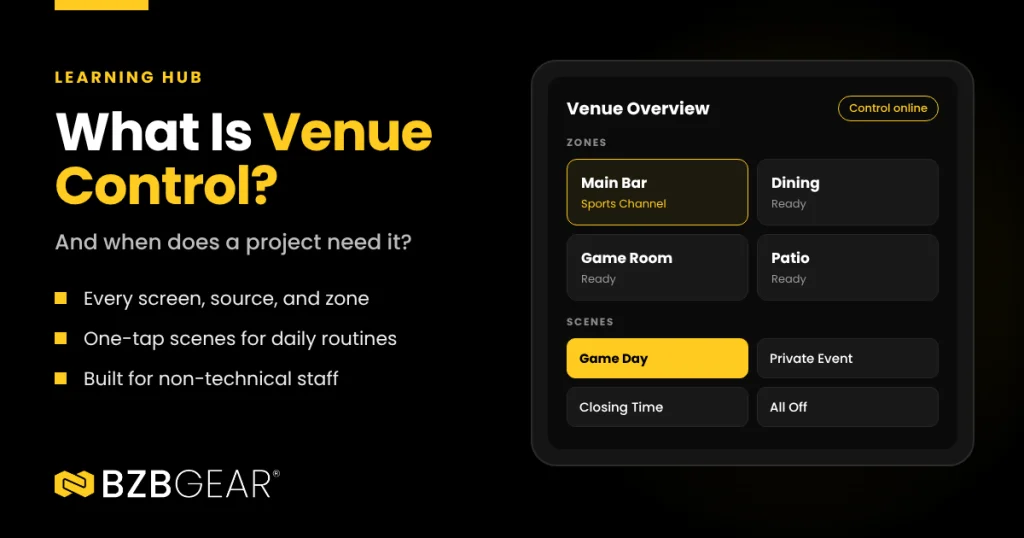
Zones are groups of devices that belong to the same space. "Main Bar" might include eight displays, a ceiling speaker zone, and the overhead lights. Grouping by zone means staff think in terms of places ("turn up the patio") rather than equipment ("adjust amplifier channel 4").
Sources are where content comes from: cable boxes, streaming devices, media players, cameras, laptops. Routing is the act of sending any source to the displays you choose, and in a larger venue that often means a matrix switcher or an AV-over-IP system doing the heavy lifting underneath.
Scenes are saved presets. A "Game Day" scene might tune every display to the sports channel, bring the audio up in the bar zone, and set the lights to 80% with one tap. A "Closing Time" scene might shut it all down. Scenes are where venue control really earns its keep, because they turn a ten-minute routine into a single action that's done the same way every time.
Signs Your Project Needs Venue Control
Not every job needs it. Here's the checklist I'd run through before speccing one:
- More than one zone. If the space has distinct areas that need to do different things at the same time, you're in venue territory.
- Non-technical operators. Servers, hotel staff, nurses, or volunteers running the system day to day need something they can't break.
- Recurring routines. Opening, closing, game days, events, presentations. If staff do the same sequence over and over, that's a scene waiting to happen.
- Lots of sources to lots of displays. Once you're routing several sources across a wall of screens, a remote per TV stops being practical.
- More than just AV. If the client wants lighting, climate, cameras, or shades in the same place as the screens, a unified interface pays off fast.
- Multiple sites or ongoing support. If the integrator will be maintaining the system, remote updates and oversight save truck rolls.
Two or three of these and venue control is worth the conversation. Four or more and it's probably overdue.
When a Remote Is Still Fine
Here's the thing: a single TV in a waiting room with one cable box doesn't need a control system. Neither does a small office with one display and a wireless presentation device. If one person can run the space with one remote and nobody's frustrated, adding a control layer is cost without benefit.
The goal is matching the system to how the space actually gets used, not adding complexity for its own sake.
Questions to Ask Before You Spec It
Once you've decided a project needs venue control, a few questions separate a system the client loves from one they stop using:
- What happens when the internet goes down? A venue can't stop working because the connection dropped. Control should live on-site.
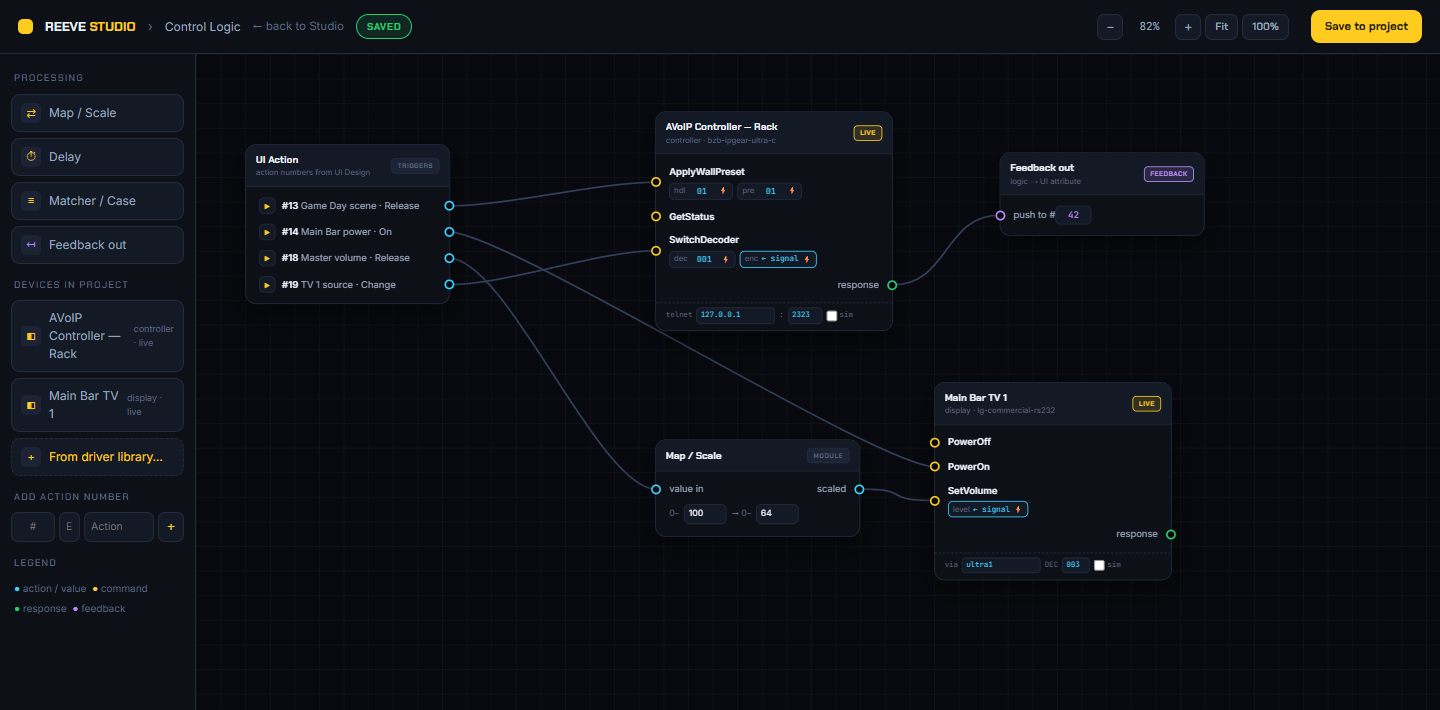
- Who programs it, and how? Long, code-heavy programming cycles add cost and make changes painful later.
- How do updates and support happen? Remote configuration and updates keep the integrator from driving out for every small change.
- What will it actually control? Make sure the displays, sources, and third-party gear already on the spec are supported.
- What's the ongoing cost? Ask about software licenses and activation fees up front.
BZBGEAR Highlight: REEVE™
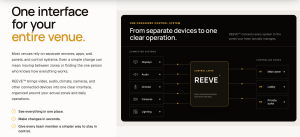
This is exactly the problem REEVE™ was built for. REEVE™ is BZBGEAR's venue control system, designed to control every screen, source, and zone from one interface, with devices organized into zones and scenes that can set displays, sources, audio, lighting, and more with a single tap.
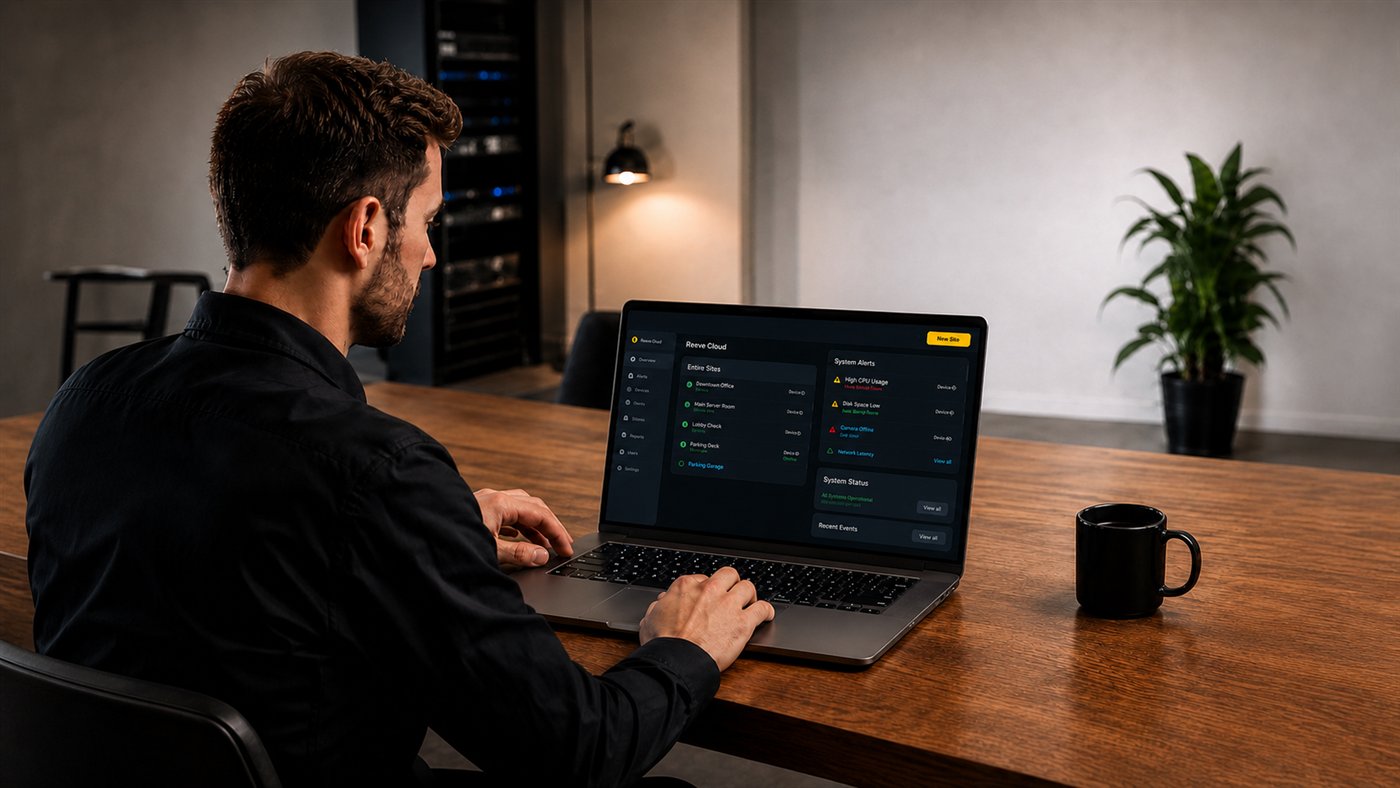
A few things make it a natural fit for the checklist above. There's no rack and no server PC; the tablet on the wall is the controller. Control, layouts, and scenes stay on that tablet, so the venue keeps running when the internet is down, and the cloud is used for design, updates, and remote oversight. Dealers build the system visually in REEVE™ Studio, staff use the simple REEVE™ Player interface every day, and REEVE™ Cloud lets the integrator manage and support customer sites from anywhere.
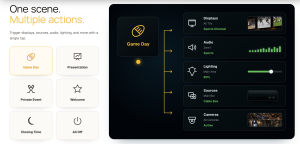
REEVE™ works with BZBGEAR AV-over-IP alongside third-party displays, sources, matrices, and audio, plus climate systems, cameras, lighting, access control, motorized shades, and projection. And the software is included with compatible BZBGEAR products, with no software license and no activation fees (the REEVE tablet is sold separately).
It was recognized by both CE Pro and TWICE at CEDIA Expo 2026, and it's designed for sports bars and restaurants, hotels, corporate spaces, entertainment venues, healthcare, residential, and esports.
Bringing It All Together
At the end of the day, venue control is about giving the people who run a space one clear way to run it. If your project has multiple zones, busy staff, and the same routines happening every day, it's time to retire the remote drawer.
Want to see how REEVE™ would work in your next venue? Explore the solutions by market or book a demo with the BZBGEAR team. Still figuring out whether your project needs control at all? Reach out, and we'll help you work through it!


8.00 a.m. - 5.00 p.m. (PST)
10.00 a.m. - 3.00 p.m. (PST)
(by appointment only)