


What Equipment Is Needed for a Video Wall?
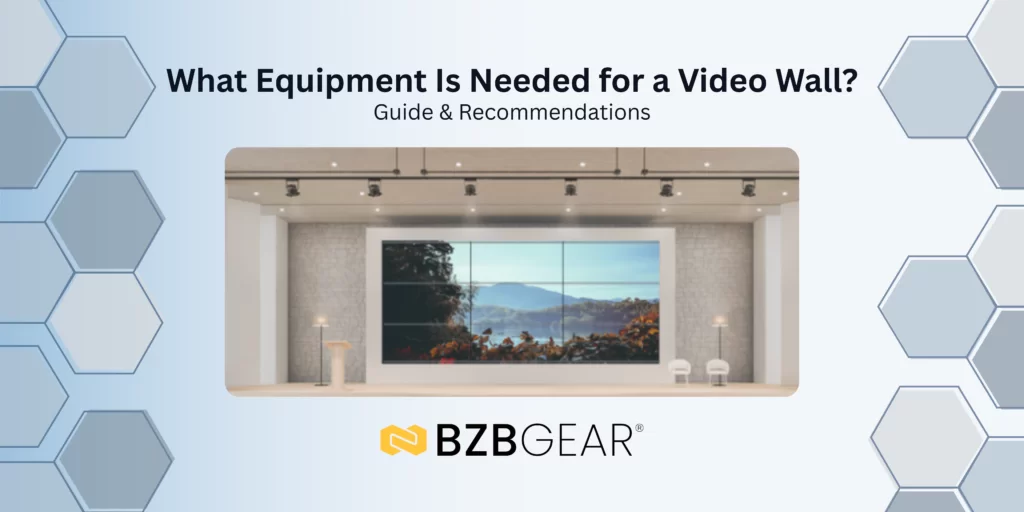
This guide will walk you through the main products and devices needed to create a video wall. If you are looking for assistance with choosing the right equipment, reach out to BZBGEAR for a free consultation!
To create a high-quality video wall, there are three core components you’ll need to get started:
- A video wall processor
- High-quality TVs or display panels
- Premium HDMI cables
What Video Wall Processor Do I Need?
Choosing the right video wall processor depends on two main factors:
- Your video wall configuration (wall size or number of displays)
- The number of inputs required, along with any additional features such as matrixing and audio support
For example ~ A common video wall configuration is a 2×2 layout using four TVs, two on top and two on the bottom. In many cases, users want the flexibility to connect multiple input sources (often up to four) and view each source independently on individual displays. When it’s time to present a unified image, they also want the ability to display a single source across all screens.
To support this type of workflow, a video wall processor with matrix switching capabilities is typically required. This allows seamless switching between independent viewing and full-wall display modes.
If your application only requires a single source displayed across all screens at all times, a standalone video wall processor may be sufficient and more cost-effective.
And of course, there are also 3X3 options and above for larger video wall applications. Although once the video wall size requirement becomes more demanding, the solution may be to use an AVoIP or modular matrix system that supports large and complex video wall configurations, since these systems are highly scalable.
What TV Models or Display Panels Are Best for Video Walls?
Based on experience (From a technical support standpoint), Samsung displays are among the best options for video wall applications. Samsung TVs offer easy-to-access Fit-to-Screen settings in the menu, which help quickly correct bezel alignment and framing issues common in video wall setups.
Additionally, enabling Game Mode on Samsung TVs can improve picture clarity by reducing unnecessary video processing and latency.
When selecting displays for a video wall, it’s important to choose models with thin top bezels. Many installers flip the TVs upside down to minimize bezel thickness in the center of the wall, making a slim top bezel especially valuable.
What Are the Best Cables for Video Wall Setups?
Cable quality plays a critical role in video wall performance. For best results, always use premium HDMI 2.0 or HDMI 2.1 cables, depending on your resolution and bandwidth requirements. HDMI 1.4 cables also work, but going with a higher standard and quality is a safe bet.
Key cable considerations include:
- Keep standard HDMI cable runs under 50 feet, unless you are using active optical HDMI cables. Standard HDMI cables have a 50ft limitation before they start having signal transmission issues.
- If HDMI extenders are used, confirm they fully support the required resolution, refresh rate, and color format. In the technical support department, we see very often HDMI extenders causing video/audio transmission problems for various reasons.
Using cheap cables or low-grade extenders can introduce unwanted scaling, signal degradation, or compatibility issues before the signal reaches the displays. If additional equipment is introduced to the setup, always test these devices with the video source alone to ensure each part of the system works properly.
Interested in finding a video wall solution now? Check out our equipment and feel free to reach out with any questions!


8.00 a.m. - 5.00 p.m. (PST)
10.00 a.m. - 3.00 p.m. (PST)
(by appointment only)



