


How to Send Video Over a Network to a TV: A Simplified Solution
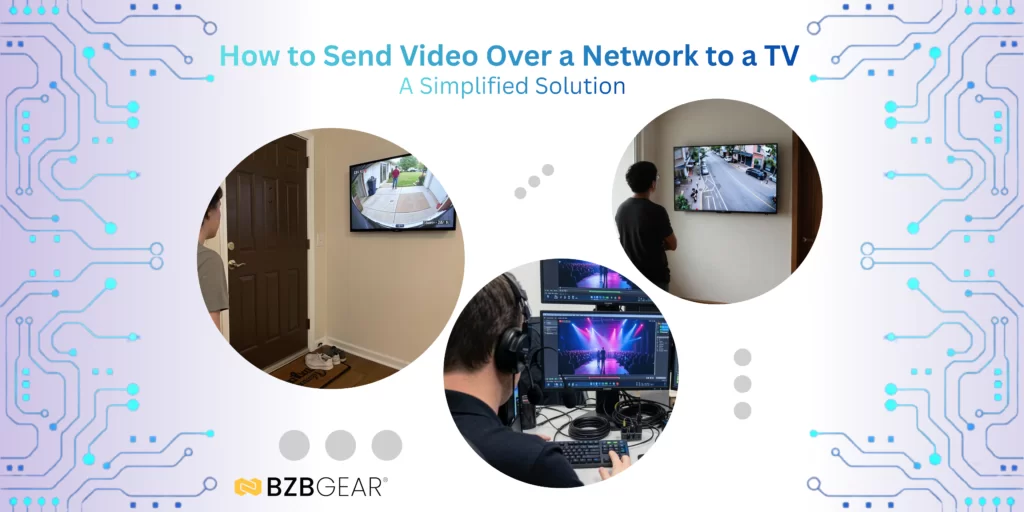
If you’re looking to display a video stream, IP camera feed, or any other IP-based video source on a TV, there’s a straightforward solution: an IP to HDMI decoder. One device, 2-3 cables
While full AVoIP systems are available for larger and more complex installations, IP to HDMI decoders are ideal for simple, point-to-point applications. Point to point means you have your video source on the network, which you want to send to one TV, and that’s it.
These devices are easy to set up and operate, making them a practical choice for many use cases.
Setup is typically straightforward. After powering the unit and connecting it to the network, you can locate its IP address either through your router, identifiable by the MAC address, or via the HDMI output splash screen. From there, access the built in web based control interface by entering the IP address into a browser. Just ensure it’s in the address bar in your browser and not like a standard Google search. Log in using the default credentials provided in the manual, add your IP stream—such as RTSP, RTMP, HLS, TS, SRT, NDI HX, or Dante AV-H (NDI and Dante AV-H are based on model)—and the video should appear on the HDMI output connected to your TV.
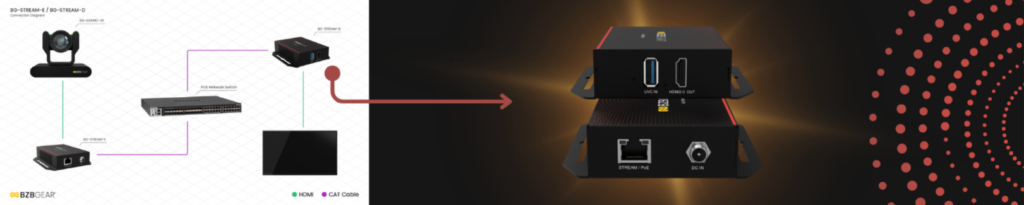
Many of these decoders are compact and support Power over Ethernet (PoE), allowing for quick, clean, and discreet installations. If you happen to have a PoE network switch, you can take advantage of this feature; if not, a power supply is always an option. A good example is the BG-STREAM-D IP/UVC to HDMI 2.0 PoE Decoder, which is designed for simple deployment without the need for additional power supplies (unless it’s needed, of course).


8.00 a.m. - 5.00 p.m. (PST)
10.00 a.m. - 3.00 p.m. (PST)
(by appointment only)



