


How to Build an Affordable Live Stream Studio
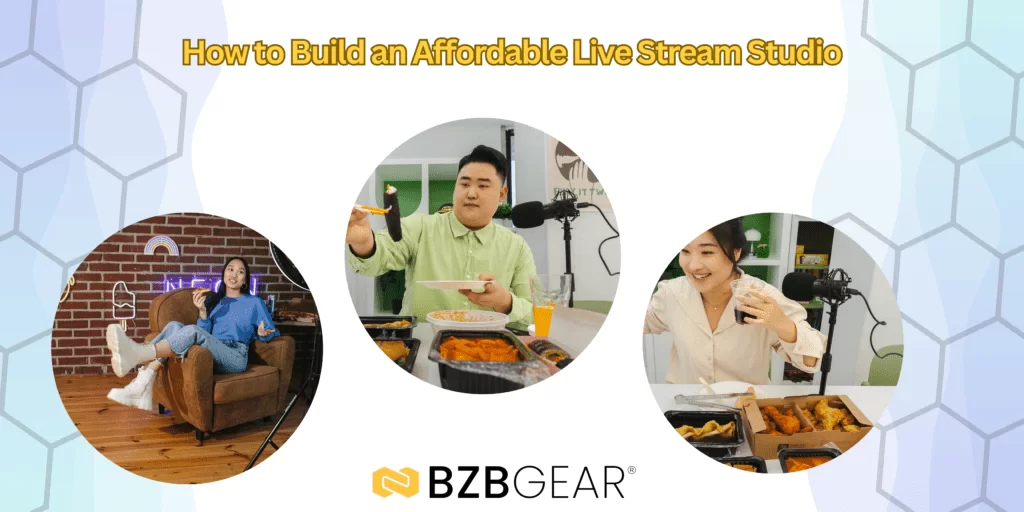
Building a live streaming studio doesn’t require a dedicated room, a massive budget, or professional broadcast experience.
This guide walks through how to build a clean, reliable, affordable live stream studio, focusing on what actually improves quality and what beginners should avoid. If you’re ready to begin your livestream studio building journey, reach out to BZBGEAR!
Choosing the Right Space (Use What You Have)
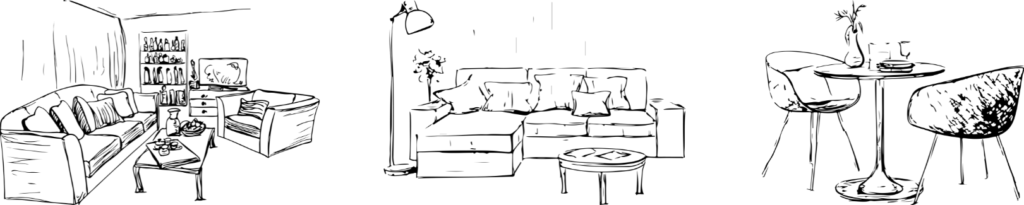
You don’t need a sophisticated studio. Bedrooms, home offices, basements, and even garages can work well if you choose carefully. With some minor adjustments and affordable BZBGEAR live streaming equipment, you’ll be good to go!
What to prioritize:
- Quiet environment – Avoid rooms near traffic, HVAC units, or appliances. These factors can disrupt audio quality; even the slightest audio interference can turn your audience away, especially with long-form content.
- Lighting control – Being able to block sunlight gives you consistent results. You want to have control over the lighting in the room you choose.
- Clean or neutral background – Less visual distraction keeps viewers focused.
Budget fixes for bad rooms:
- Curtains or blankets to absorb sound
- Rugs to reduce echo on hard floors
- Foam panels placed behind the camera (not just behind you)
- Turn off fans, AC units, and loud appliances while live
- Shoot toward a wall, not a window, to control exposure
A “bad” room can still look great with a few smart adjustments. And if you are using BZBGEAR equipment, we are always happy to assist with adjusting exposure and image parameter settings.
Camera Options on a Budget
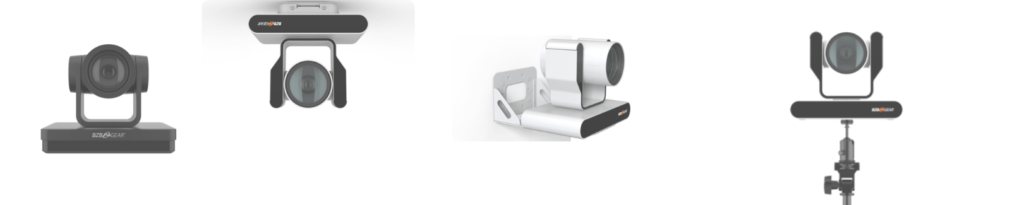
You don’t need a large cinema camera to produce professional-looking streams. BZBGEAR HD and 4K PTZ cameras, box cameras, and webcams can do everything you need to, without breaking the bank.
Entry-level camera choices:
- USB webcams – Easiest to use and very affordable. These can be used as the main cameras or set up to capture different angles.
- PTZ cameras – Great for flexibility, framing, and small studios. With smooth pan/tilt/zoom control using an app or IR remote, streamers can make real-time adjustments without having to manually move their camera or mount.
Clear Audio is Crucial
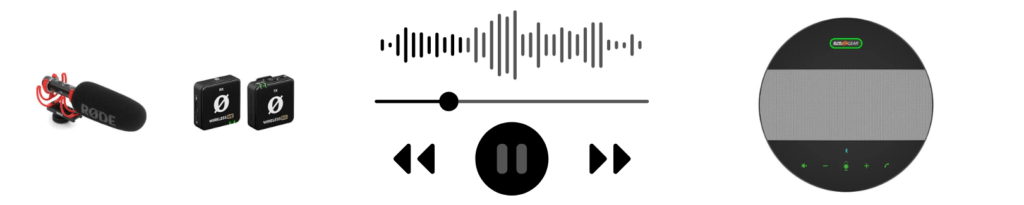
Viewers will tolerate average video, but they will likely leave immediately for bad audio.
Why audio matters most:
- Audio fatigue makes content hard to follow. Especially when viewers are wearing headphones while watching your content, the audio issues are very noticeable.
- Poor sound feels unprofessional, even with great video
Budget-friendly microphone options:
- USB microphones – Simple and reliable
- Shotgun microphones – Great for clean sound when mounted close
- Wireless Microphones - Perfect for mobile and active creators
Common beginner mistakes:
- Using the camera’s built-in microphone
- Placing the mic too far from the speaker
- Recording in an untreated echo-filled room
Simple acoustic improvements:
- Curtains behind the camera
- Soft furniture in the room
- Foam panels at reflection points
Lighting: The Biggest Quality Upgrade Per Dollar
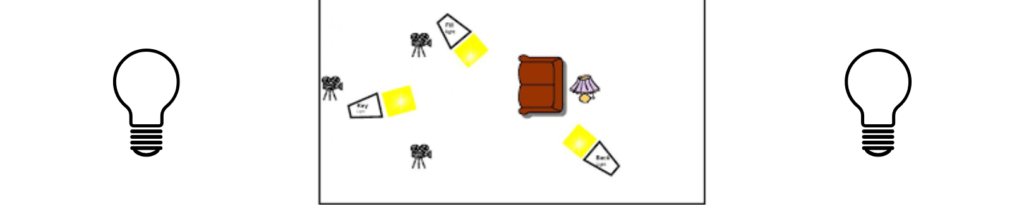
Lighting affects image quality more than camera resolution.
Affordable lighting options:
- LED soft panels
- Ring lights
- Clamp lights with diffusion (paper or fabric)
Basic lighting principles:
- Light your face evenly
- Avoid strong overhead lights
- Use soft, not harsh, light
Simple 3-point lighting (simplified):
- Key light – Main light in front
- Fill light – Softens shadows
- Back light – Separates you from the background
Avoid overexposure and hard shadows—they instantly make a stream look amateur.
Video Switching & Capture (Keep It Simple)

Not every setup needs a hardware switcher. But when a hardware switcher is necessary, BZBGEAR Video Production Switchers will get the job done.
Entry-level options:
- USB capture cards
- Software switching using OBS
- Compact hardware switchers
When a switcher makes sense:
- Multiple cameras
- Camera + screen sharing
- Live productions with movement or presenters
What to avoid:
- Long, complex signal chains
- Mixing unnecessary converters
Start simple. Complexity introduces failure points.
Internet & Network Considerations
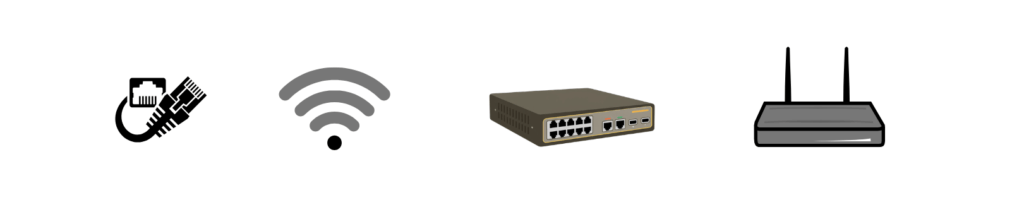
Your stream is only as strong as your upload speed.
Key points:
- Upload speed matters more than download speed
- Wired Ethernet beats Wi-Fi every time
- Stable connection > fast connection
Common mistakes:
- Streaming over crowded Wi-Fi
- Sharing bandwidth with other devices
- Ignoring dropped frames during tests
- Putting all networked devices on DHCP (DHCP is good for getting set up, but these IP addresses can change)
Common Beginner Mistakes to Avoid
- Buying too much gear too fast
- Ignoring audio quality
- Overloading USB ports
- Not testing before going live
- Chasing specs instead of results
Reliable and simple always beats impressive and fragile. Just ensure you have good quality video, audio, and upload quality to begin with. From there, add more if needed or wanted.
Final Takeaway: Start Simple, Upgrade Smart
You don’t need a perfect studio to start streaming.
What viewers care about:
- Clear audio
- Stable video
- Consistent quality
Build a reliable foundation first, then upgrade only when you hit real limitations. Many professional studios began with setups far simpler than what’s possible today on a budget. Give BZBGEAR an email, call, or use our live chat option to get started on building your live streaming setup!


8.00 a.m. - 5.00 p.m. (PST)
10.00 a.m. - 3.00 p.m. (PST)
(by appointment only)



