


How can I stream from my phone to the TV?
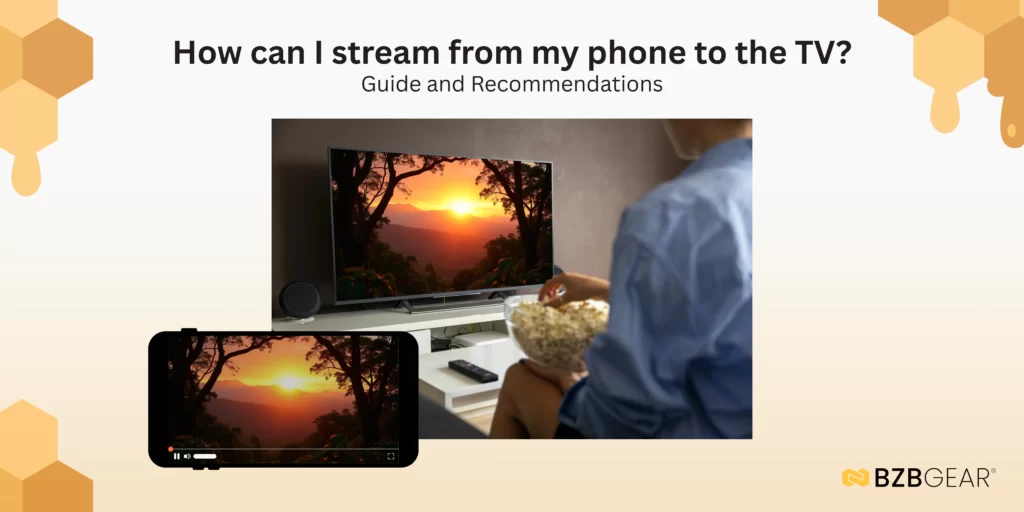
There are several ways to stream content from your phone to a TV, but some methods are more reliable than others when it comes to quality and stability. Wireless connections are convenient and often free, but they can suffer from inconsistent performance and signal drops. And watching YouTube videos on how to wirelessly connect your phone to your TV gets tedious after a while.
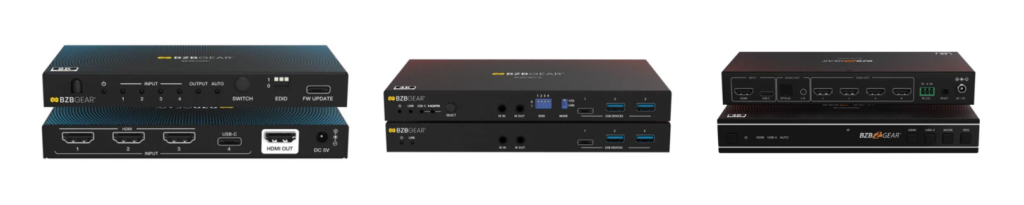
Most modern smartphones now support transmitting both video and audio over USB, which offers a far more stable and dependable solution. Using devices such as USB-C–to-HDMI converters or USB-C/HDMI video switchers is straightforward; the USB-C video and audio output from your phone is simply recognized as a standard HDMI input by the TV. And once these devices are set up, they are plug-and-play, ready to use at any time.
This also allows the TV’s video and audio processing settings to be applied, helping fine-tune and improve overall quality.
For the best results, many users opt for high-speed, AV-capable USB-C cables that support resolutions up to 8K, paired with high-quality converters or video switchers. Some of these switchers and signal extenders also include power delivery, allowing the phone to charge while streaming. This ensures the device won’t run low on battery or enter power-saving mode during extended streaming sessions.
And of course, these setups aren’t limited to smartphones; any modern device with USB-C AV support will work, as long as the video formats are compatible with the equipment and the TV.
While you’re here, check out BZBGEAR solutions for USB-C to HDMI video!


8.00 a.m. - 5.00 p.m. (PST)
10.00 a.m. - 3.00 p.m. (PST)
(by appointment only)



