







HDMI Testers Explained: Analyzers, Pattern Generators, and When to Use Them
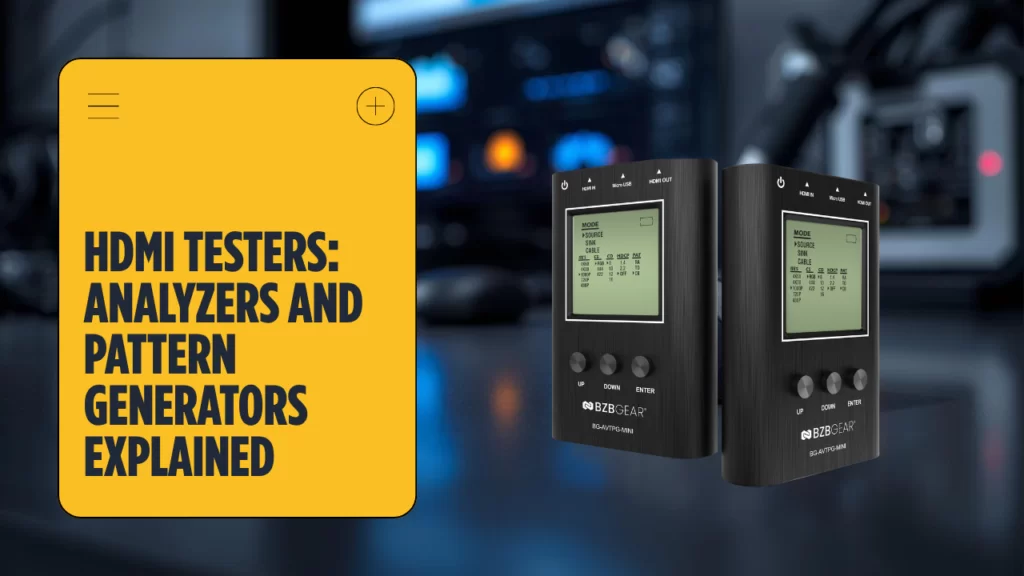
HDMI Testers Explained: Analyzers, Pattern Generators, and When to Use Them
AV troubleshooting can be expensive when the problem is hiding in plain sight. Image problems could come from the source, the cable, the connector, the sink, or even the display, and each and every wrong guess adds more time and labor. Instead of trying to fix it through swapping one cable after another and repeating the same test, an installer should use an HDMI tool to read the signal, isolate the weak link, and move directly to the fix, saving time in the long run.
This guide goes over what an HDMI diagnostic unit does, how analyzers are different from a generator, and why a reference pattern is needed for service and commissioning. It also shows how the same workflow can be used to verify a suspect cable, inspect a worn connector, measure throughput, and also be able to confirm whether a display is reacting the right way to the incoming signal.
What Is an HDMI Tester?
An HDMI tester is a great tool that is used to verify signal integrity across the AV chain. It’s so valuable because instead of having to replace hardware at random, the technician can connect the tool, inspect the signal, check the cable, review the connector, and run a focused test. In practice, this category breaks into two main functions. One function reads a live signal and reports what it finds. The other uses a built-in generator to send a known pattern through the route.
In some other cases, it is a better choice to remove the source from the chain and use a generator to send a clean pattern. These units can also sometimes behave like an HDMI service probe for the connector itself, which is valuable because a bent contact or unstable connection may stop the signal before it ever reaches the display.
HDMI Signal Tester and Analyzer
An analyzer is designed to be able to read an active signal. The installer takes the tool and inserts it into the route, which then captures the incoming HDMI data, and studies timing, handshake status, and EDID information. If the analyzer can’t read a signal signal, the source or the port may be dead. If the source looks healthy but the display still isn’t showing anything, the technician can inspect the cable, move to another port, and repeat the test which helps to remove guesswork from the equation.
HDMI Tester with Pattern Generator
A pattern generator does something similar but it works from the opposite direction. Instead of reading an existing signal, the generator will create its own pattern and send it through the line. This mean that the technician gets to run a controlled test even when the source is unreliable or unavailable. A known pattern makes it easier to judge whether the display is reproducing the image properly and whether the cable can even carry the format without visible errors.
This is why it’s common for many integrators to rely on a generator during installs. They can connect the generator, choose a pattern, verify that each port passes the image, and confirm that each display behaves just as expected. A unit with an internal generator can therefore act as an HDMI field source, a cable qualifier, and a stable baseline for every test.
How Does an HDMI Tester Work?
First, connect the tester where the fault may exist. That may be next to the source, between the source and the cable, at the rack port, or near the display. Next, either read the live signal or use the generator to inject a known pattern. Then review the data.
A typical workflow looks like this:
-
Connect the HDMI tester into the chain.
-
Choose live analysis mode or enable the generator.
-
Send a reference pattern or read the incoming signal.
-
Review HDCP, EDID, timing, and bandwidth data.
-
Move to the next cable, port, or display if the first test fails.
Each result tells the technician something different. If the unit sees no signal, the source or port may be failing. If HDCP does not complete, the cable or endpoint may be blocking the handshake. If EDID looks wrong, the source may be reading incorrect display capabilities. If the pattern shows artifacts, the cable may be too weak for the required bandwidth.
HDMI Tester 4K: Bandwidth and Display Testing
Higher-resolution systems put more stress on the chain. A setup may pass a simple test at lower data rates but fail when 4K pushes the route harder. That is why an HDMI workflow for 4K has to account for higher bandwidth, HDR metadata, and stricter copy protection. A weak cable, a worn port, or an unstable display can break the route even when casual content appears to work.
An HDMI unit built for 4K can show whether the signal remains stable at the required bandwidth. That matters on long runs, hidden infrastructure, and new builds where one marginal cable can affect the whole install. The best method is to send a demanding pattern from the generator, measure the response, and confirm that the signal stays clean at the expected bandwidth. If the image fails only under full load, the cable may not meet spec even though it passes a lighter test.
An HDMI commissioning check helps the technician confirm that the panel or projector is reading timing and metadata correctly. In a video wall or another multi-screen layout, one unstable port or one weak cable can affect the entire install. A known pattern from the generator makes comparison easier, while a careful test shows whether the display behaves consistently at the required bandwidth.
Best HDMI Tester: How to Choose
The best HDMI tester depends on the job. A field technician may need a compact tester with battery power, a bright screen, and a fast test routine. A bench technician may want deeper reporting and more control over the outgoing pattern. Some buyers mainly need a generator that can send reliable pattern options. Others need a combined analyzer and generator that can inspect the signal, verify the cable, and confirm the health of each port without changing tools.
If the team mostly diagnoses live failures, an analyzer-focused unit may be enough. If the team commissions new rooms, a dedicated generator with strong pattern control may deliver more value. If one versatile device is the priority, an all-in-one tester is often the better compromise.
Conclusion
An HDMI diagnostic unit is not just another accessory. It is the tool that turns troubleshooting into a method. Use an analyzer when a live signal is failing and the source stays in the chain. Use a generator when you need a known pattern to validate a cable, inspect a port, or confirm a display without relying on the source. Use an all-in-one tester when a single device must cover the widest range of calls.
For installers and service teams, the logic is simple. A reliable pattern speeds up every test. A capable generator reveals whether the route is healthy. A good analyzer proves whether the signal, the cable, the port, or the display is causing the problem. Before buying, compare the type of pattern output, the role of the generator, the reliability of the signal readings, and the amount of bandwidth the unit can validate. Then match the right HDMI option to the work your team handles most often.


8.00 a.m. - 5.00 p.m. (PST)
10.00 a.m. - 3.00 p.m. (PST)
(by appointment only)


