


HDMI Multiviewers for Gaming
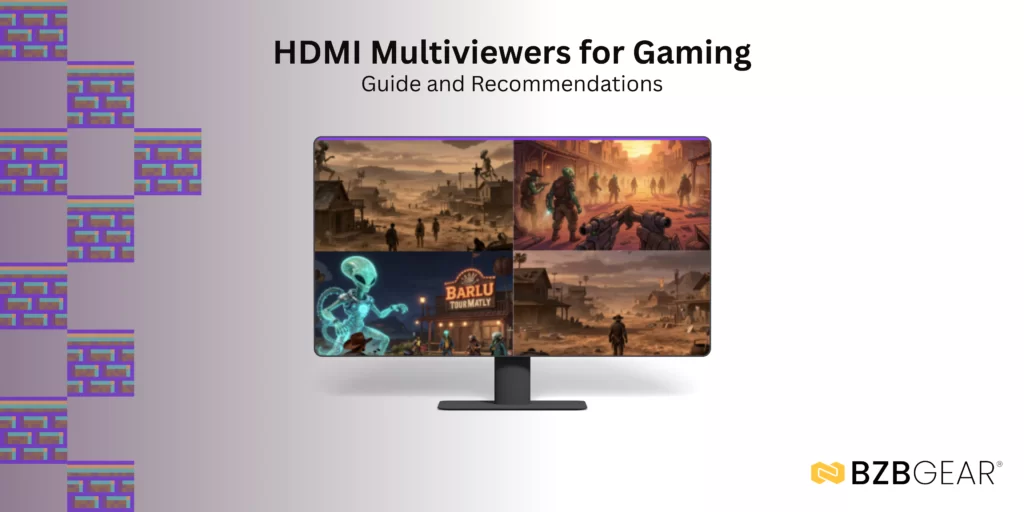
Gamers are using HDMI multiviewers in two main ways. Content-creating gamers use them to simplify complex setups, allowing them to view multiple screens at once, combine gameplay with guides or chat, stream more effectively, and support social or competitive play without the need for large multi-monitor rigs. Casual gamers, on the other hand, often just want to play with others on a single TV or enjoy classic “splitscreen” multiplayer gaming. Whether you create content, play casually, or do a bit of both, these are the features you want to look for when shopping for an HDMI multiviewer.
Key Features to Look for in Gaming Multiviewers
Resolution and HDMI Compliance
The most important feature is support for input and output resolutions up to 4K2K@60 4:4:4, with at least HDMI 2.0 compliance. This ensures strong, stable video and audio signals. Full compliance also guarantees accurate color grading and lighting—critical for gaming, where even small visual details can impact performance in certain titles. As a casual gamer myself, there’s nothing worse than losing a match because you couldn’t see something or someone that everyone else could see.
Flexible Display Modes
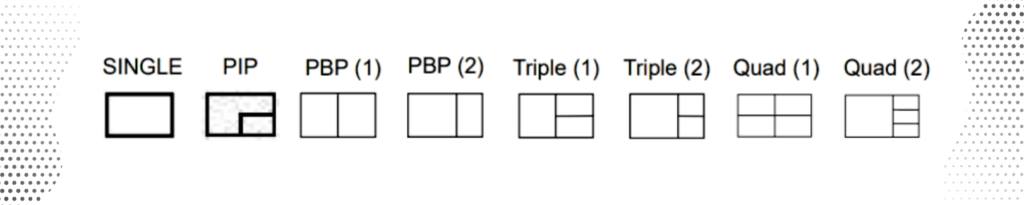
Look for multiviewers that offer multiple display modes, such as SINGLE, PIP, PBP (1), PBP (2), Triple (1), Triple (2), Quad (1), and Quad (2). Limiting yourself to just one or two multiview options can be frustrating. For example, if a device only supports quad view but you only need two quadrants one day, the extra two quadrants will remain blank, reducing efficiency. And you’ll be playing one or two smaller quadrants that could be double the size, if only you had the correct configuration available.
Multiple Control Options
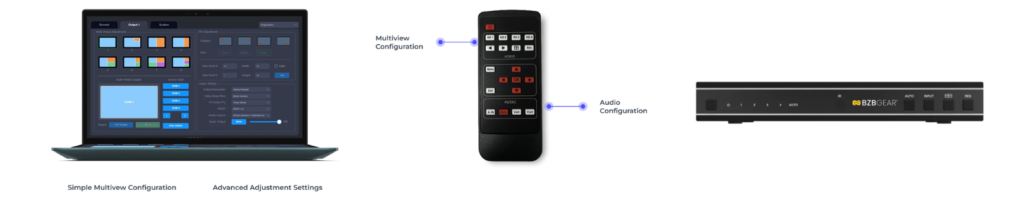
Control flexibility is often overlooked until you need it. Some units are limited to front-panel buttons, which isn’t convenient if the device is tucked away for a clean setup. Choose devices that offer multiple control options, such as front-panel buttons, IR remote, IP, and RS-232 commands. Devices with RS-232 and/or IP control often include proprietary software, enabling you to configure display layouts, adjust audio settings, resize, crop, and optimize your multiviewer for the best results.
Since you're here, check out BZBGEAR Multiviewer Solutions!


8.00 a.m. - 5.00 p.m. (PST)
10.00 a.m. - 3.00 p.m. (PST)
(by appointment only)



