







Common HDMI 2.1 Problems in Large AV Systems — and How to Solve Them
If you've ever wired up a large HDMI 2.1 installation only to get a black screen, a dropped signal, or a flickering display that wasn't doing any of that 10 minutes ago — you're not alone. HDMI 2.1 is genuinely impressive technology. It pushes up to 48Gbps of bandwidth, supports 8K resolution, 4K120, Variable Refresh Rate (VRR), and a host of other features that make it the gold standard for high-performance AV signal transport. But the more complex your installation, the more places things can go wrong.
The good news is that most HDMI 2.1 problems in large systems follow predictable patterns — and once you know what you're dealing with, the fixes are usually straightforward. Let's break them down.
The Cable Distance Problem
Here's something that catches a lot of installers off guard: passive HDMI 2.1 cables are only reliable up to about 3 meters (roughly 10 feet). That's it.
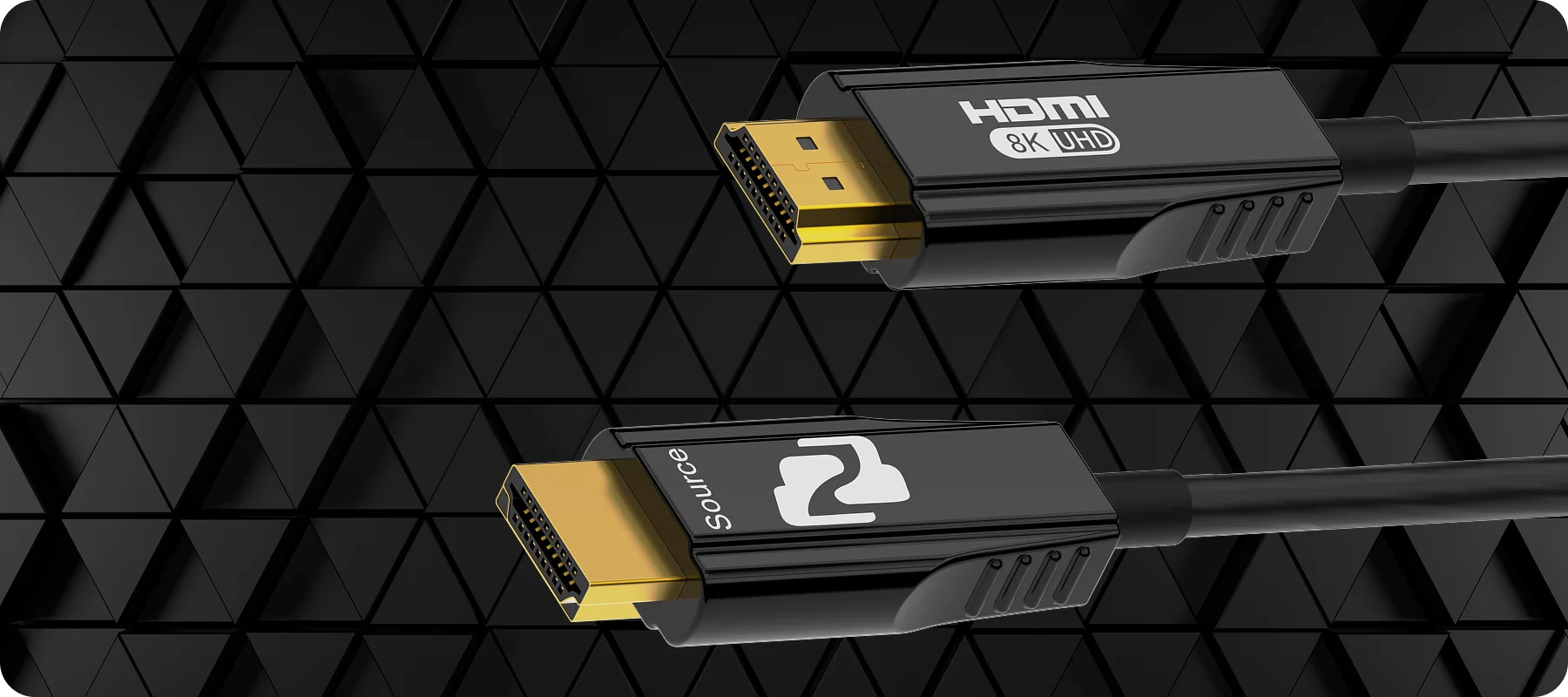
The reason comes down to physics. HDMI 2.1 uses a signaling method called Fixed Rate Link (FRL), which moves data at much higher frequencies than previous HDMI versions. The higher the frequency, the more sensitive the signal is to the resistance and capacitance of a copper cable. Beyond 3 meters, that passive copper cable starts losing signal integrity fast — and the result is HDCP handshake failures, intermittent dropouts, or no signal at all. In a room where your source and display are 30, 50, or 100 feet apart? A passive cable simply isn't going to cut it.
The fix: For any serious run, you need to either go active or go fiber. Active optical HDMI cables can carry a clean 48Gbps signal over much longer distances. For even greater reach — think across a campus or between floors — a dedicated HDMI 2.1 fiber extender is the right tool. The BG-IPGEAR-XTREME-F from BZBGEAR handles uncompressed 4K60 4:4:4 and visually lossless DSC-compressed 4K144 over a single-mode fiber cable for up to 10km. Whether your run is 50 feet or 5 miles, distance stops being a limiting factor.
EDID and Handshake Failures
Extended Display Identification Data (EDID) is the protocol that allows source devices and displays to communicate what they can each support before any video starts flowing. Think of it as a digital handshake — your source asks the display, "what can you handle?" and the display responds with a list of supported resolutions, refresh rates, and color depths.
In a small two-device setup, EDID mostly works without anyone thinking about it. In a large system with matrix switchers, splitters, signal extenders, and multiple displays, it gets complicated fast. Any device in the chain can pass along incorrect EDID data, and when the source gets a conflicting or corrupted response, it doesn't know what to output. The result is usually a black screen, a resolution mismatch, or a source that refuses to output 4K even when your display supports it.
HDCP (High-bandwidth Digital Content Protection) adds another layer of complexity. Every device in the signal chain has to support the same version of HDCP, and even one non-compliant link breaks the whole chain.
The fix: Use equipment with built-in EDID management. Modern matrix switchers handle this automatically — they store and manage EDID profiles for every connected display so your source always gets a consistent, accurate response regardless of what's physically connected downstream. Look for switchers that allow you to manually set or copy EDID profiles, especially when your display lineup isn't uniform.
Not All "HDMI 2.1" Is Actually the Same
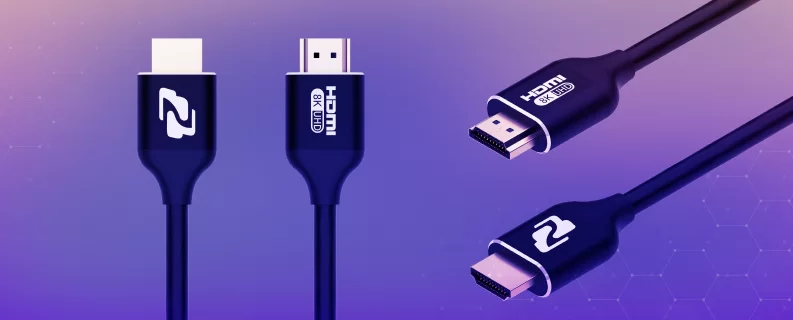
This one surprises people every time. When HDMI 2.1 was released, the HDMI Forum made all of its new features — FRL signaling, 48Gbps bandwidth, VRR, ALLM, DSC compression — optional. That means a device can legally carry an "HDMI 2.1" label while only supporting, say, 18Gbps of bandwidth. The same bandwidth as HDMI 2.0.
In a large AV system where you're counting on full 48Gbps throughput to carry 8K60 or 4K120 signals, this creates real problems. You might wire everything up, verify every connection, and still end up with a downscaled image because one device in the chain only supports a fraction of the spec.
The fix: Read the specs carefully, not just the label. Before purchasing any device for a high-bandwidth installation, verify that it explicitly supports 48Gbps FRL signaling — not just "HDMI 2.1." At BZBGEAR, the 8K matrix switcher line is spec'd for full-bandwidth HDMI 2.1, so what the label says is what you actually get.
Managing Multiple High-Bandwidth Signals
Even when every individual component is spec'd correctly, routing multiple 48Gbps HDMI 2.1 signals through a large system adds another layer of challenge. Every output in a large installation needs stable signal routing, consistent EDID management, and reliable switching — and trying to cobble that together with a collection of single-purpose devices creates more failure points, not fewer.
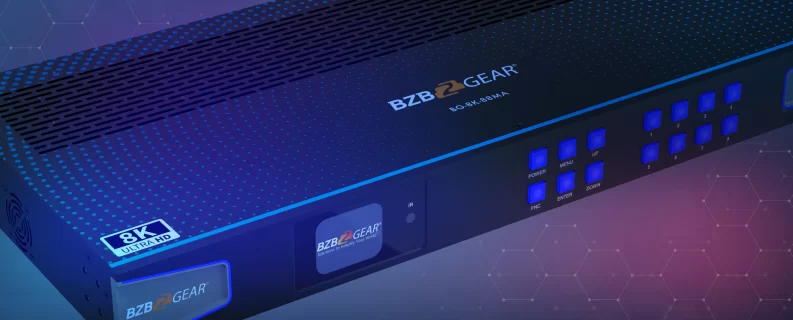
The fix: A purpose-built HDMI 2.1 matrix switcher handles all of this in one box. For larger installations, the BG-8K-88MA is an 8x8 matrix switcher that routes eight HDMI 2.1 sources to eight displays simultaneously, with built-in auto-downscaling, audio de-embedding, and support for VRR, FVA, and ALLM. Instead of chaining together disparate equipment and hoping everything negotiates correctly, you've got one device managing signal integrity, EDID, and routing across the whole system.
The Takeaway
HDMI 2.1 is powerful, but large systems demand equipment that's built to handle the complexity that comes with it. Keep cable runs short or go fiber, use gear with solid EDID management, verify that "HDMI 2.1" claims are backed by full 48Gbps specs, and simplify your routing with a purpose-built matrix switcher.
If you're planning a large HDMI 2.1 installation and want to talk through the right setup, we're here to help. Reach out to the BZBGEAR team or explore the full lineup of 8K-compatible devices at BZBGEAR.com — we'd love to make sure your system works exactly the way it should, right from day one.


8.00 a.m. - 5.00 p.m. (PST)
10.00 a.m. - 3.00 p.m. (PST)
(by appointment only)