


Can I Connect Multiple Consoles to One TV?
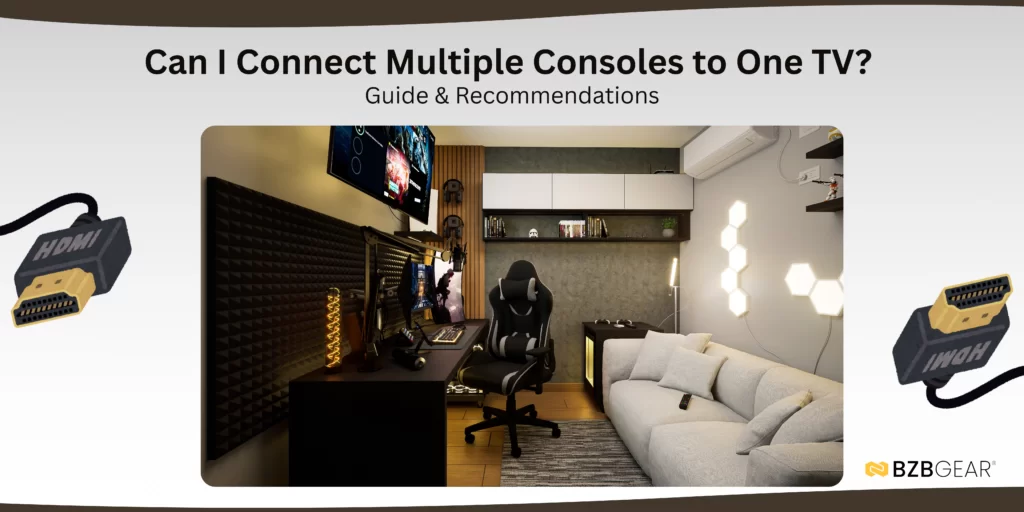
Short answer: Yes.
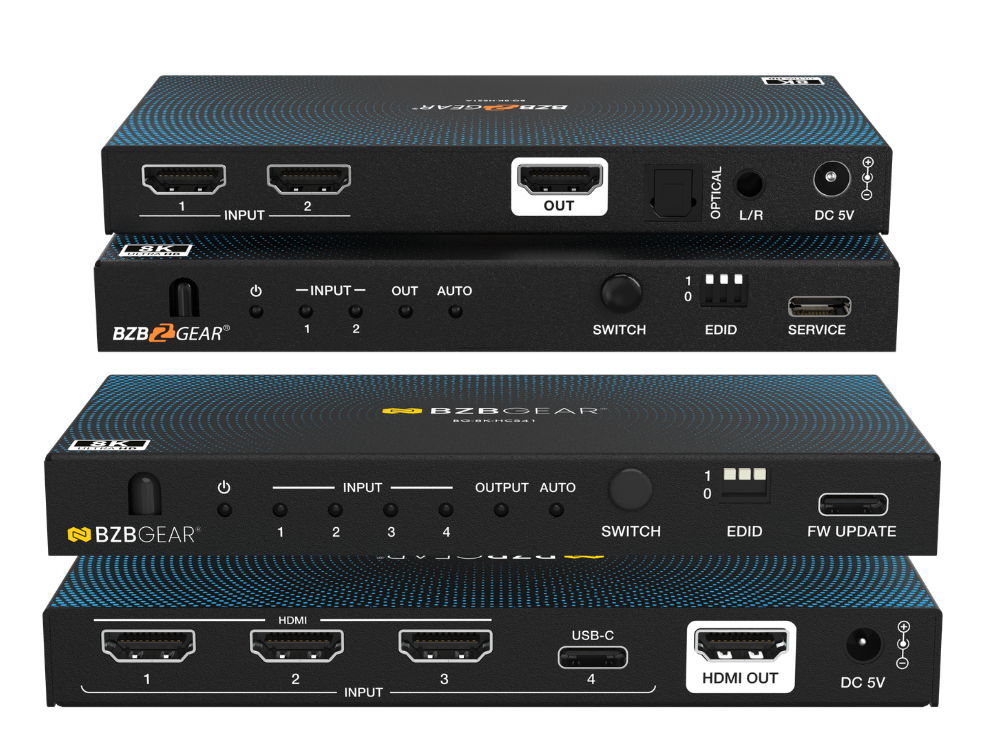
The best way to connect multiple consoles or HDMI source devices to a single TV is by using an HDMI switcher. Sometimes referred to as basic or simple HDMI switchers, these devices allow you to connect multiple HDMI sources to one central unit and then switch between them as needed. The number of inputs is based on the product, but typical configurations range from 2X1 to 4X1.
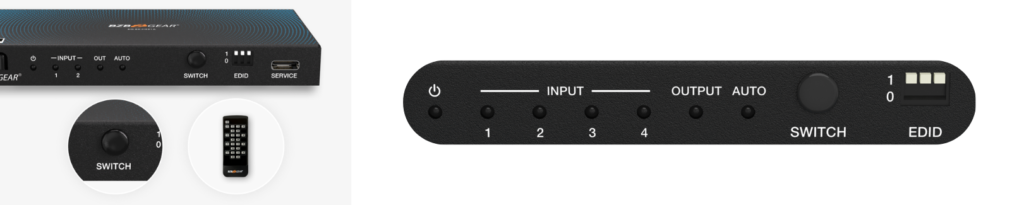
Most HDMI switchers let you change sources using a remote control or buttons on the front panel. Some higher-end models also support external control systems, allowing advanced users to integrate them into custom control setups using command protocols. Many switchers additionally feature auto switching, which automatically changes inputs when a console is powered on or when the currently active source is turned off.
And for managing video format settings, some switchers come equipped with EDID dip switches for setting specific video and audio formats based on what's needed. And by default these switches are usually configured for "Auto" or "Pass through" mode which essentially just sends the signal as is.
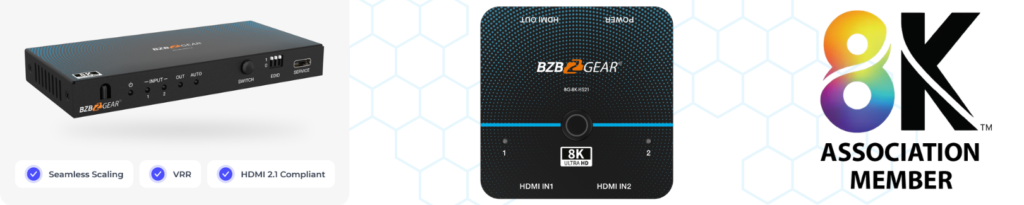
For gaming consoles in particular, an 8K HDMI switcher or HDMI 2.1 switcher is the best option. These models support resolutions up to 8K and 4K at 120Hz, making them ideal for modern gaming consoles like the PS5 Pro, which are designed to take advantage of higher refresh rates and next-generation video performance.
Because these switchers are HDMI 2.1–compatible, they also support advanced gaming and video features such as Variable Refresh Rate (VRR) and Auto Low Latency Mode (ALLM). VRR dynamically adjusts the display’s refresh rate to match the console’s output, helping reduce screen tearing, stuttering, and input lag for a smoother gaming experience.
If you're interested in finding an HDMI switcher for your setup, check out BZBGEAR 8K HDMI switchers here!


8.00 a.m. - 5.00 p.m. (PST)
10.00 a.m. - 3.00 p.m. (PST)
(by appointment only)



