


BZBGEAR AVoIP: A Simple Guide to Choosing the Right System
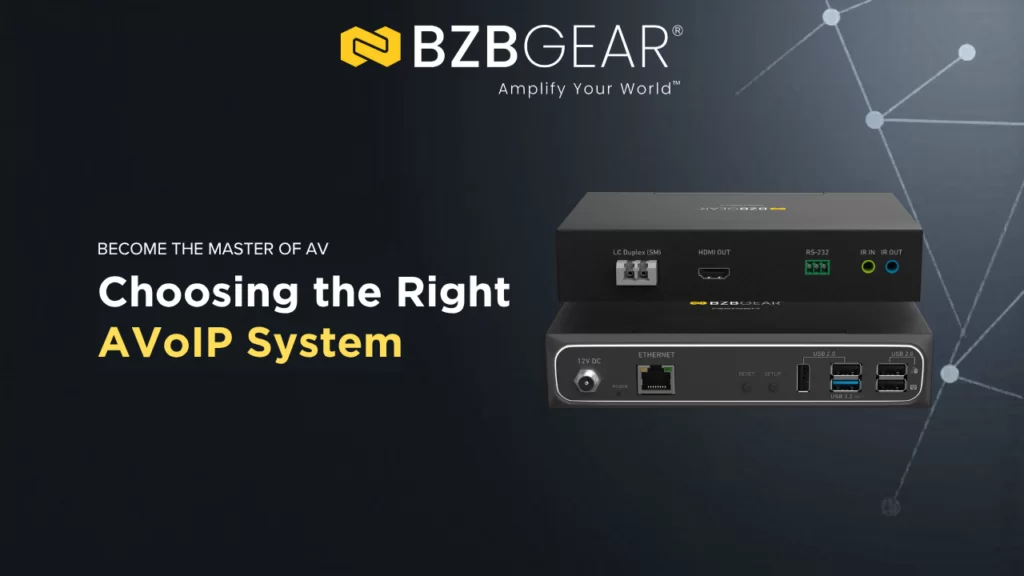
If you are new to AVoIP, picking the right product can begin to feel overwhelming very fast once you begin to dive in. Terms like multicast, matrix switching, video wall, and KVM can pile up and make it a bit harder to immediately know what you need, and when several products seem similar on the surface, it is easy to choose a more robust system than you need or even less than you wanted.
This guide is meant to make that decision easier.
We’ll be focusing on these five products inside of BZBGEAR’s AVoIP lineup: The BG-VOP-MT, BG-IPGEAR-PRO, BG-IPGEAR-ULTRA, BG-IPGEAR-XTREME, and BG-IPGEAR-XTREME-PRO. They all let you send AV signals over a standard network instead of using traditional point-to-point AV cabling, but they are built for different needs, budgets, and performance levels.
The good news is that the lineup is fairly easy to understand once you focus on a few key questions:
- What video quality do you need?
- How much latency can you tolerate?
- Do you need features like video wall, multiview, or KVM?
- Are you working on regular 4K displays, or do you need higher refresh rates or even 8K?
- Do you need fiber support, audio return, or advanced USB connectivity?
Let’s start with the basics.
What Is AVoIP?
AVoIP stands for Audio-Video over IP.
In simple terms, it means sending video, audio, and control signals through a network switch instead of through a traditional AV matrix switcher and dedicated cabling. That makes systems easier to expand, easier to route, and often more flexible for larger buildings or multi-room installations.
Instead of being locked into a traditional hardware matrix, you can route sources to displays over the network but also do so much more that a matrix can’t. Some models are also able to handle video walls and multiviewing which makes AVoIP especially useful for:
- digital signage
- conference rooms
- classrooms
- hospitality spaces
- houses of worship
- control rooms
- broadcast environments
BZBGEAR’s lineup is built around that idea, but each model targets a different level of performance.
A Quick Way to Understand the Lineup
Here is the simplest way to think about it:
- BG-VOP-MT is the basic, flexible entry point.
- BG-IPGEAR-PRO is the step up for full 4K60 and longer cable runs.
- BG-IPGEAR-ULTRA adds more advanced display features, fiber support, and stronger multiview capabilities.
- BG-IPGEAR-XTREME is built for very high-performance 4K systems with HDMI 2.1, 4K120, and advanced USB/KVM needs.
- BG-IPGEAR-XTREME-PRO is the flagship option for the most demanding installs, including 8K support and the broadest set of inputs and audio features.
Now let’s look at each one in further detail and depth.
BG-VOP-MT: The Easiest Place to Start
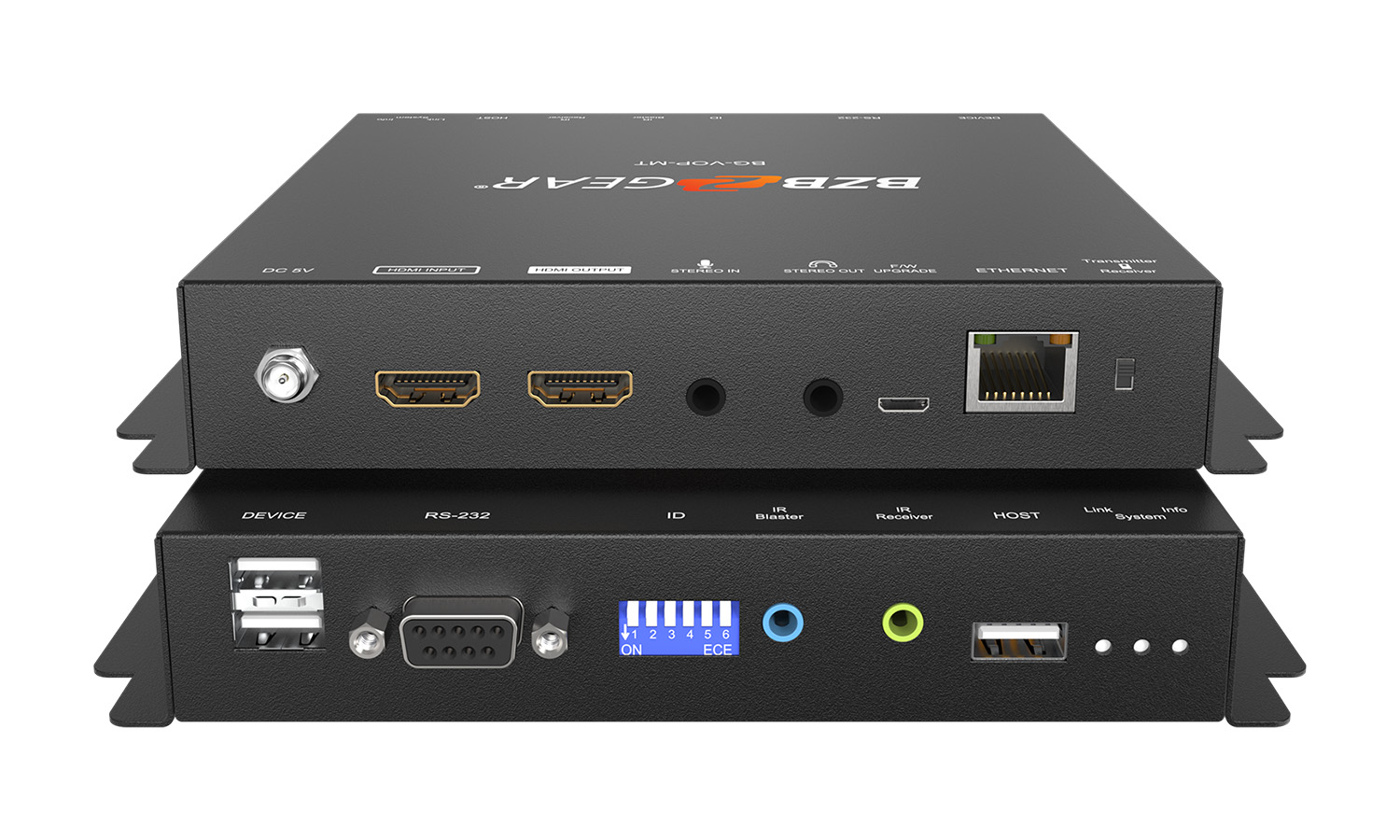
The BG-VOP-MT is the most straightforward model in the lineup.
Its biggest convenience is that the same unit can act as either a transmitter or a receiver. You switch its role on the hardware, which makes purchasing and inventory easier because you do not need separate encoder and decoder models.
This system supports up to 4K@60 input, but its output is limited to 4K@30, so it is best for projects where ultra-smooth motion is not the top priority. That makes it a good fit for signage, information displays, meeting spaces, and other everyday AV distribution tasks.
It also includes useful features like:
- USB 2.0 KVM extension
- audio embedding and de-embedding
- video wall support
- IR and RS-232 control
- operation over Cat.5e/6 up to 100 meters
This is a good product for people who want a practical AVoIP starting point and do not need the most advanced switching or display features.
Best fit: digital signage, smaller video distribution systems, classrooms, conference rooms, and budget-conscious projects.
BG-IPGEAR-PRO: Full 4K60 and Longer Distance

The BG-IPGEAR-PRO is a logical next step up.
Unlike the VOP-MT, this family uses separate transmitter and receiver units. Its main advantage is that it supports full 4K@60 output and can reach up to 120 meters over cat, which is the longest copper run in this lineup.
That extra distance can matter in larger spaces, especially where equipment racks and displays are far apart.
Like the MT, the PRO supports:
- USB 2.0 KVM extension
- audio embedding and de-embedding
- IR and RS-232 control
- matrix-style AV routing through its controller
- Video wall support
It also adds optical S/PDIF output, which may be helpful in installations where digital audio connectivity matters. And it adds multiviewing support.
If you want a more capable 4K system but still do not need cutting-edge HDMI 2.1 features, the PRO is a very sensible option.
Best fit: corporate AV, lecture halls, medium-to-large distribution systems, and installs that need 4K@60 plus longer cable runs.
BG-IPGEAR-ULTRA: The Most Flexible 4K System
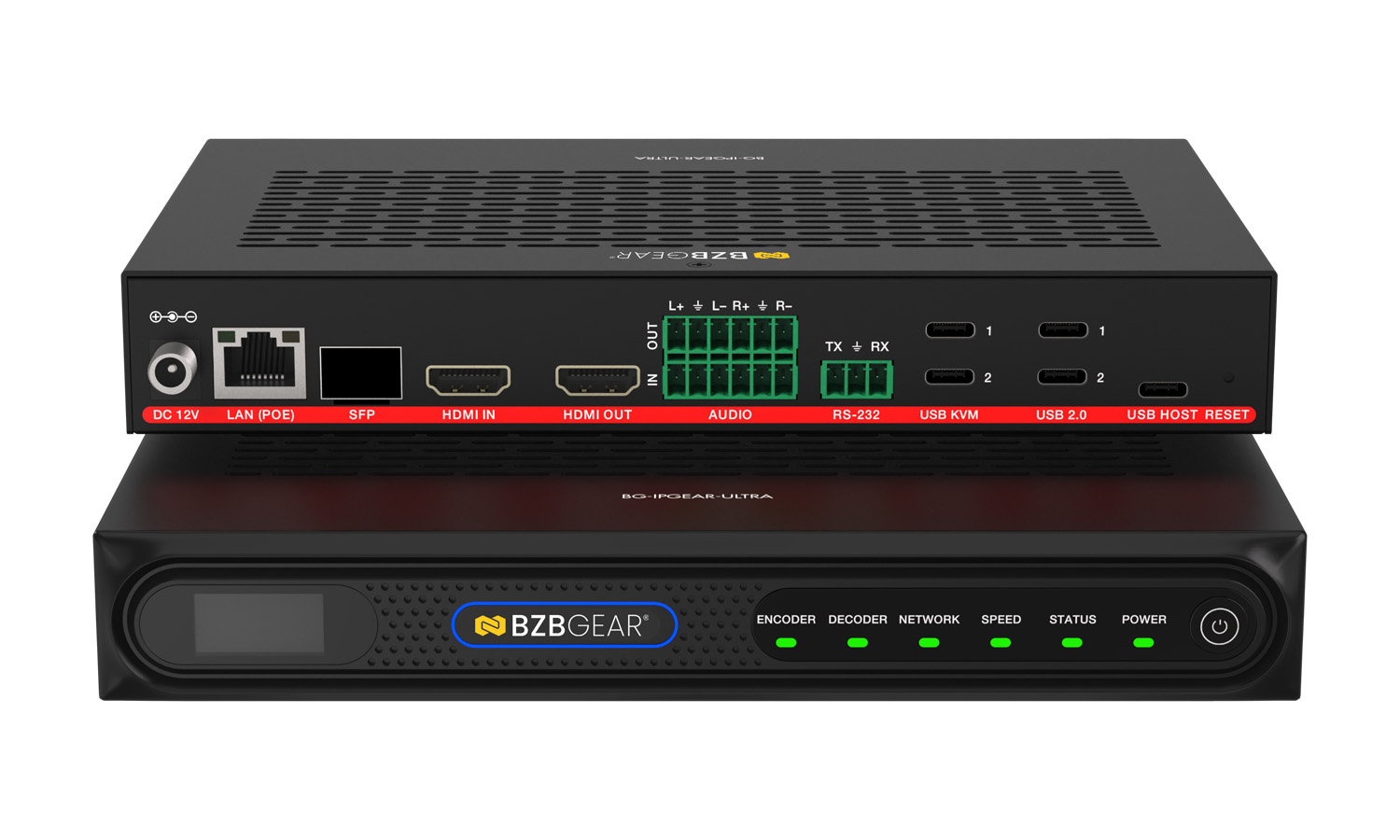
The BG-IPGEAR-ULTRA is where the lineup becomes much more advanced.
It takes everything you love about the PRO, but is designed for more demanding environments where you need better display control, stronger multiview capabilities, and more flexibility in how the system is deployed.
One major advantage is that ULTRA is the only product in the lineup with both copper and SFP fiber support. If your project needs fiber connectivity, this is the go to option.
Another key strength is the multiview function. ULTRA can display up to 16 signals at once, which is far beyond what most simpler AV distribution systems can do. If you are building a control room, operations center, or any display environment where many sources need to appear at once, this matters a lot.
ULTRA also supports:
- HDMI 2.0b
- H.264/H.265 transport
- seamless switching
- video wall and advanced display composition
- balanced analog audio I/O
- USB 2.0 KVM
- app and web-based control
This is the model to look at when a basic 4K system is not enough and you need more professional display handling.
Best fit: universities, large corporate systems, command centers, hospitality venues, broadcast support spaces, and projects requiring advanced multiview or fiber.
BG-IPGEAR-XTREME: Built for High-Performance 4K
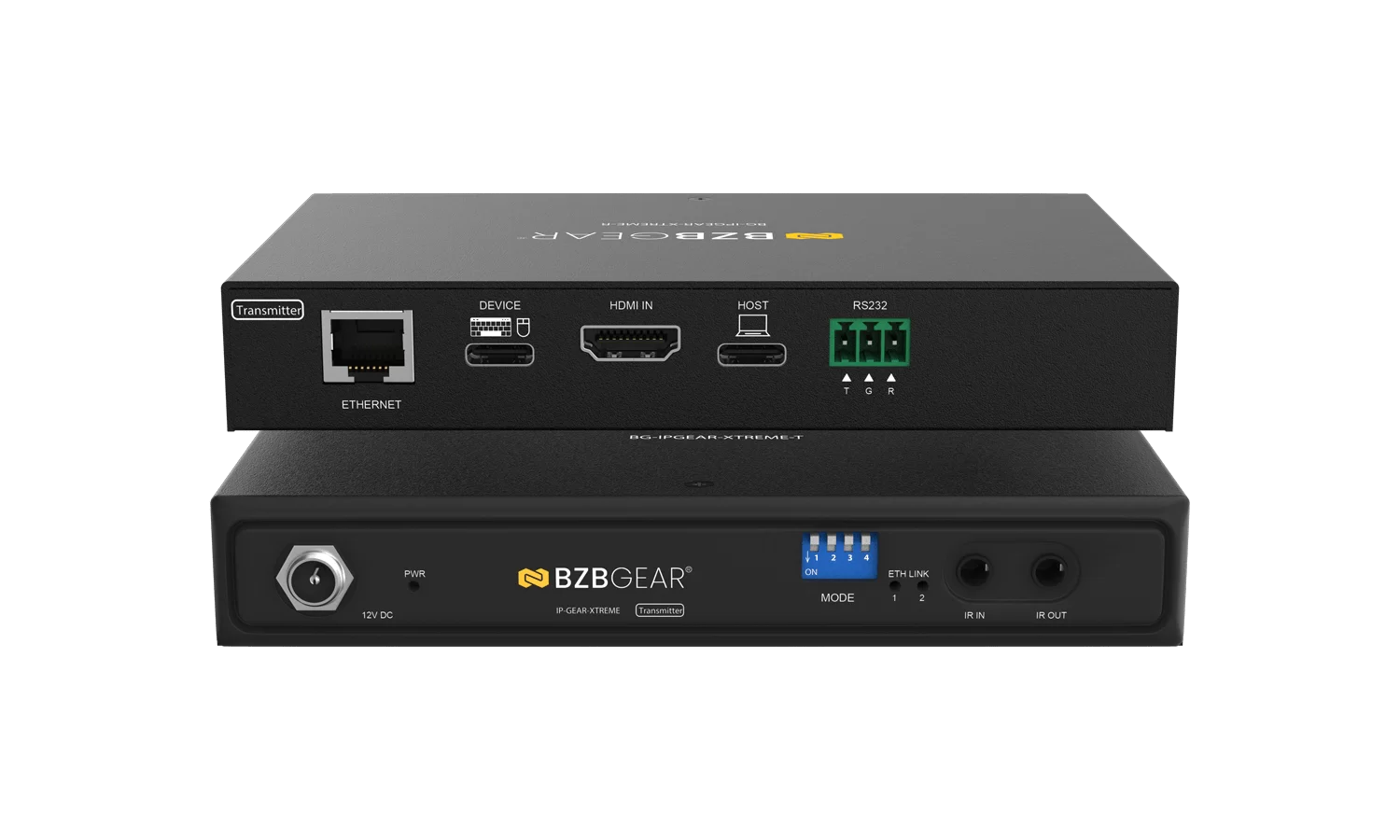
The BG-IPGEAR-XTREME is a major leap in performance.
This is where BZBGEAR moves into HDMI 2.1 territory, which means support for features that matter in fast-moving, high-bandwidth applications. It supports up to 4K@120, along with VRR, ALLM, USB 3.1 KVM, and sub-frame latency.
For someone new to AV, here is the practical takeaway: XTREME is for situations where smooth motion and low delay really matter.
That can include:
- live production
- esports and gaming environments
- interactive spaces
- premium control room applications
- fast-paced broadcast workflows
It also supports eARC/ARC on the receiver, which helps when audio needs to return from a display to another audio device, and it has CEC!
XTREME is not the product most people need for a standard conference room. But if your project needs high refresh rate 4K and faster USB/KVM performance, it becomes much more compelling.
Best fit: broadcast, gaming, live events, high-performance control systems, and projects that need 4K120 with very low latency.
BG-IPGEAR-XTREME-PRO: The Flagship Option
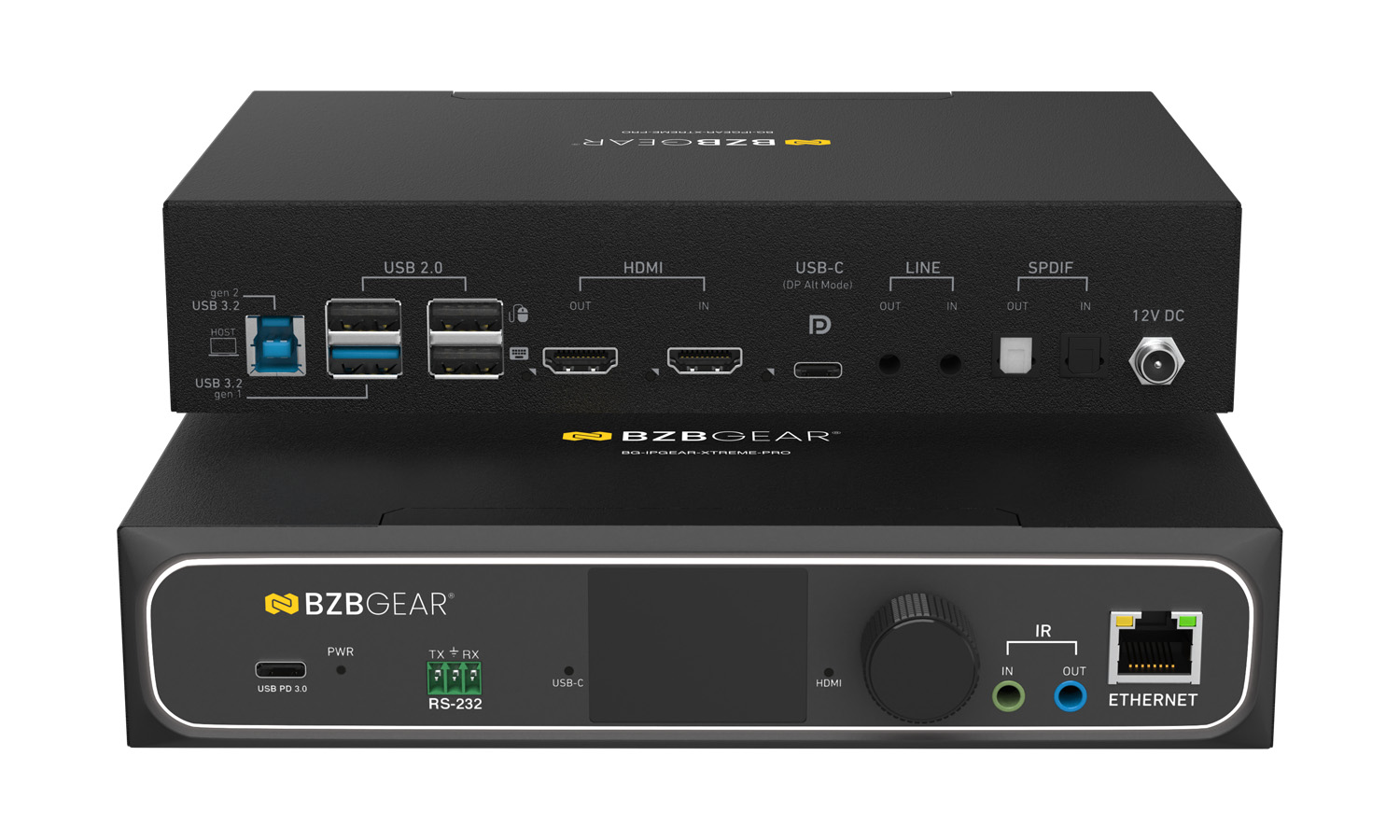
The BG-IPGEAR-XTREME-PRO sits at the top of the range.
This is the most feature packed and advanced option in the group. It supports 8K60 or 4K144, uses Cat.6A cabling, includes USB-C input, adds TOSLINK optical audio, supports eARC/ARC, and includes an LCD front-panel display for local monitoring and control.
To put it simply, this is the product for installations that want the broadest feature set and the highest top-end performance.
It is especially useful where you may need a combination of:
- very high resolution
- high refresh rates
- more audio flexibility
- advanced KVM support
- front-panel status visibility
- broader source compatibility
This is not the right choice for every project. In fact, for many installs it would be unnecessary. But in premium enterprise, healthcare, broadcast, or advanced visualization environments, it can make sense.
Best fit: flagship installs, healthcare imaging environments, enterprise headquarters, advanced video walls, premium gaming spaces, and 8K-ready deployments.
Which One Should You Choose?
If you are not deeply familiar with AVoIP, this simple decision guide may help.
Choose BG-VOP-MT if you want the most approachable and flexible starting point for everyday AV distribution and don’t need to run signals above 4K@30.
Choose BG-IPGEAR-PRO if you need true 4K@60 output and longer copper runs.
Choose BG-IPGEAR-ULTRA if you need more advanced display features, stronger multiview, or fiber support.
Choose BG-IPGEAR-XTREME if you need HDMI 2.1, 4K@120, lower latency, and faster USB/KVM capabilities.
Choose BG-IPGEAR-XTREME-PRO if you need the highest-end feature set, including 8K support, USB-C input, expanded audio options, and premium control features.
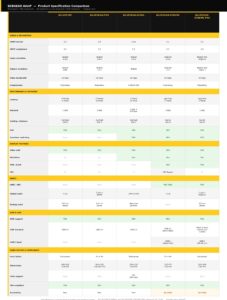
To help distinguish further here is a chart that goes over the specs of all the models.
Side-by-side Specification Comparison
What Matters Most When Comparing Them?
If you still need some help figuring out which to purchase, here are five things to help narrow it down:
1. Resolution and refresh rate
If your project is standard signage or conference-room AV, you probably do not need 4K120 or 8K. That keeps the MT, PRO, or ULTRA in the conversation. However, if you do need high refresh rates, XTREME or XTREME-PRO are the better choices.
2. Latency
For signage and standard presentations, a little delay is usually acceptable. For gaming, live switching, and interactive environments, very low latency becomes much more important. That is where XTREME and XTREME-PRO stand out.
3. Display features
If you only need straightforward signal routing, the entry models may be enough. If you need multiview or more complex display layouts, ULTRA, XTREME, and XTREME-PRO are better suited to those needs.
4. USB and KVM needs
If you only need a basic keyboard-and-mouse extension, USB 2.0 may be enough. If you need more advanced USB performance, the XTREME family is a stronger pick.
5. Cabling and connectivity
Most of the lineup runs over standard copper network infrastructure. ULTRA adds fiber support. XTREME-PRO requires Cat.6A to deliver its highest-end performance.
A Note on Compliance and Procurement
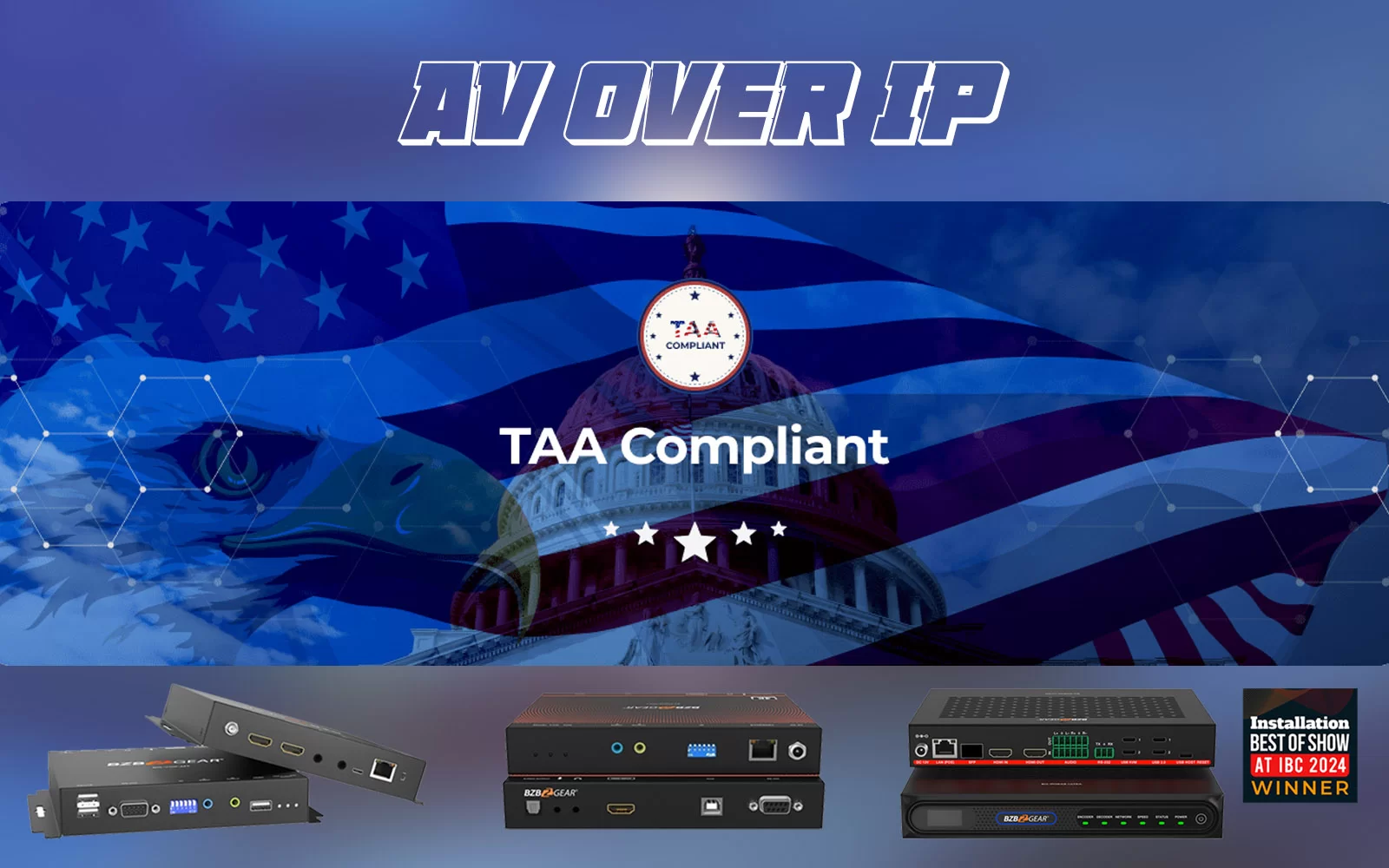
For organizations that care about purchasing standards, one notable point is that the whole lineup of AVOIP products are TAA compliant. Which is a huge boon for anyone that needs to procure equipment for government installations or that might need their equipment to be TAA compliant otherwise.
Putting Control in the Palm of Your Hand
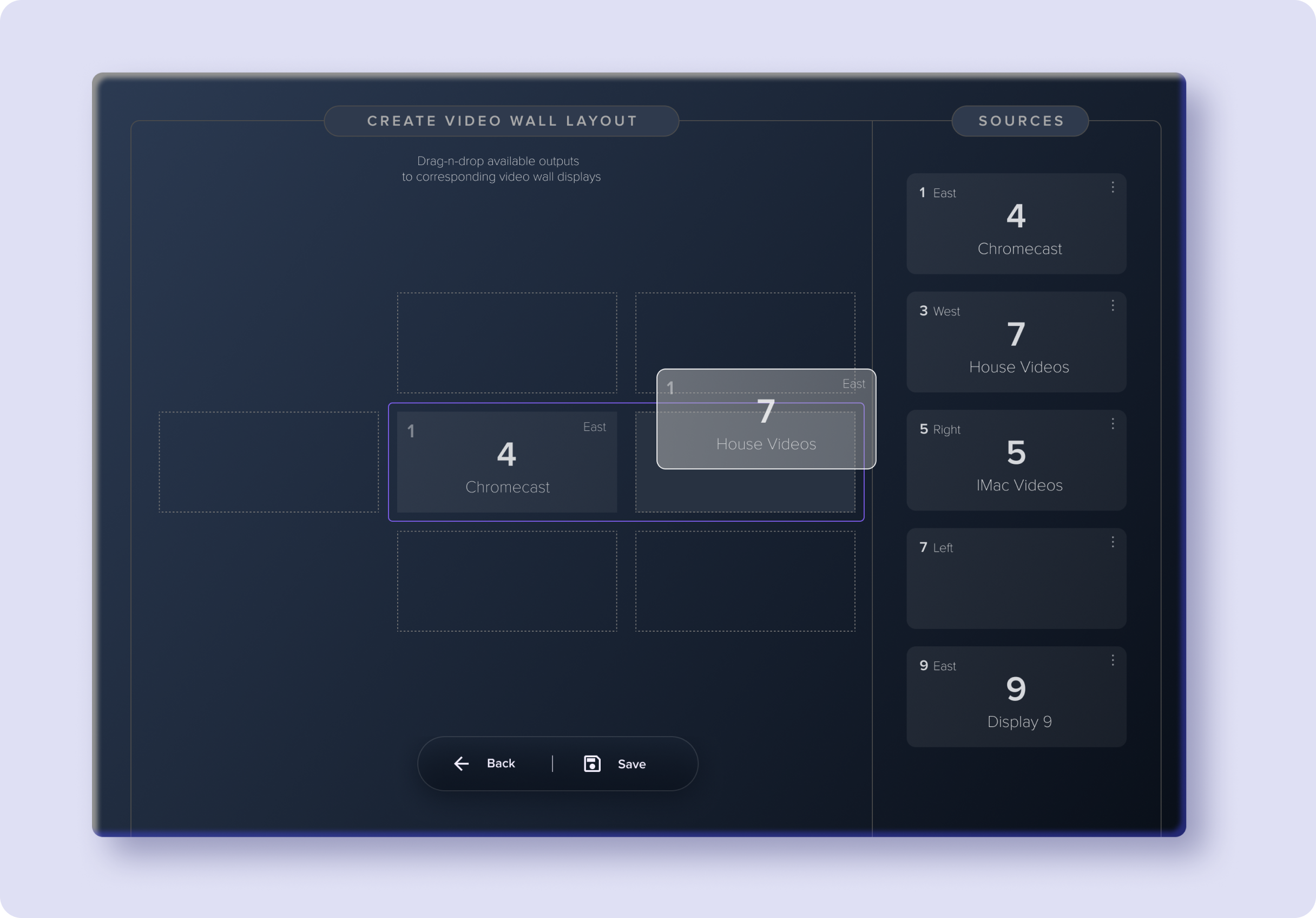
BZBGEAR’s Switch Control app is a premiere software solution designed for managing compatible AVoIP and matrix switcher products from a phone, tablet, or PC. It is an intuitive control layer designed to simplify day-to-day operation of supported systems, designed to give users an easy to access program for routing signals, managing devices, and handling control tasks without needing to work directly at the hardware.
For AVoIP users specifically, the app is positioned as a practical way to make network-based AV systems feel easier and more approachable. One of the coolest things that it allows for is support for user roles and permissions, video wall preset control, audio matrix functionality on supported devices, and continued performance improvements aimed at reducing delays and improving responsiveness.
Another strength of the platform is that it is constantly being updated, for free! Switch Control is meant to be a real part of the BZBGEAR ecosystem, something that can make your life simpler not just an add-on, especially for users who want a cleaner and more centralized way to manage AVoIP deployments.
Final Takeaway
BZBGEAR’s AVoIP lineup covers a wide range of needs, from simple 4K distribution to high-end 8K and HDMI 2.1 deployments. The easiest mistake is choosing based on which one boasts the most specs. The best approach is to match the product specs to the needs of the actual job.
For many projects, a basic or mid-range option will do everything required. For others, advanced features like multiview, fiber, eARC, high refresh rates, or USB 3.1 KVM may justify moving up the line.
If you are new to AVoIP, the main question is not “Which one is best?” It is “Which one best fits the way this system will actually be used?”


8.00 a.m. - 5.00 p.m. (PST)
10.00 a.m. - 3.00 p.m. (PST)
(by appointment only)



